

The best desk accessories for better organization are the ones that remove visual clutter, give every item a fixed place, and make your workflow easier without crowding the desk. In most setups, that means starting with a monitor stand, adding cable management, using a few purpose-built holders or docks, and keeping only daily essentials within reach.
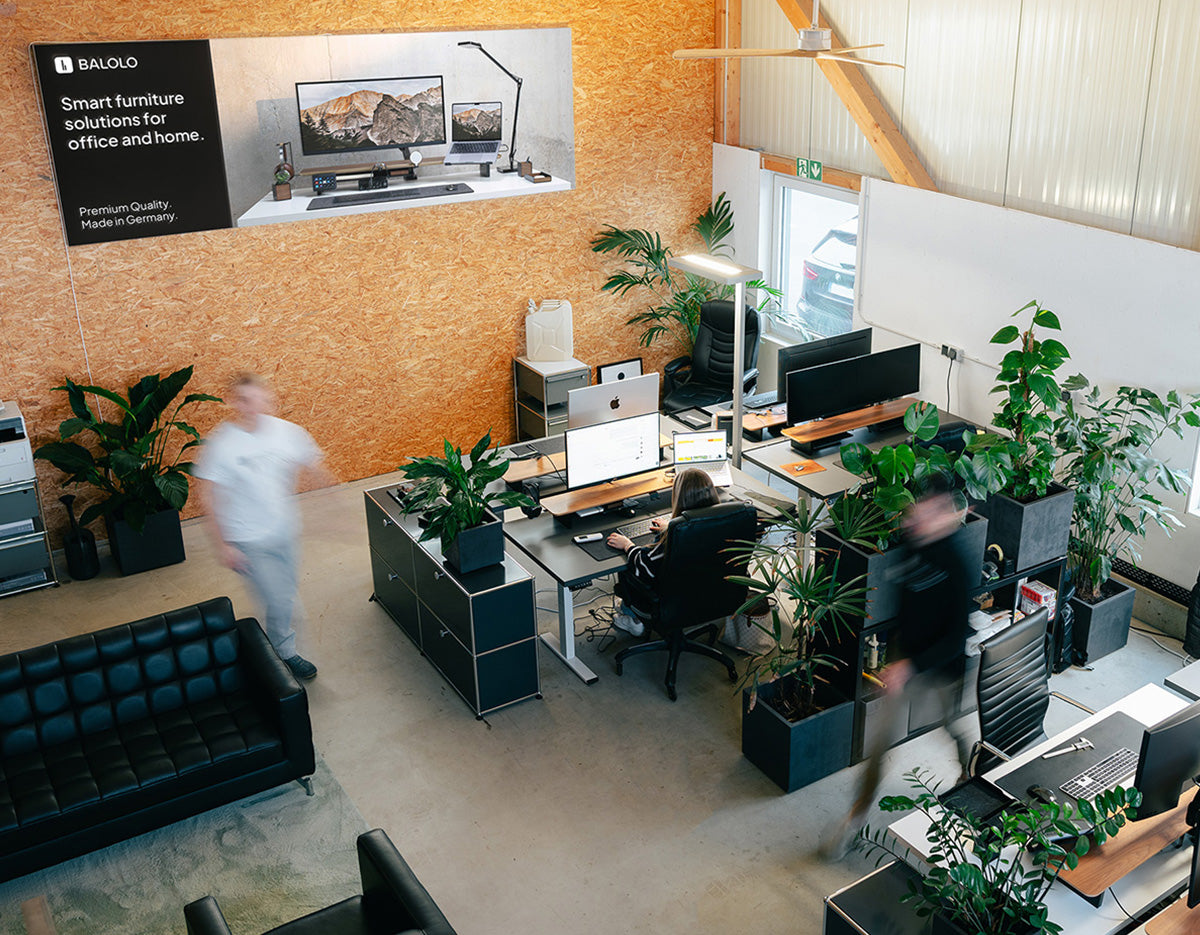
A well-organized workspace is not just about appearance. It helps you reduce friction, find what you need faster, and keep your attention on the work in front of you. That is exactly why, at BALOLO, we think of desk organization as a combination of function, structure, and design rather than a pile of random office gadgets. Our product system is built around modular desk organization, with the Setup Cockpit as the core and complementary categories such as cable management, storage, docks, holders, desk pads, and desk accessories around it.
What Desk Accessories Actually Make a Desk More Organized?
Here is the short answer:
| Desk Accessory | What It Solves | Best For |
| Monitor stand | Creates vertical space and a clearer desk layout | Home office, dual-screen, minimal setups |
| Cable management | Removes cable clutter and visual noise | Any desk with chargers, monitors, peripherals |
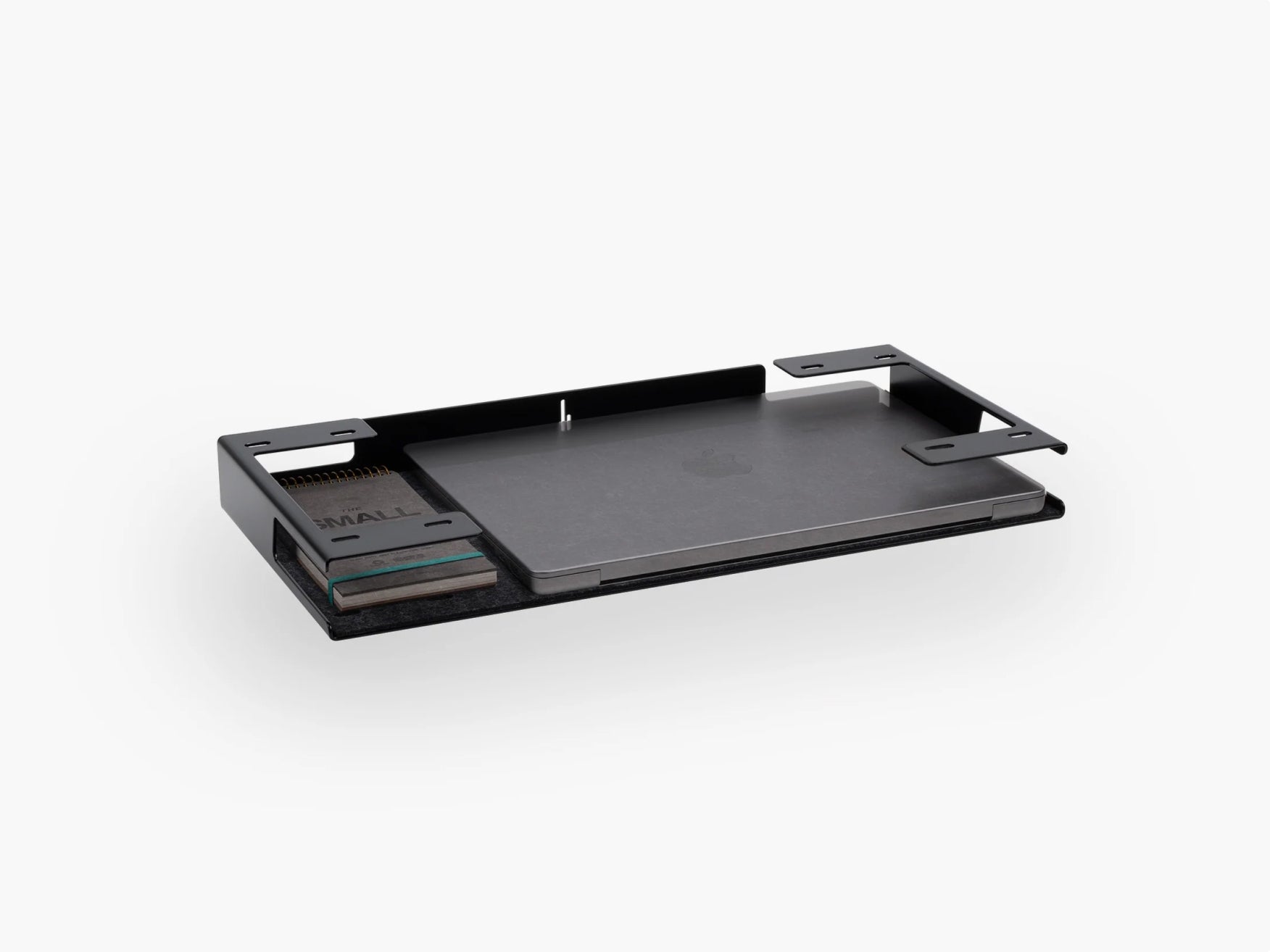
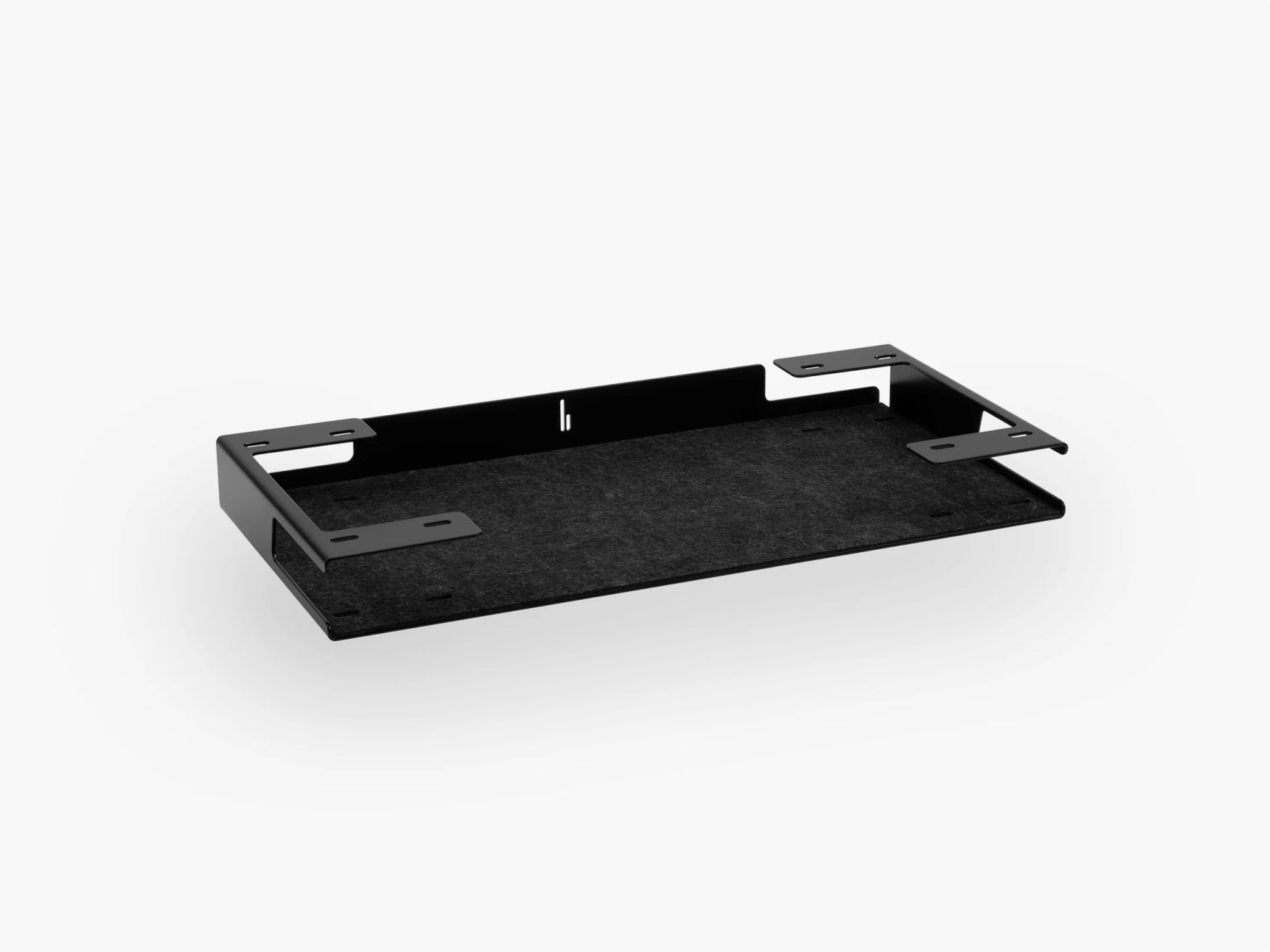
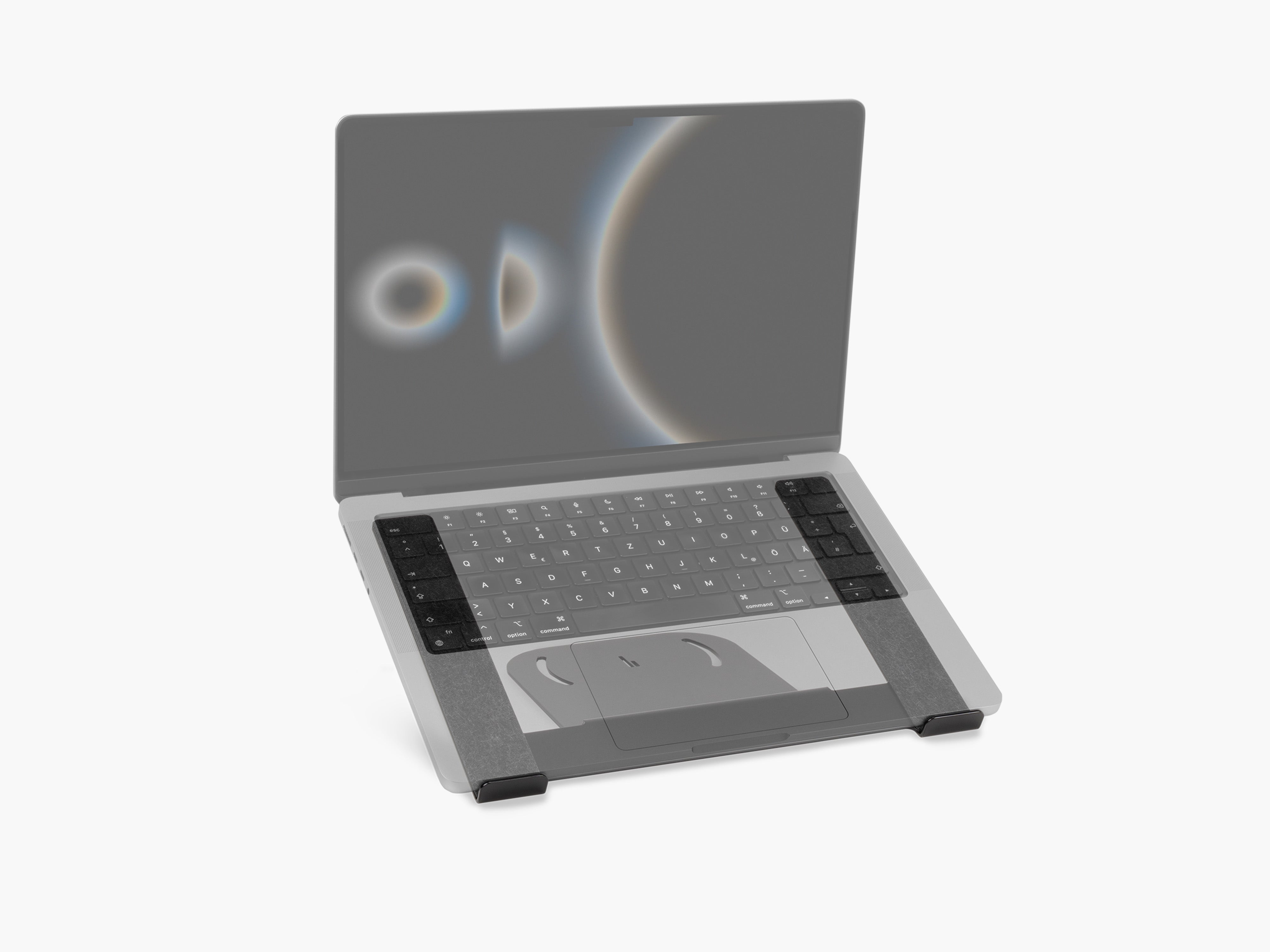
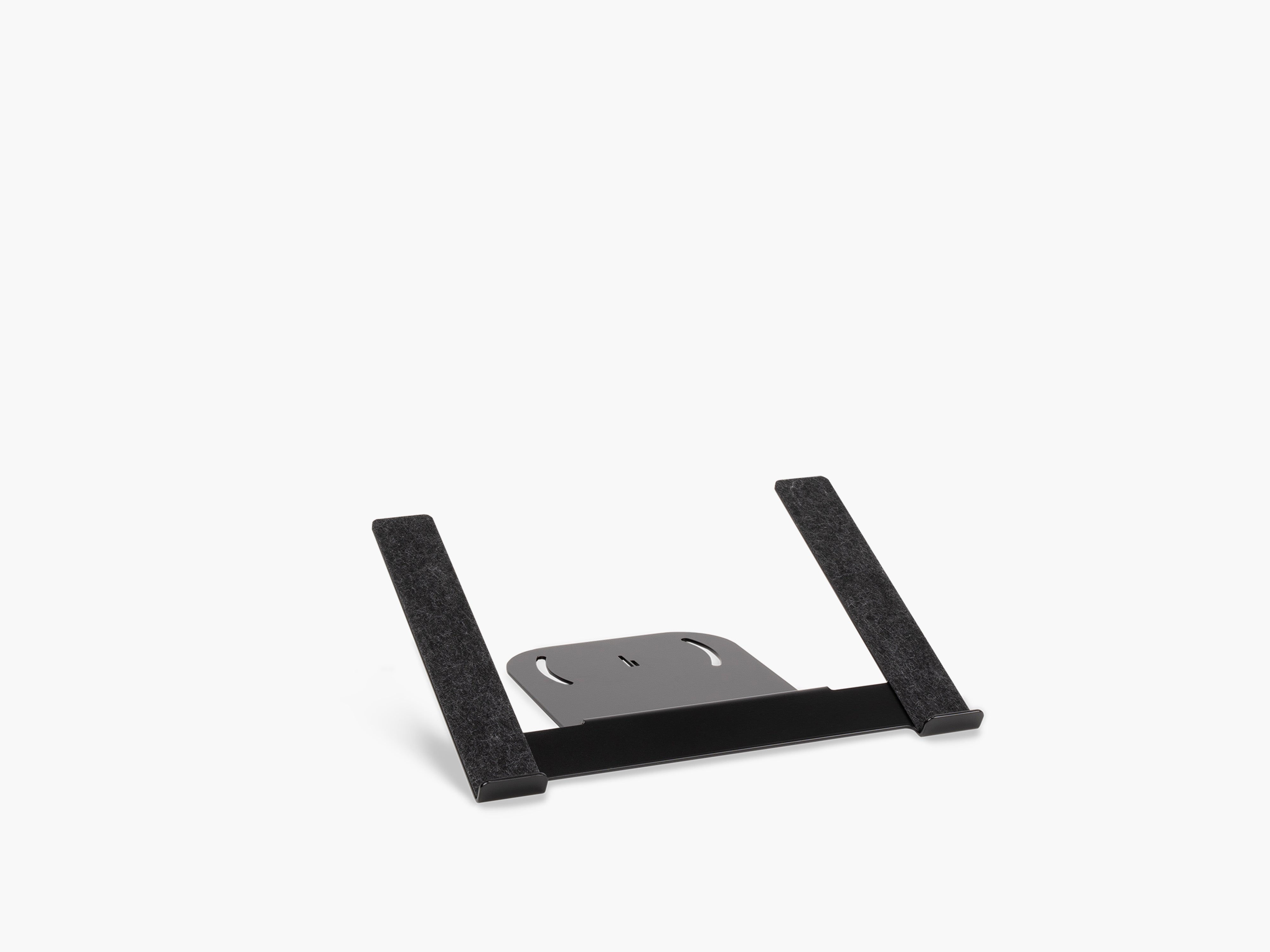
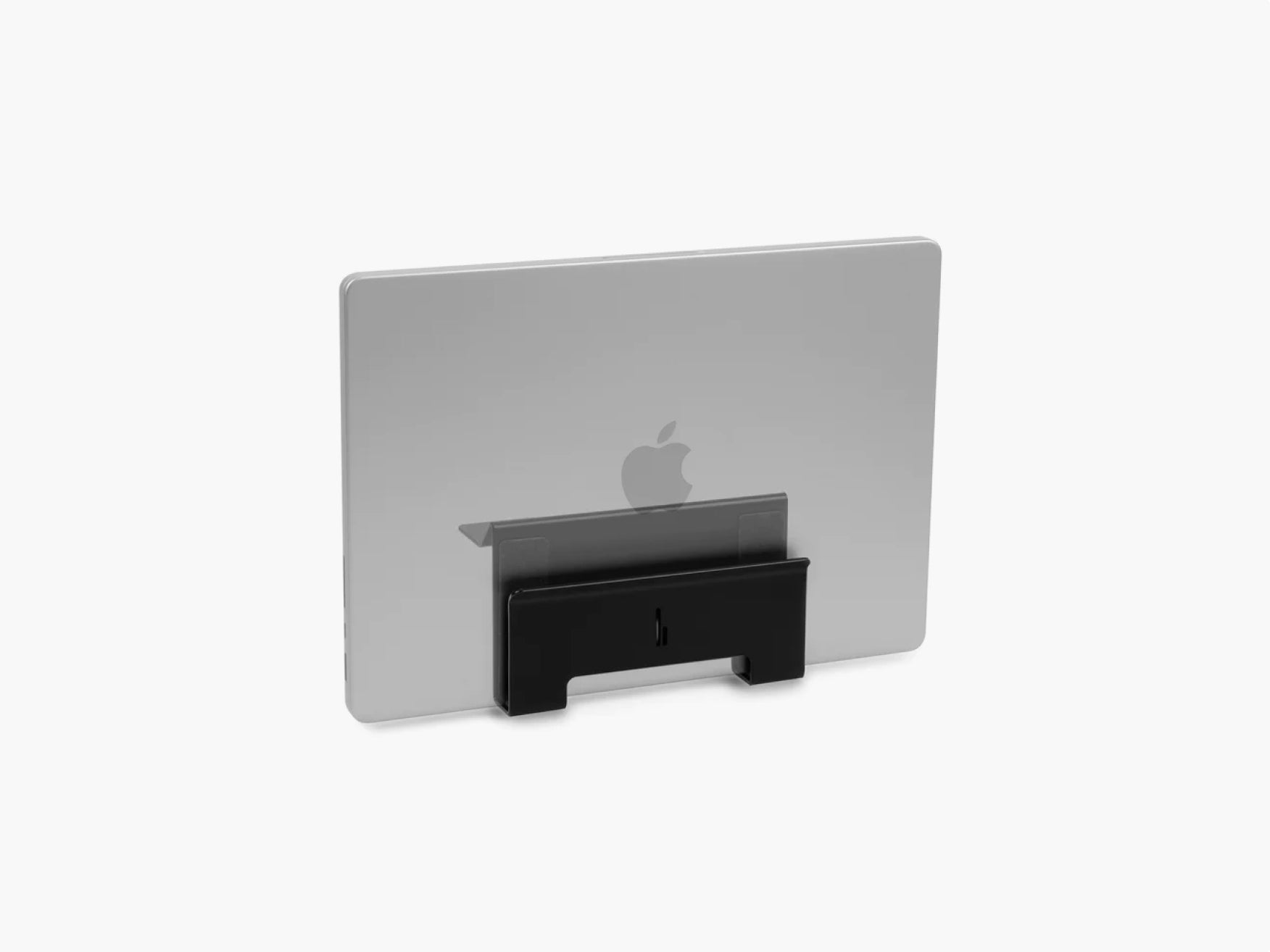
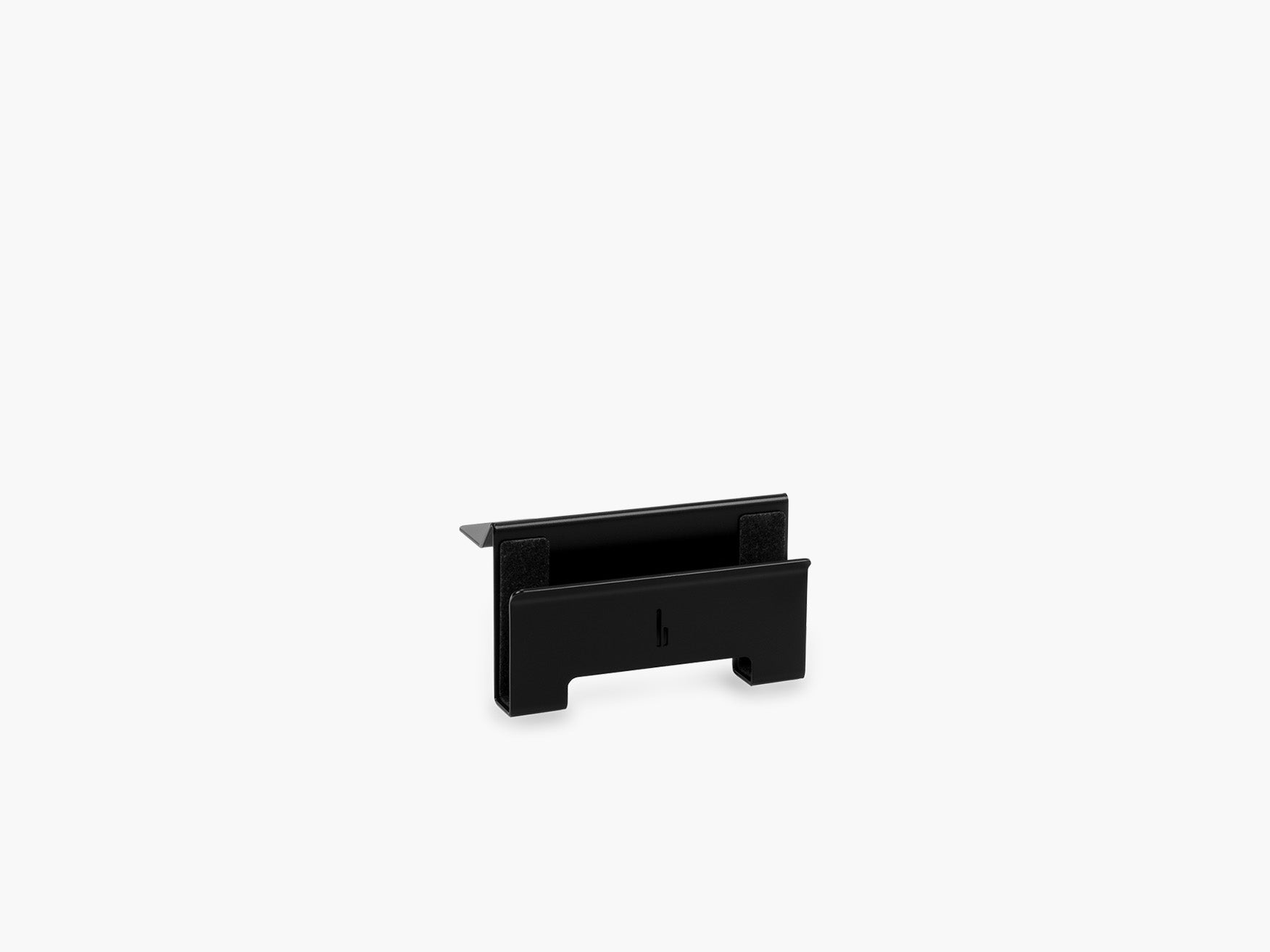
| Laptop Holder or Dock | Gives daily tech a fixed place | Laptop users, Apple users, hybrid work |
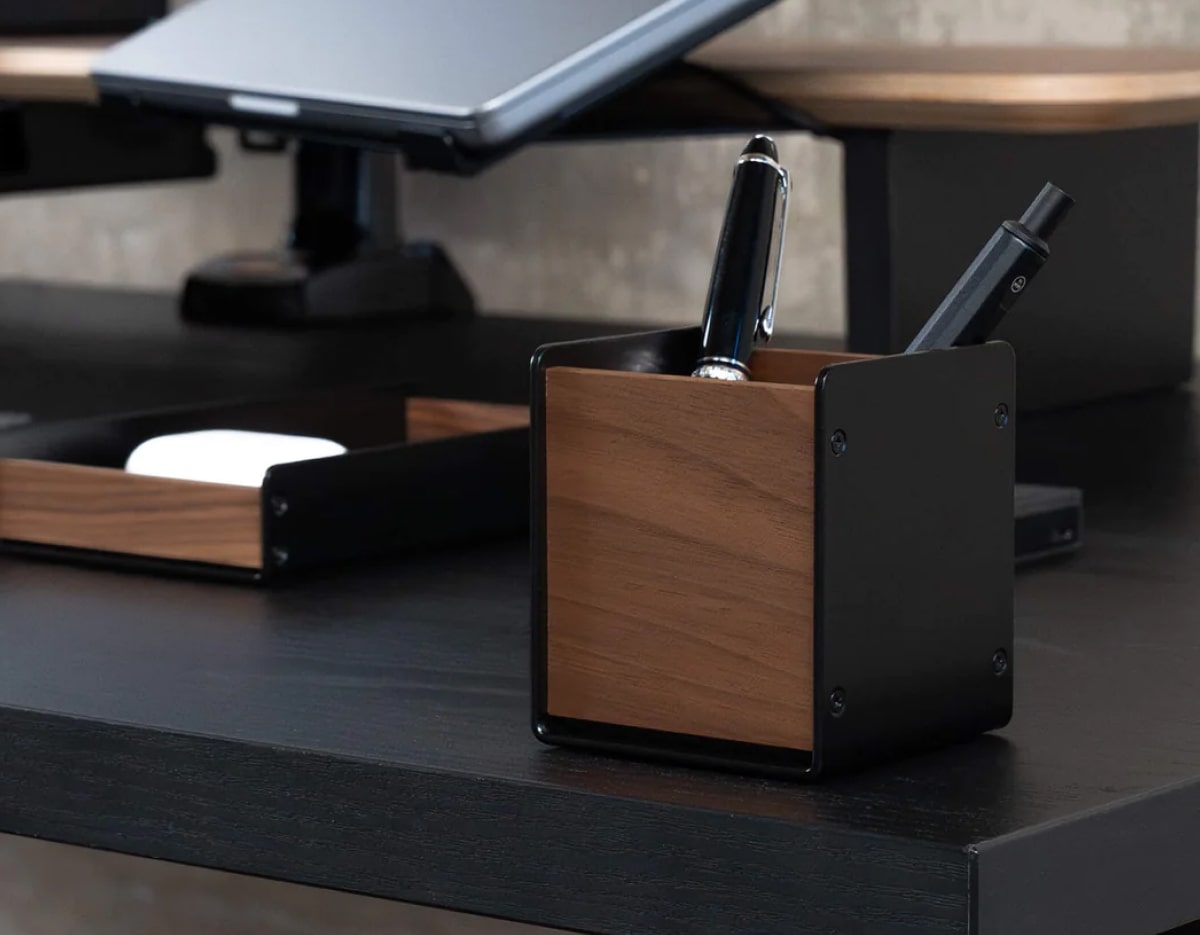
| Small storage solution | Keeps loose items off the desktop | Pens, adapters, cards, notebooks |
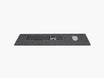
| Desk mat or zone divider | Defines the work area visually | Minimal and aesthetic desk setups |
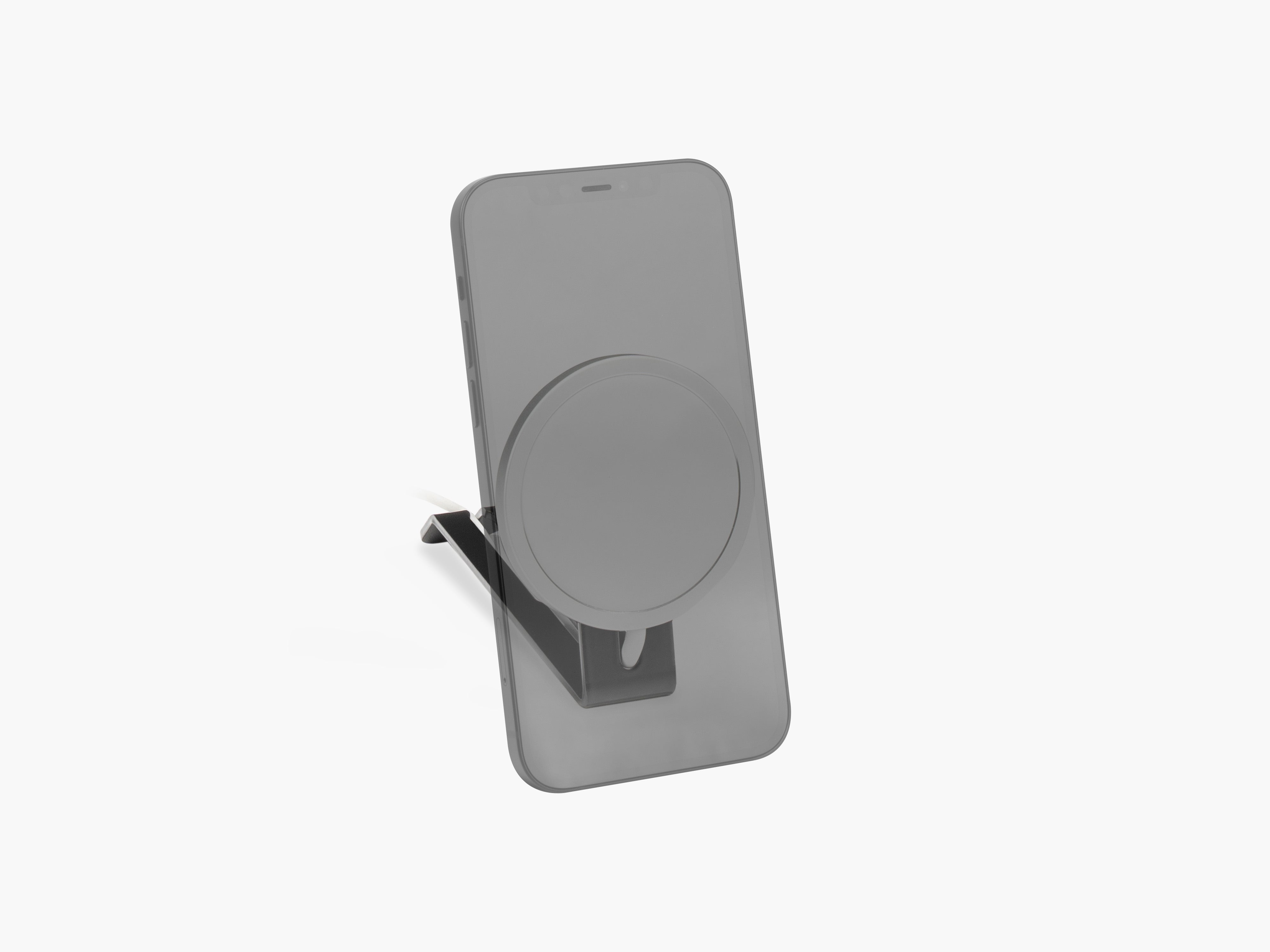
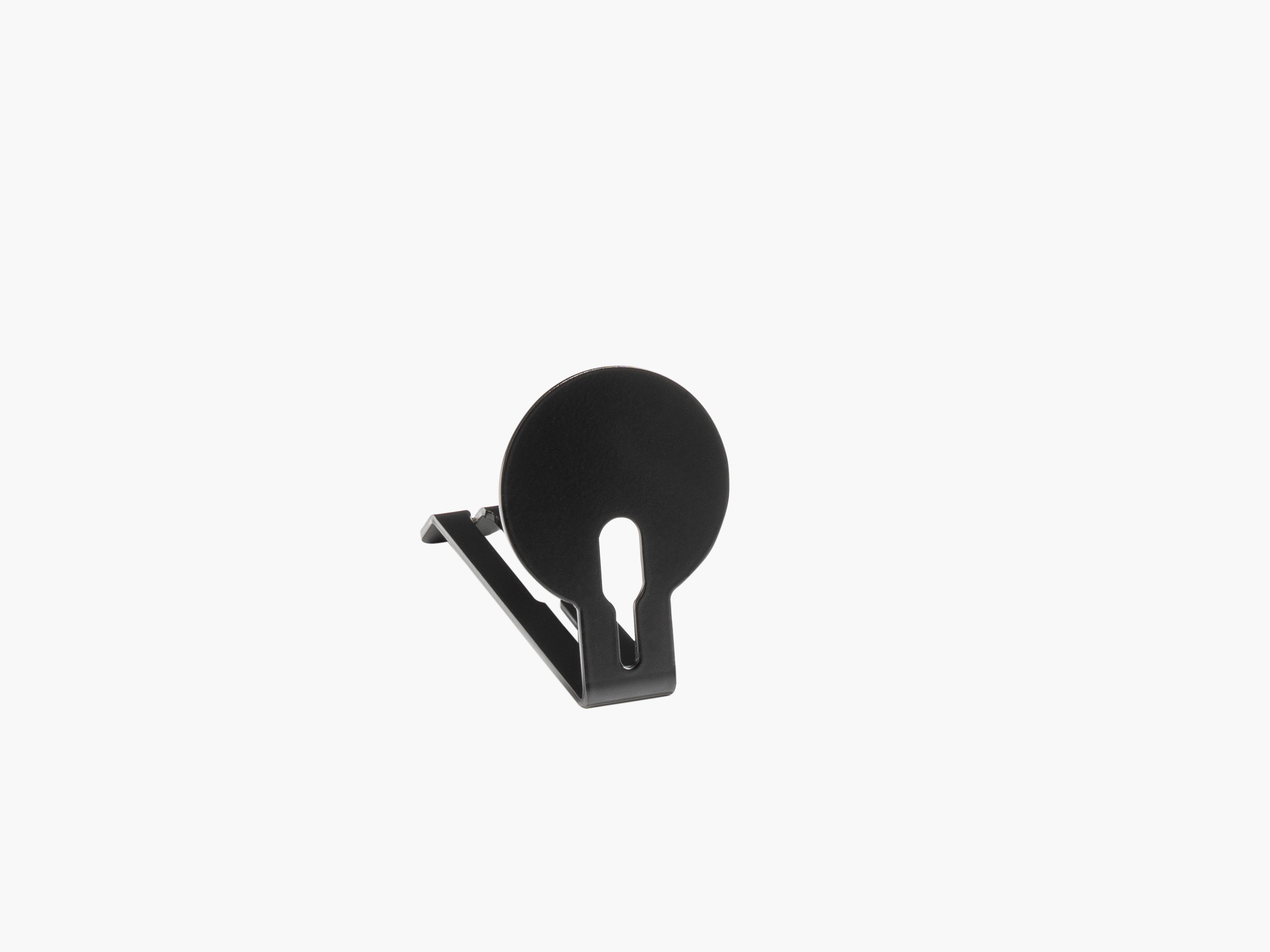
| Magnetic cable holders | Keeps charging cables accessible but controlled | Phone, watch, USB-C charging setups |
Start with a Monitor Stand, Not with Small Accessories
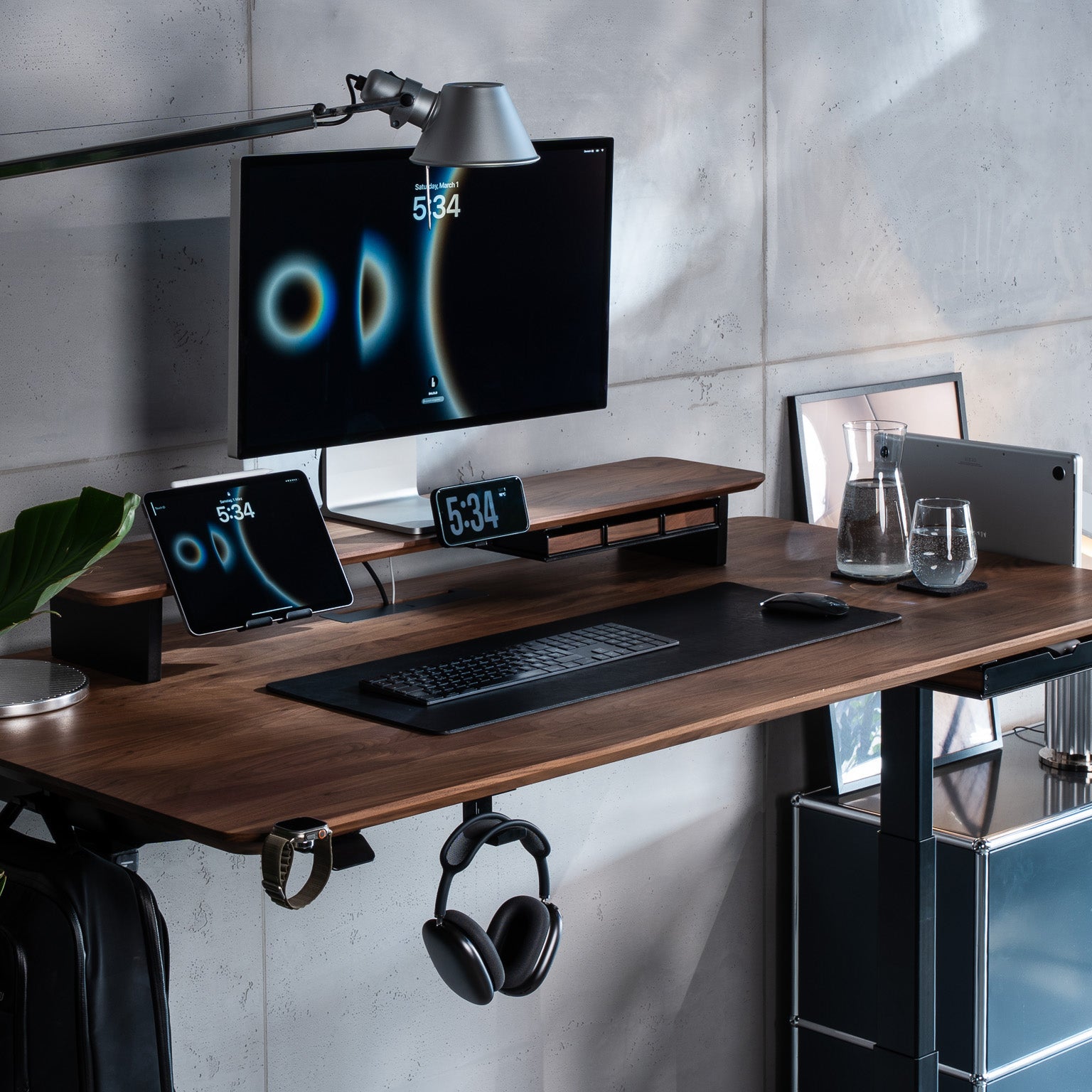
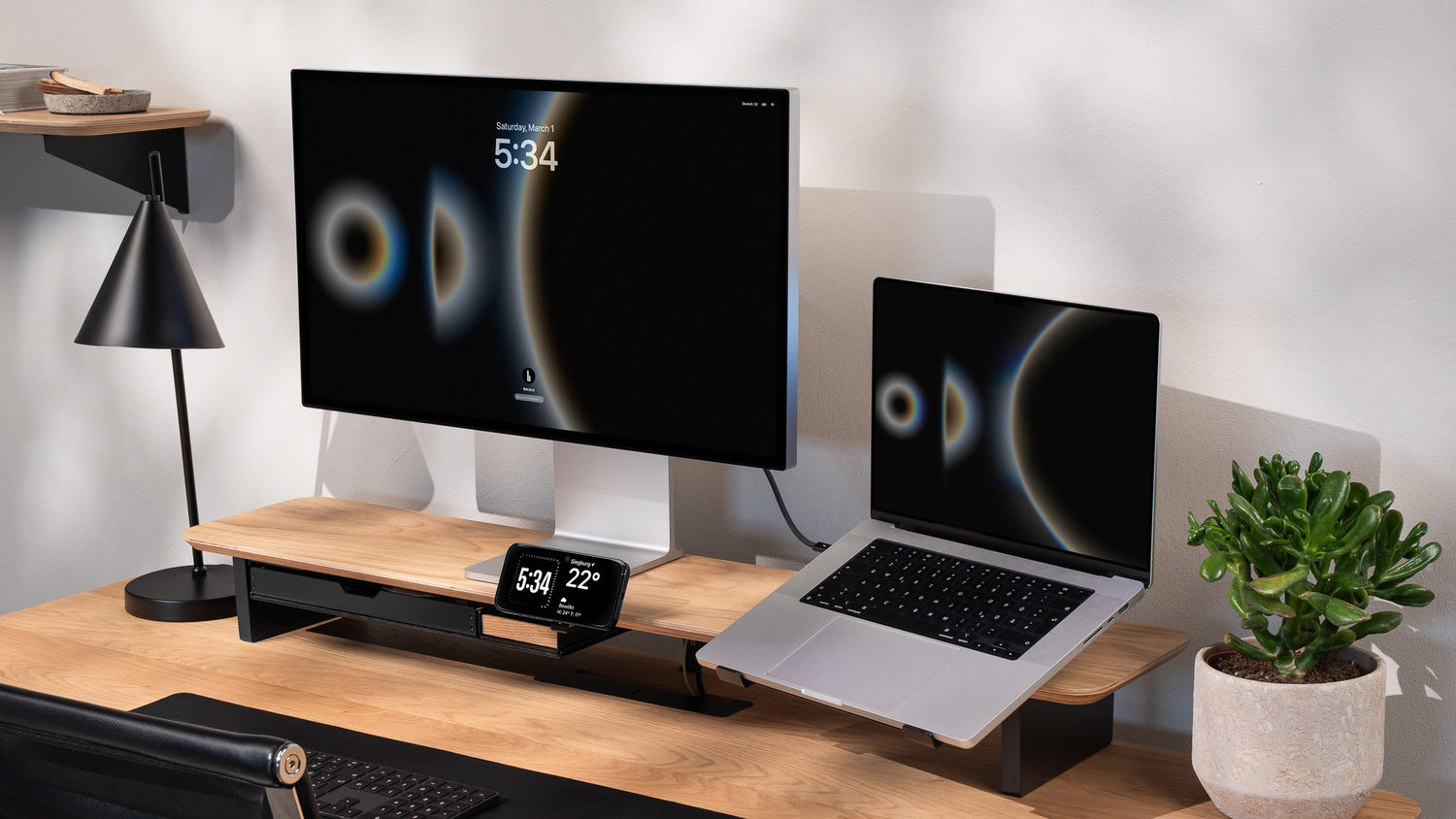
If your desk feels messy, the fastest improvement usually comes from changing the structure of the setup, not from buying more containers. A monitor stand lifts the screen, creates usable space underneath, and gives the desk a stronger visual center. That one change often makes the rest of the organization easier because it introduces layers instead of forcing everything onto one flat surface.
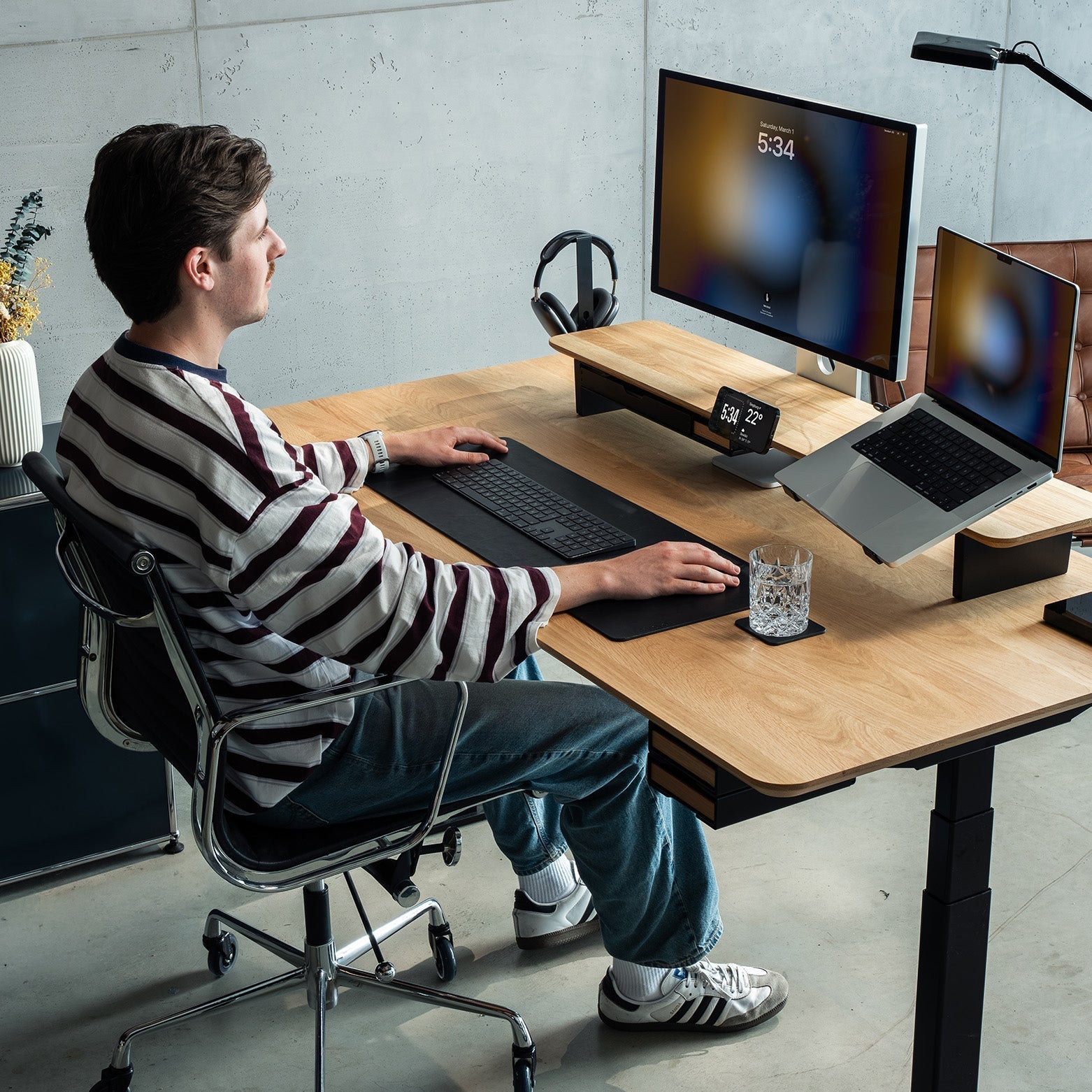
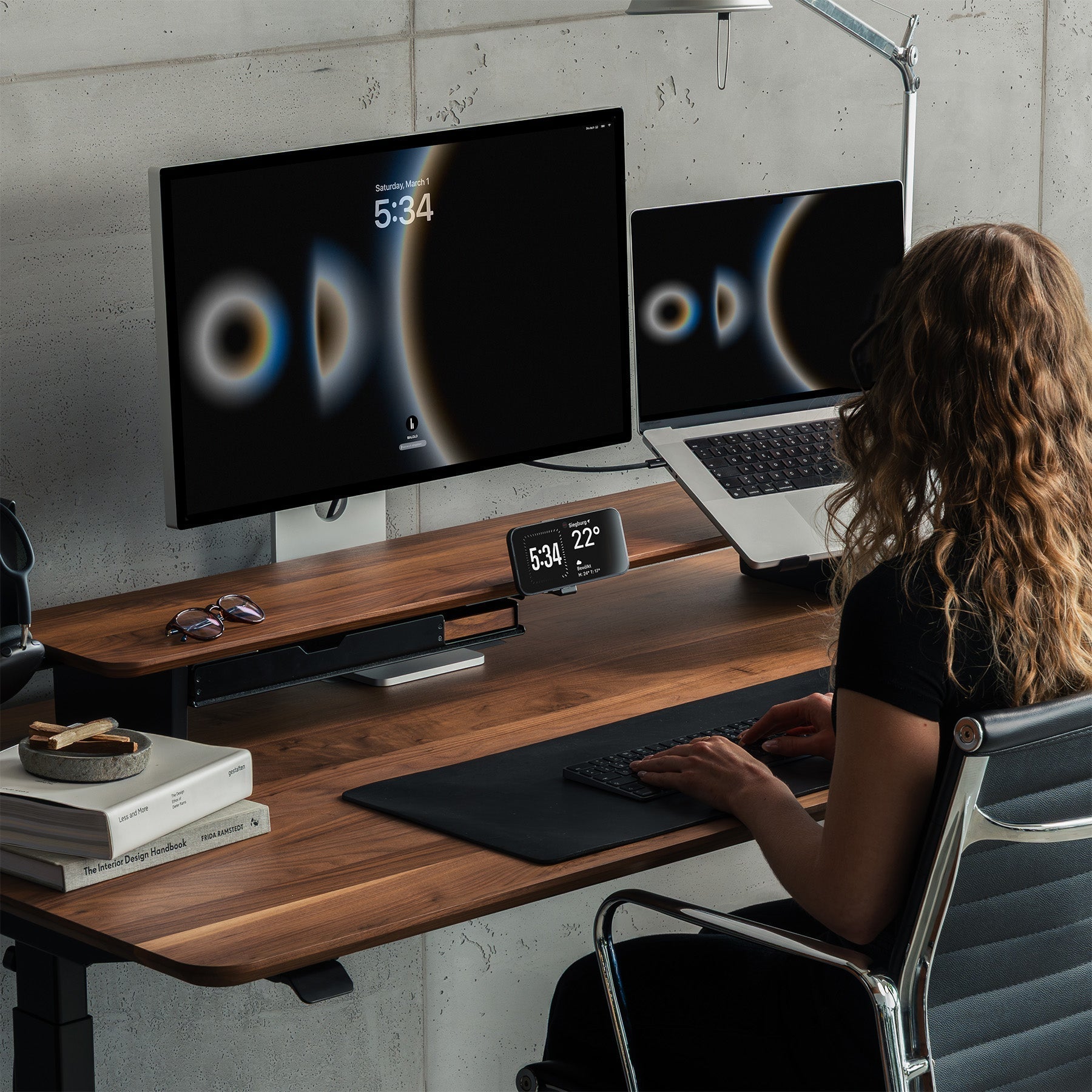
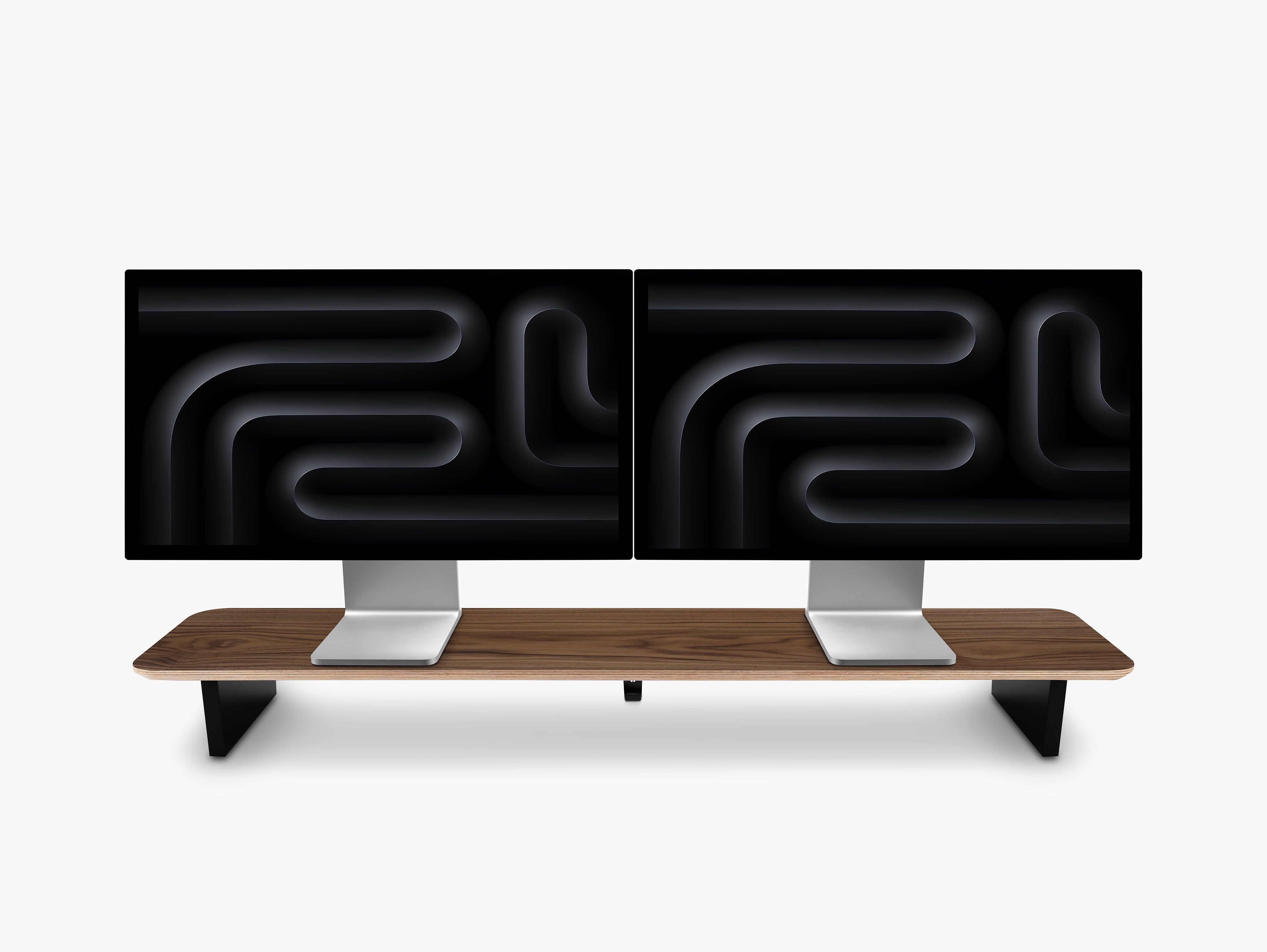
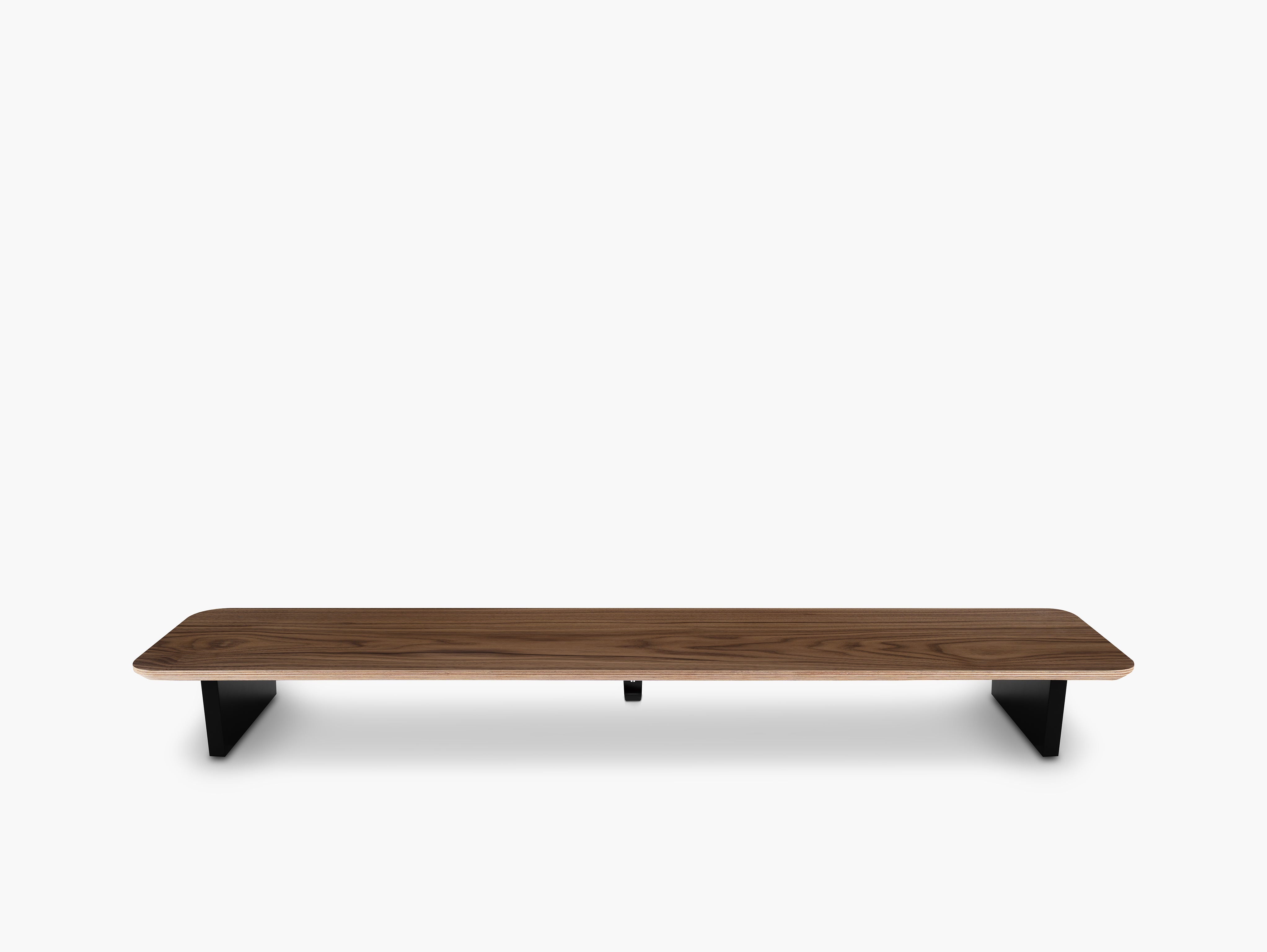
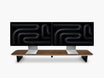
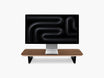
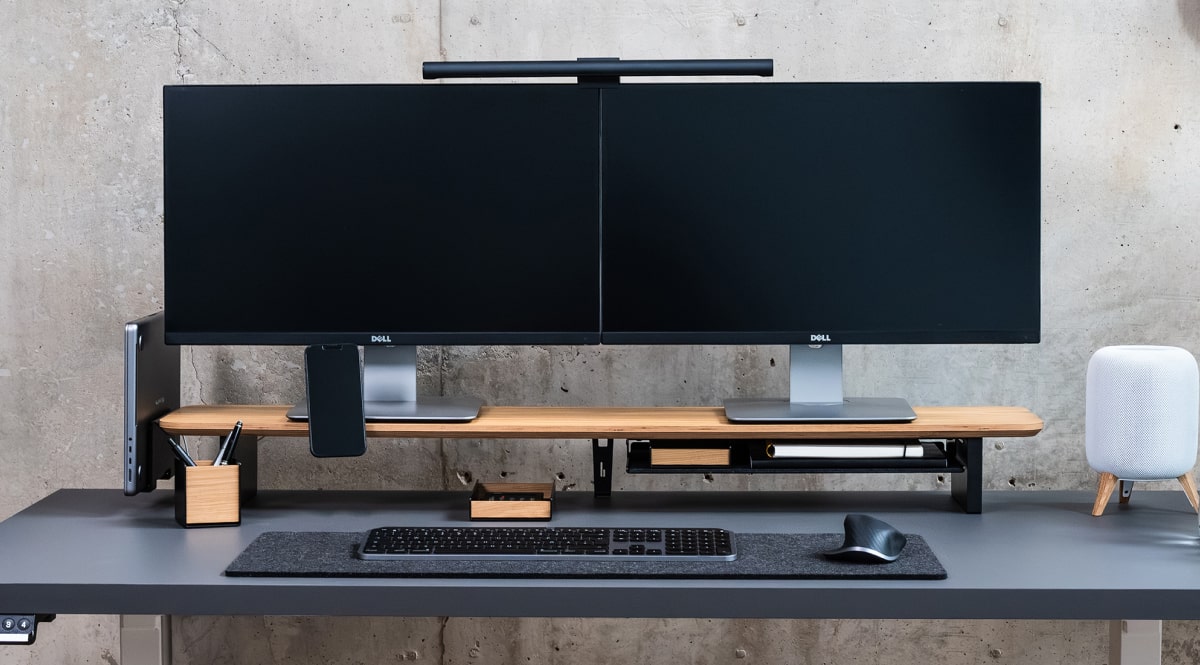
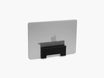
At BALOLO, we build this idea around the Setup Cockpit, which is designed as more than a simple monitor riser. The BALOLO Setup Cockpit is a modular desk shelf and premium monitor stand system for organized, minimalist workspaces.
That matters for organization because a good monitor stand does three things at once:
- It improves screen position
- It opens space below the monitor
- It creates a logical home base for the rest of the setup
Instead of letting chargers, notebooks, and accessories spread across the full desk surface, you create a clear hierarchy. Screen above. Essentials below. Empty workspace in front.

Cable Management Is the Accessory That Makes Every Other Accessory Look Better
A desk can have beautiful materials, premium accessories, and a clean layout on paper. But if the cables are visible everywhere, the whole setup still feels unfinished. That is why desk cable management is one of the highest-impact categories for both visual order and daily usability.
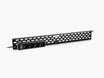
Our current cable management collection includes products such as a cable management system, cable organizer, cable magnets, and an under-desk cable tray. These products are solutions for avoiding tangled cables and creating a more organized workspace.
For most desks, the best order is simple:
- Route power and monitor cables first
- Hide excess length under the desk in a cable tray
- Keep charging cables controlled at the edge of the workspace with cable magnets
- Make only the cables you use daily visible
That sequence matters because visible cable mess creates constant visual interruption. When cables are hidden or neatly guided, the desk instantly feels calmer, more premium, and easier to use.
Give Your Everyday Devices a Fixed Place
Organization gets easier when the most-used objects never have to "float" around the desk. Your phone, laptop, smartwatch, keys, earbuds, or memory cards should not compete for space in the active work zone. They should have a clear home.
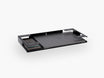
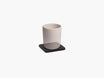
That is one of the strongest advantages of a modular desk system. Instead of adding generic trays everywhere, you build dedicated positions for the devices you actually use. Our Catch-All Trays and Large Trays support exactly this type of organized workflow.
A good rule is this: if you touch an item every day, assign it a permanent place. If you touch it once a week, move it off the main desk surface. This keeps the workspace clean without making it inconvenient. And that balance is the real goal of smart desk accessories. Not emptiness for its own sake. Functional clarity.

Use Fewer Accessories, But Make Each One Work Harder
A common mistake in desk organization is buying too many small items. More trays, more containers, more stands, more decor. But a better desk usually comes from fewer, more intentional accessories that solve multiple problems at once.
For example, one strong monitor stand can replace the need for extra risers. One cable tray can remove half the visible clutter on the desk. One integrated holder can free up the surface and improve charging convenience at the same time. This "less but better" approach makes your desk a haven of productivity.
At BALOLO, that philosophy shows up in the combination of real wood, powder-coated steel, modular add-ons, and hidden functional layers. The goal is not to cover the desk with accessories. The goal is to make the desk feel more open while adding more capability.
The Best Desk Accessories for Different Setup Types
For a Home Office Setup
In a home office, the biggest wins usually come from a monitor stand, cable management, and a small docking or storage solution. These three create structure quickly and help separate "work zone" from "everything else."
For a Small Desk Setup
On a small desk, surface area is the most valuable resource. Prioritize accessories that move function upward or downward instead of outward. That means a monitor stand, under-desk cable routing, and slim holders over bulky desk organizers.
For Creator, Developer, or Multi-Device Setups
These setups usually need stronger organization because they involve more peripherals, more charging, and more cable complexity. A modular base system matters more here than a decorative accessory set.
A Simple Framework for Choosing the Right Desk Accessories
Before buying anything, ask these four questions:
1. What causes the most visual clutter?
Usually cables, chargers, and objects without a fixed place. Solve those first.
2. What takes up the most surface area?
Usually the monitor footprint, laptop placement, or scattered daily-use devices. A monitor stand often solves all of these problems at once.
3. What do you reach for every day?
Those items deserve dedicated placement. Everything else can move out of the main work zone.
4. Do the accessories work together as a system?
If not, the desk may still feel busy even if every item is useful on its own. The strongest setups feel coherent, not collected.

Quick Checklist: Desk Accessories for More Order
If you want the shortest possible version, start here:
- A monitor stand to create layers and free up space
- A cable management solution to remove visual noise
- A device holder or dock for daily tech
- A small storage element for loose essentials
- A desk mat or defined work zone to keep the layout intentional
That combination is usually enough to transform a cluttered desk into an organized one.
FAQ
What is the most important desk accessory for organization?
For most people, it is a monitor stand like the Setup Cockpit because it changes the structure of the desk, creates extra space, and makes the rest of the setup easier to organize. Cable management is a very close second.
Are cable management accessories really worth it?
Yes. Cable clutter creates visual noise, wastes space, and makes even premium desk setups feel messy. Good cable management improves both appearance and daily usability.
How do I organize a small desk without making it feel crowded?
Use vertical and under-desk space before adding more containers on the main surface. A monitor stand, magnetic cable holders, and slim storage usually work better than large organizers.
Should desk accessories match each other?
They do not need to be identical, but they should feel like part of one system. Consistent materials, proportions, and functions help a workspace look calmer and work better.