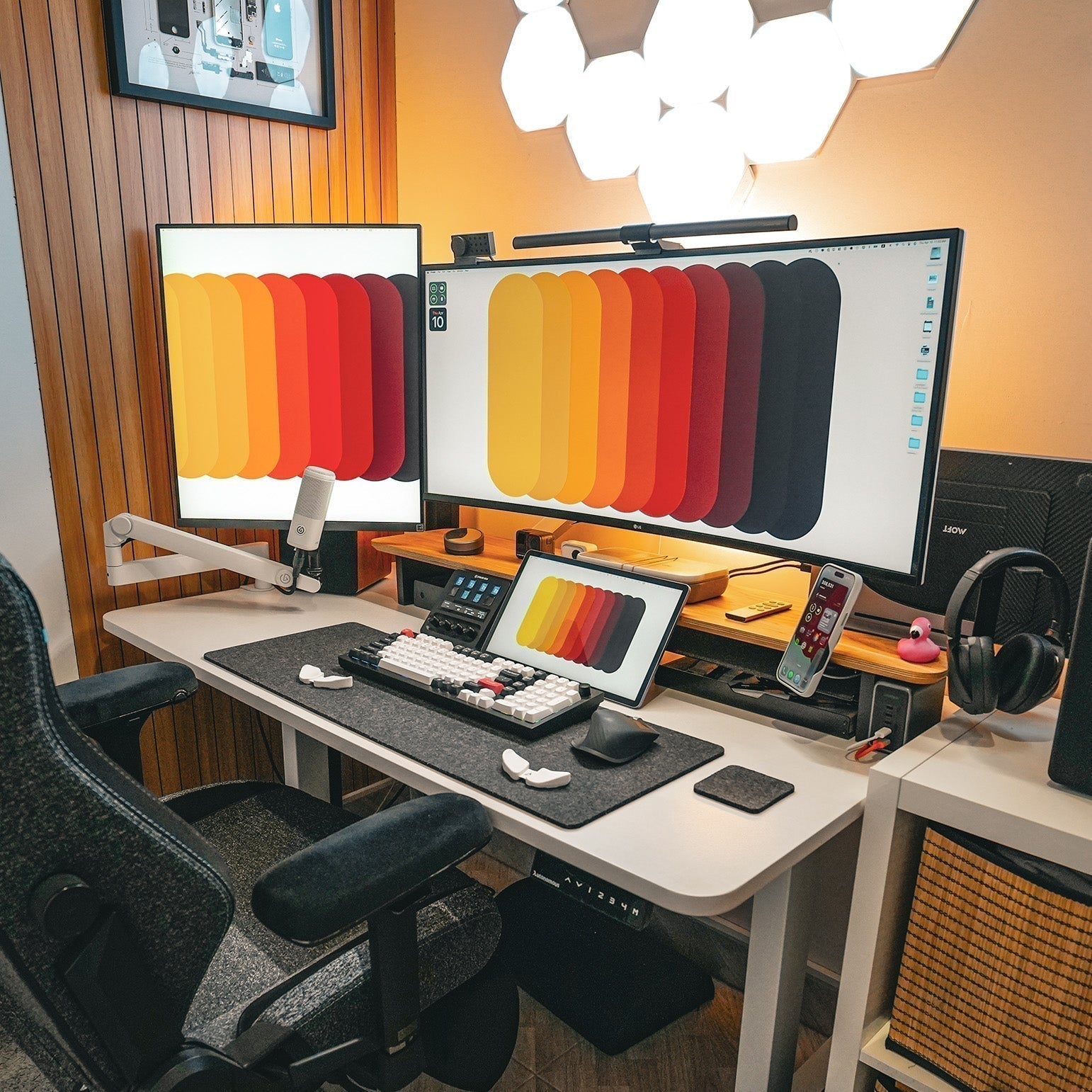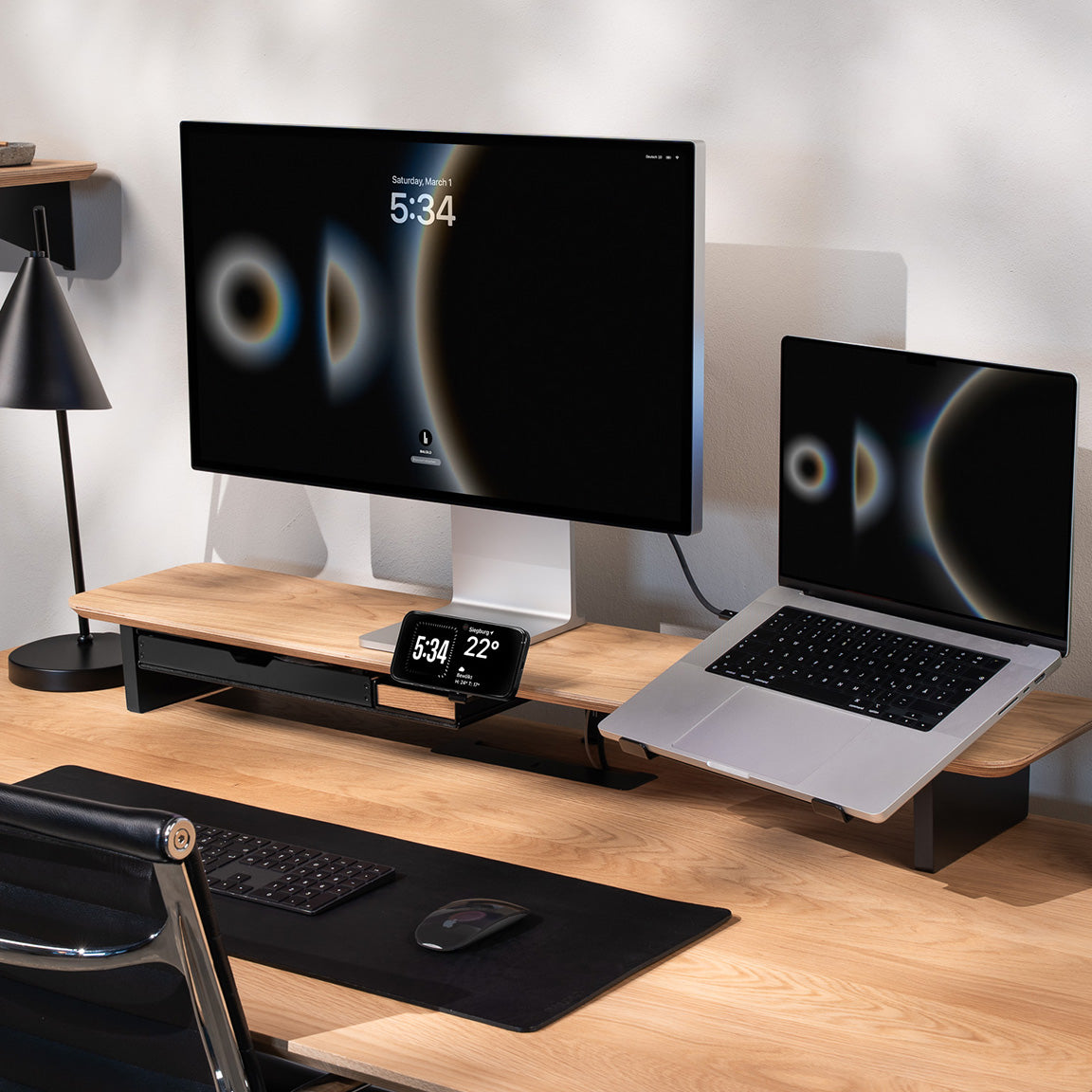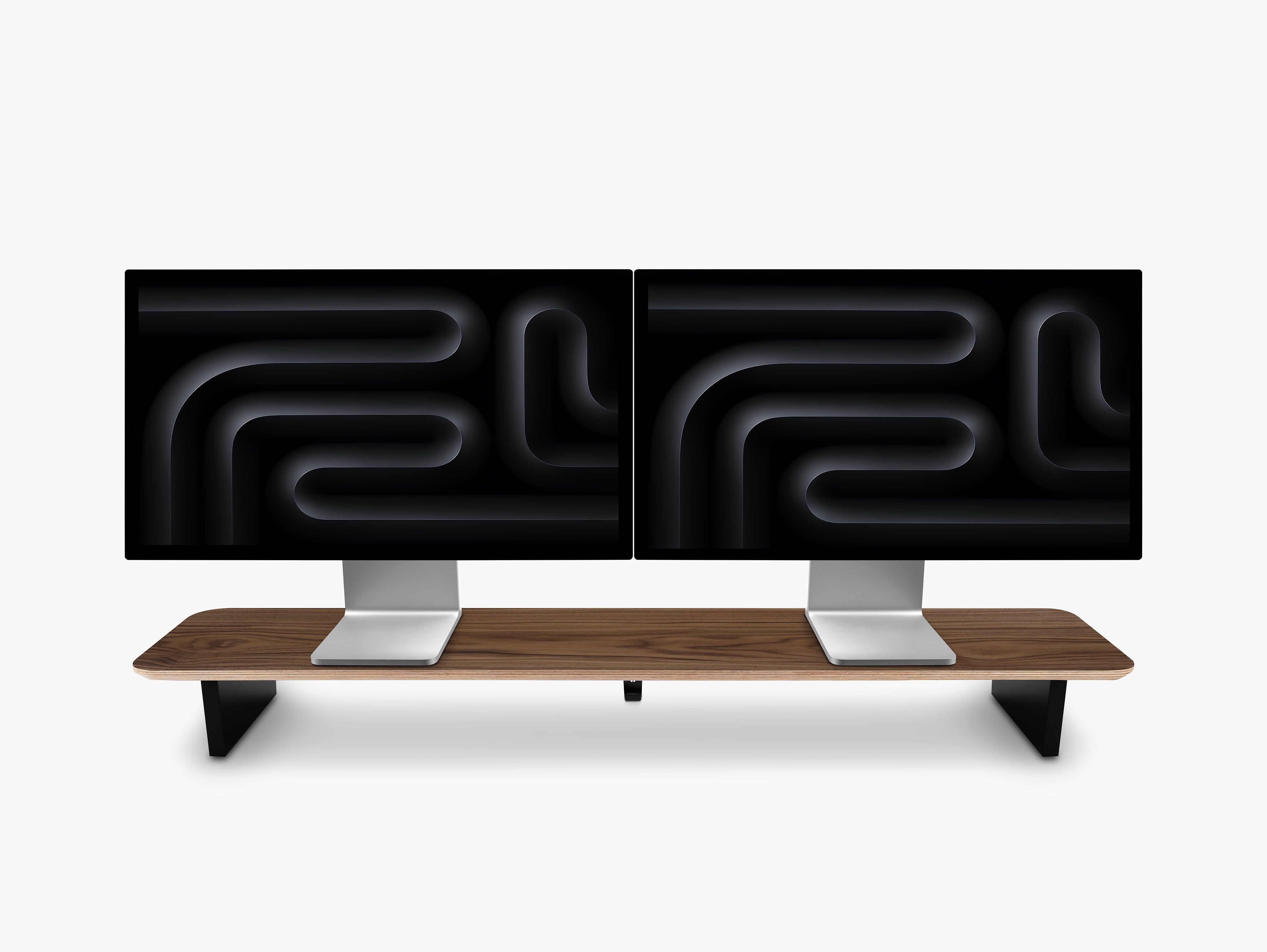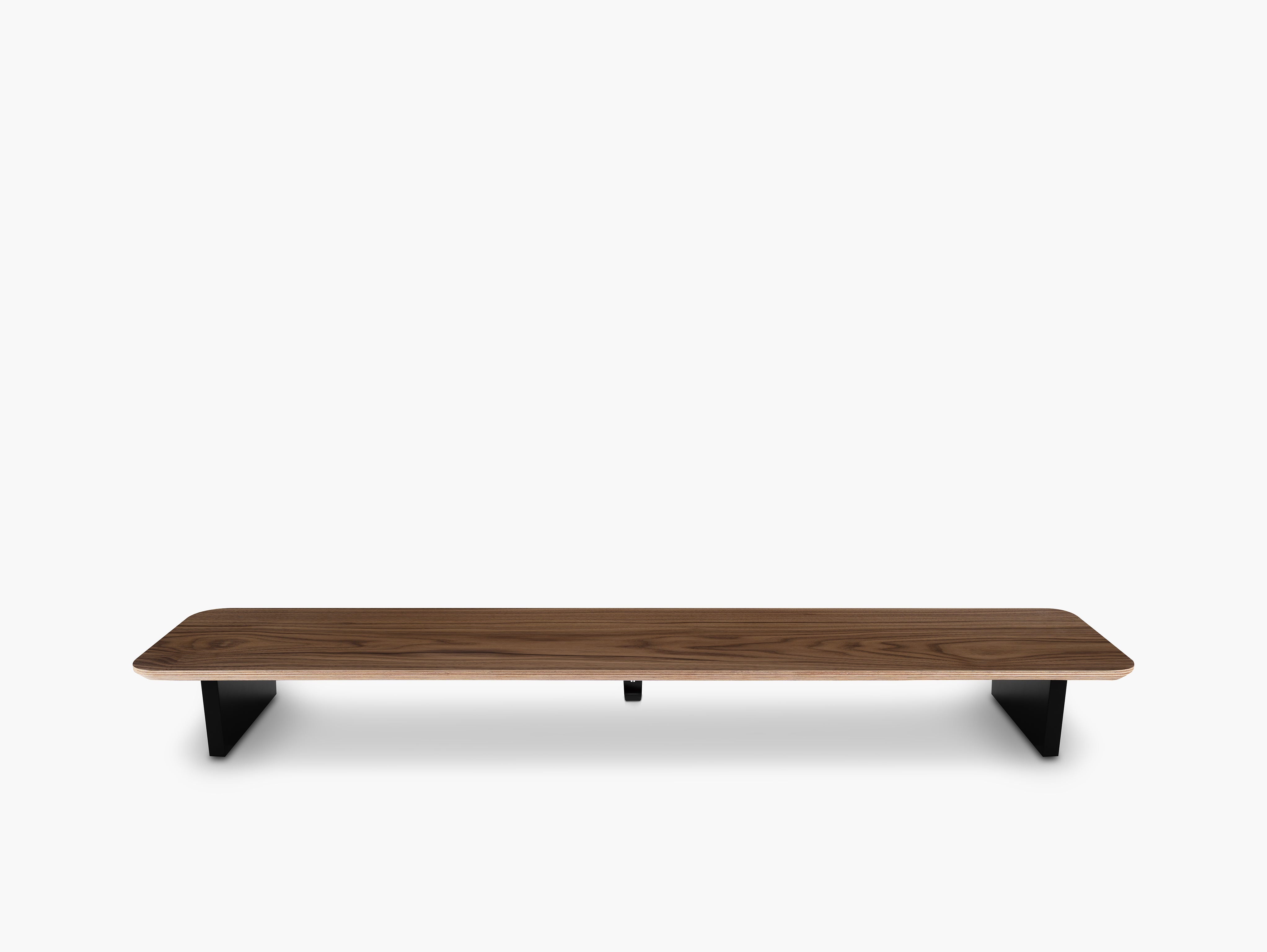


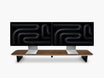
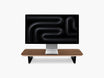
A desk does not usually feel too small because the tabletop is too short. It feels too small because too many things compete for the same surface area. The fastest way to create more space on your desk is to lift, mount, and store the items you use every day so the desktop itself stays free.
That is the core idea behind a better desk setup. Instead of adding more clutter, you create a cleaner structure. A more organized desk gives you more room to work, reduces visual noise, and makes your workspace feel calmer and more productive.
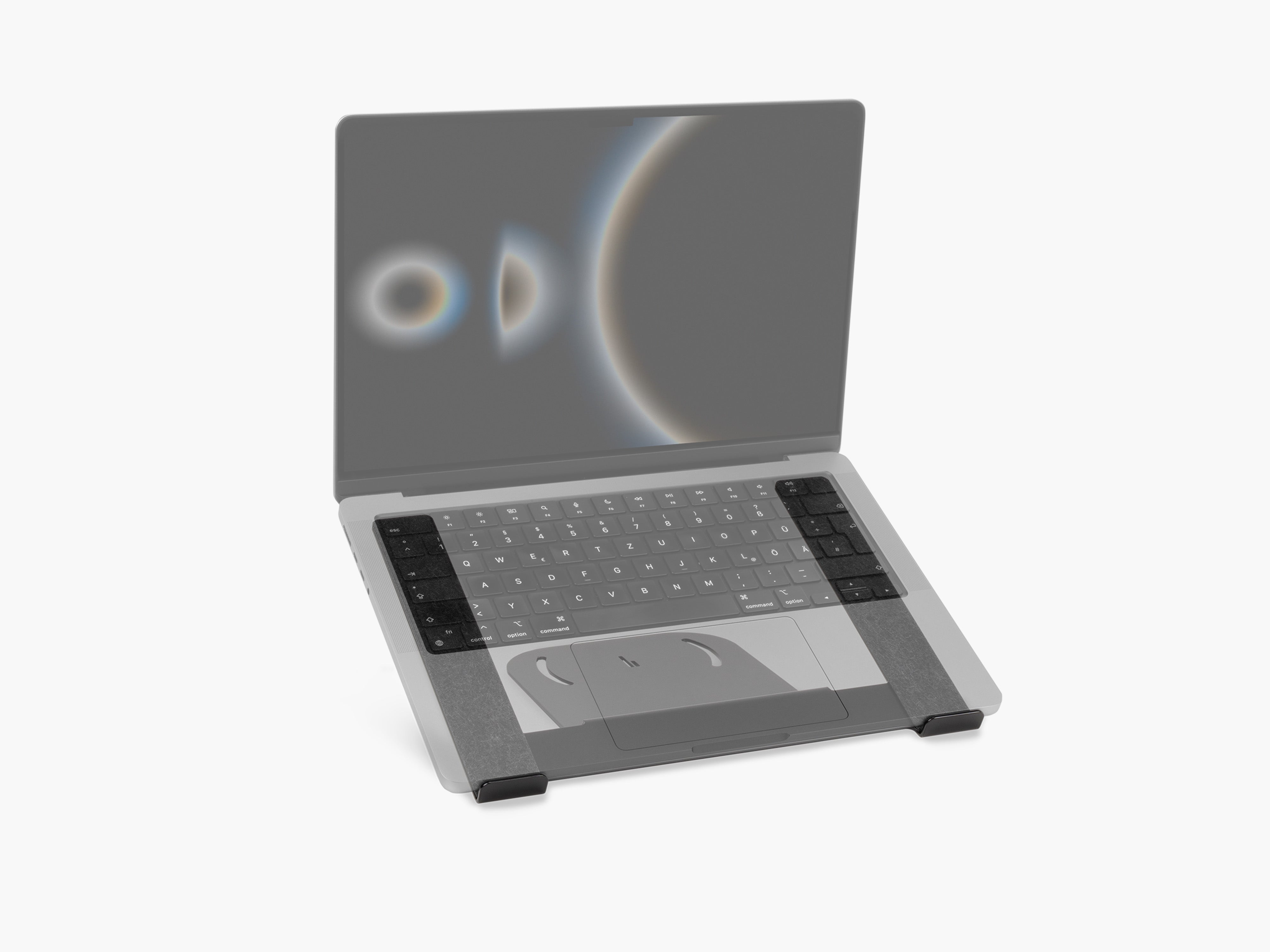
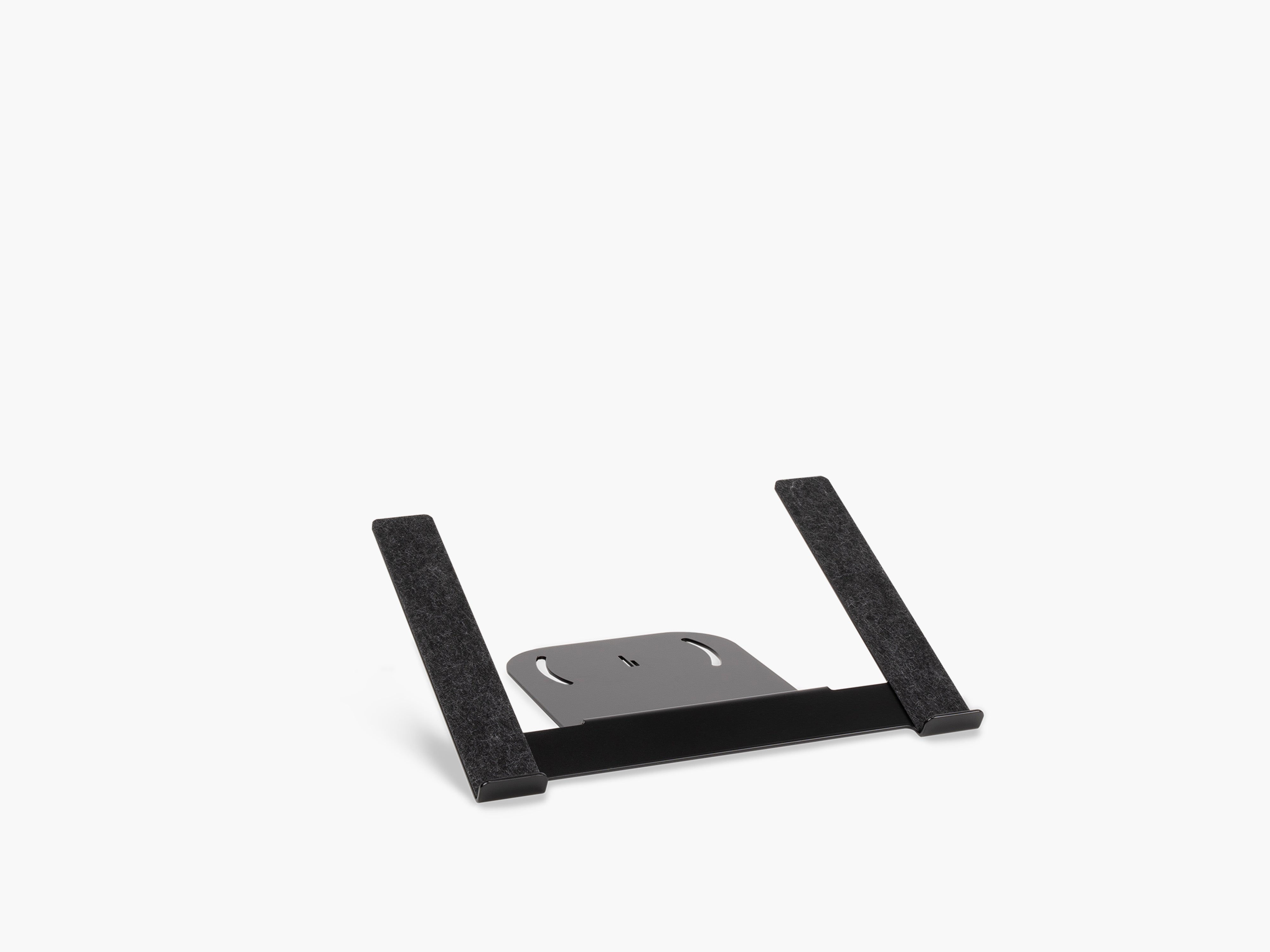
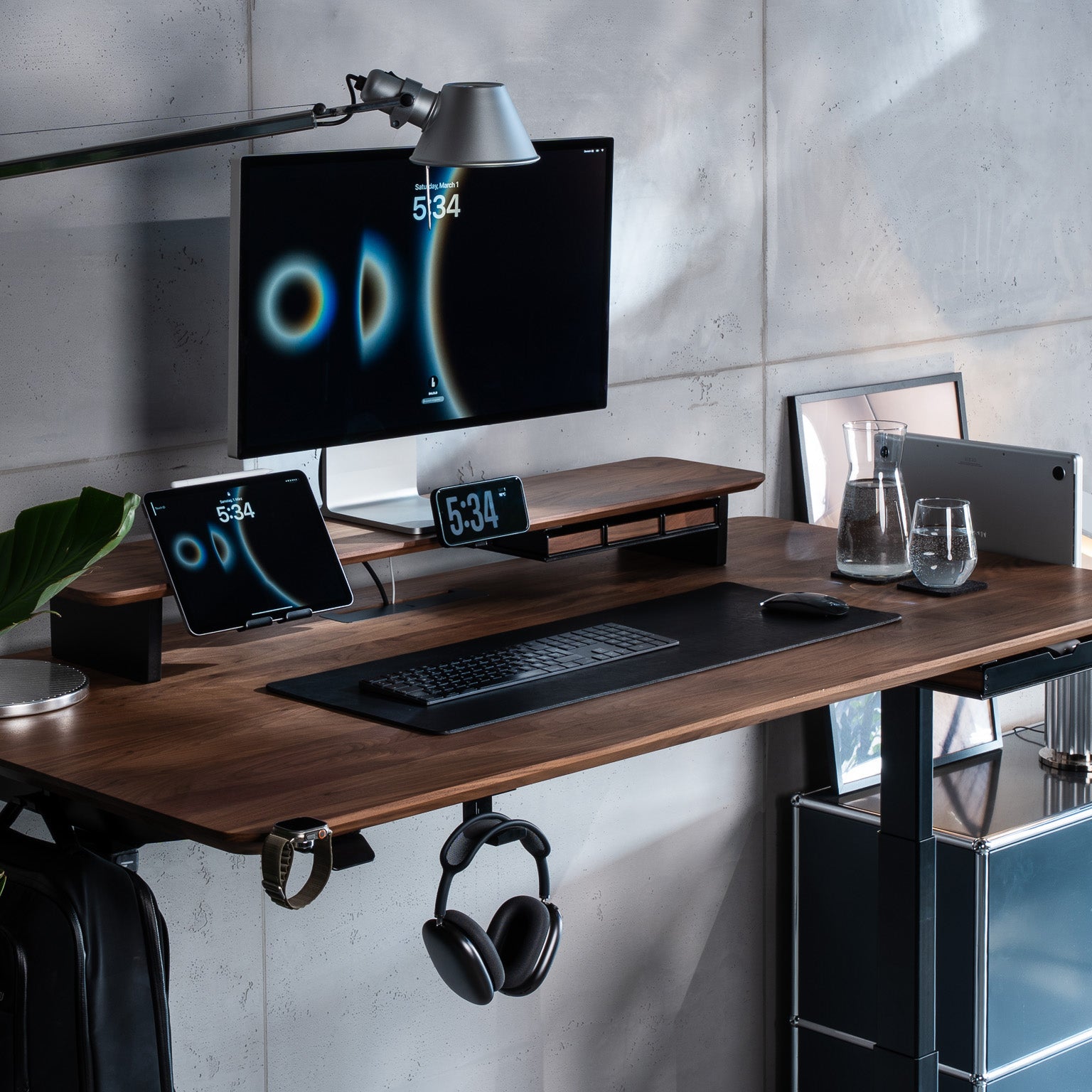
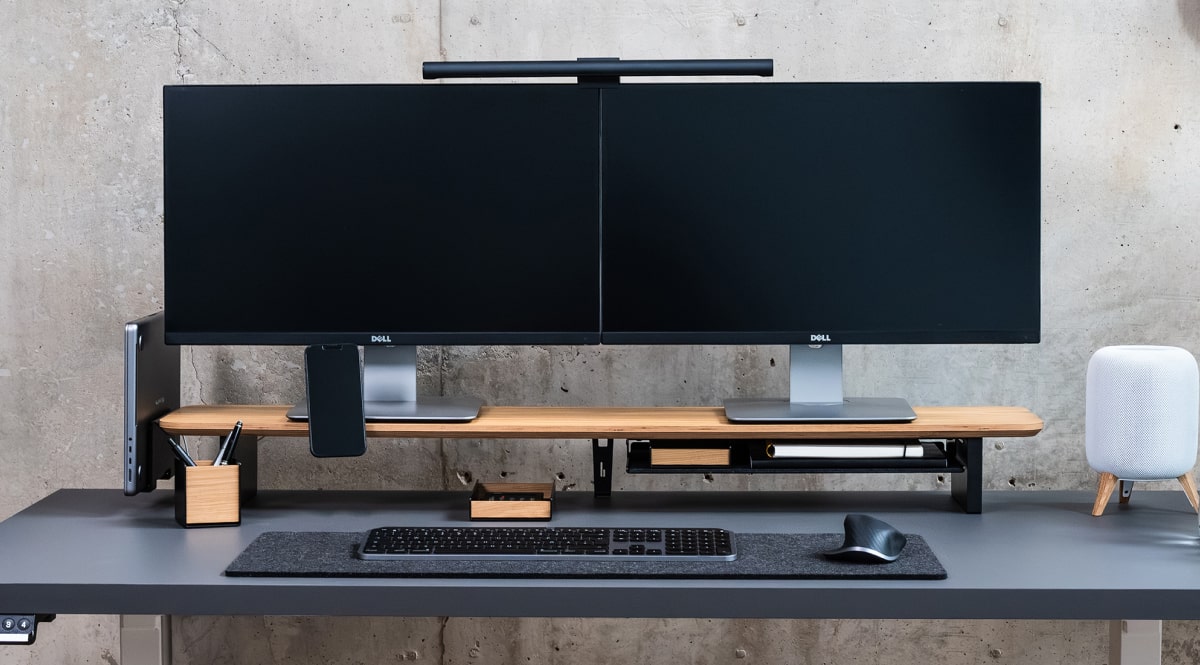
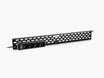
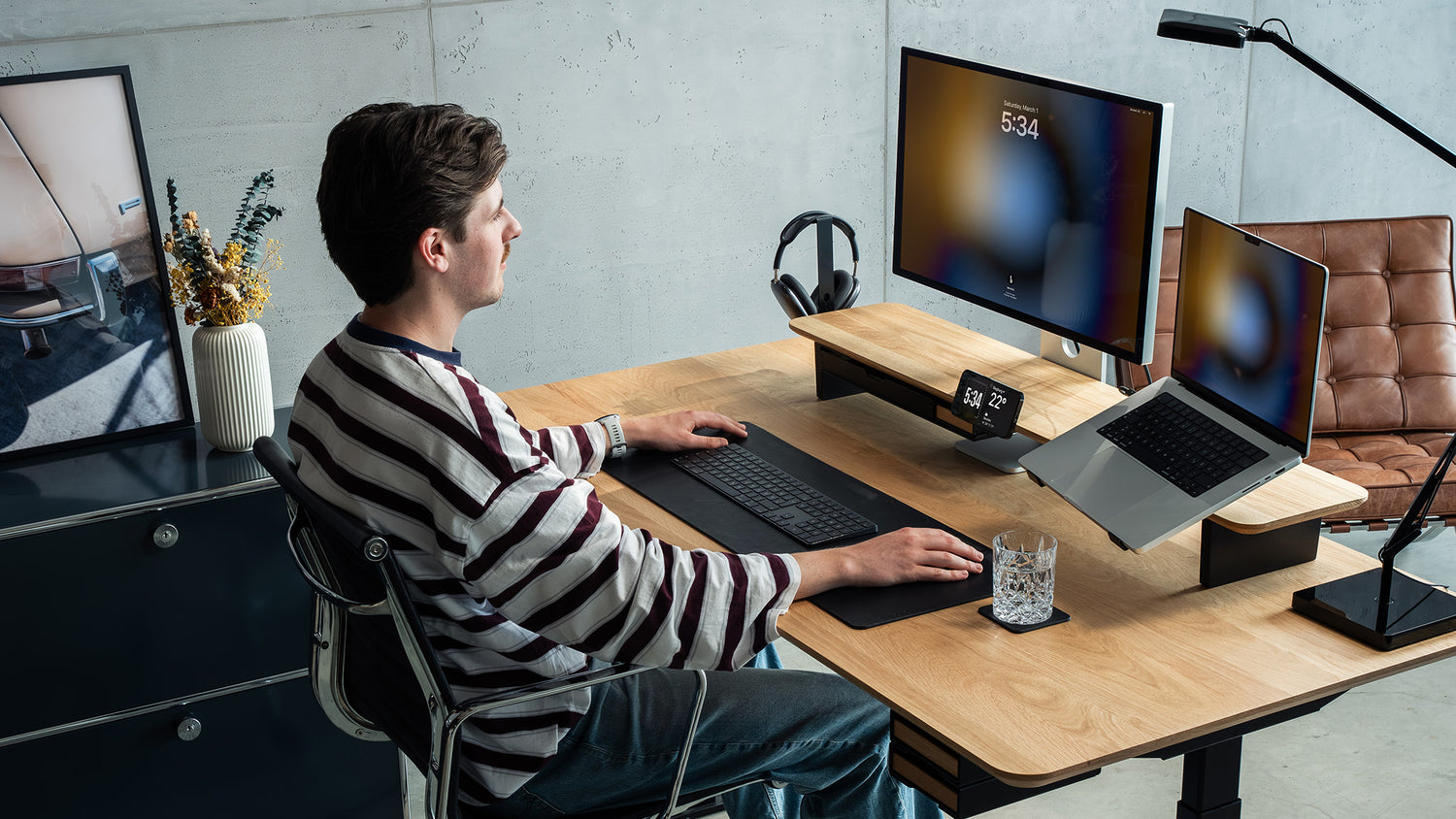
At BALOLO, we think the best desk organization solutions do two things at once: they improve function and they make the workspace look better. Our Setup Cockpit Add-ons reflect exactly that approach, with modular accessories such as the Laptop Holder, the Laptop Dock, the Headphone Holder and more. These add-ons attach to the patented mounting grid on the underside of the Setup Cockpit, so the workspace can be adapted as your workflow changes.

Why Your Desk Feels Crowded in the First Place
Most crowded desks suffer from the same three problems:
- too many devices sitting flat on the surface
- no dedicated cable management
- no clear zones for storage, charging, and active work
Once laptops, chargers, headphones, tablets, notes, and cables all land on the same desk, your workspace setup starts to feel chaotic. The answer is not always less equipment. Often, it is simply better placement.
1. Move Your Screen Area Upward
One of the easiest desk declutter ideas is to stop using your desktop as storage for monitor-related items.
A monitor stand or monitor shelf creates usable vertical space immediately. Once the area under and around the monitor is planned properly, your desk surface opens up for the things that actually need to stay within reach. This is one reason a modular monitor stand system works so well: it turns the space below the screen into functional infrastructure instead of dead space. Our Setup Cockpit Add-ons are specifically designed to use that underside area through the mounting grid system.
For a small desk setup, this is often the highest-impact change you can make first.

2. Store Your Laptop Vertically or Give It a Dedicated Spot
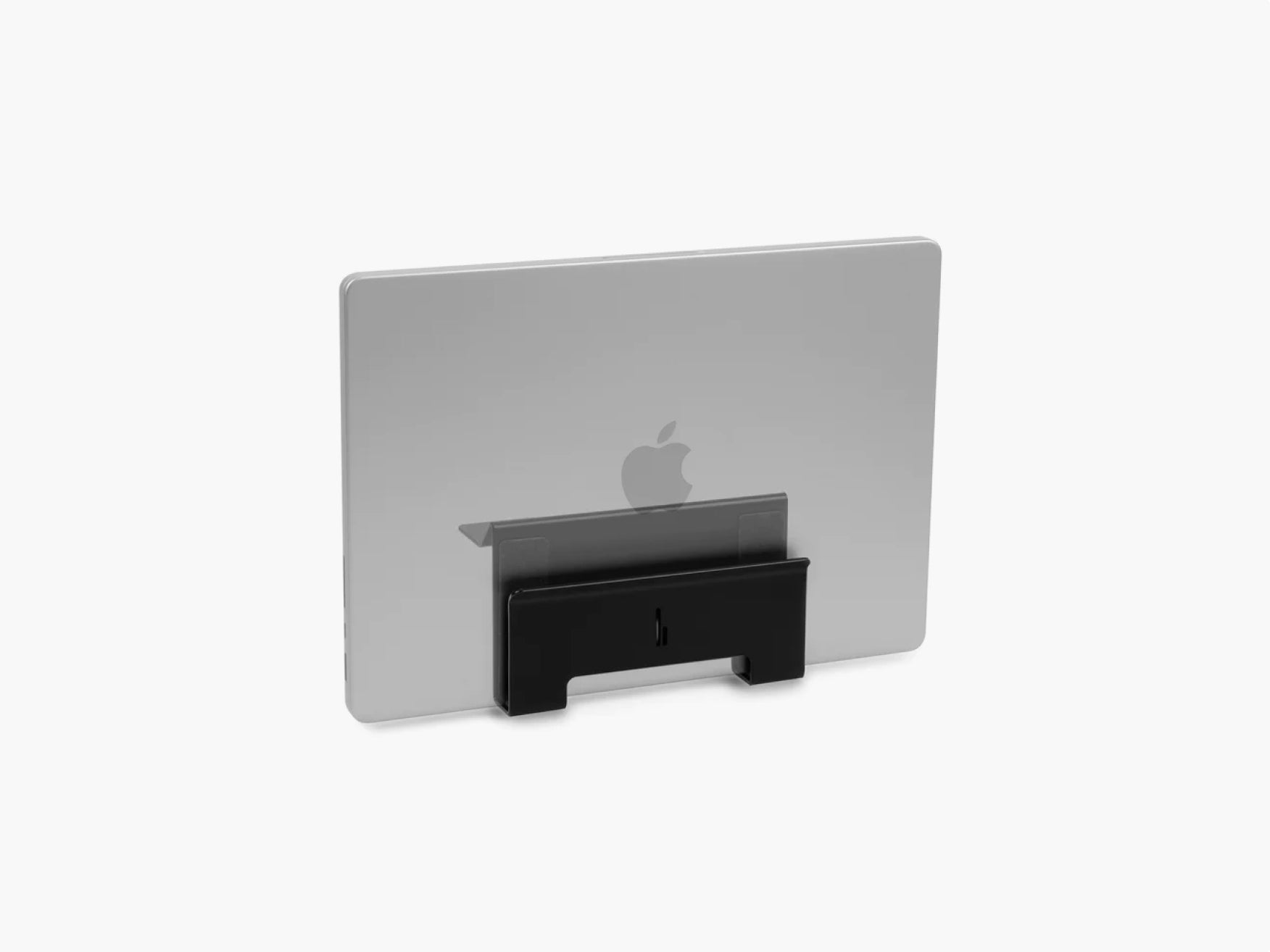
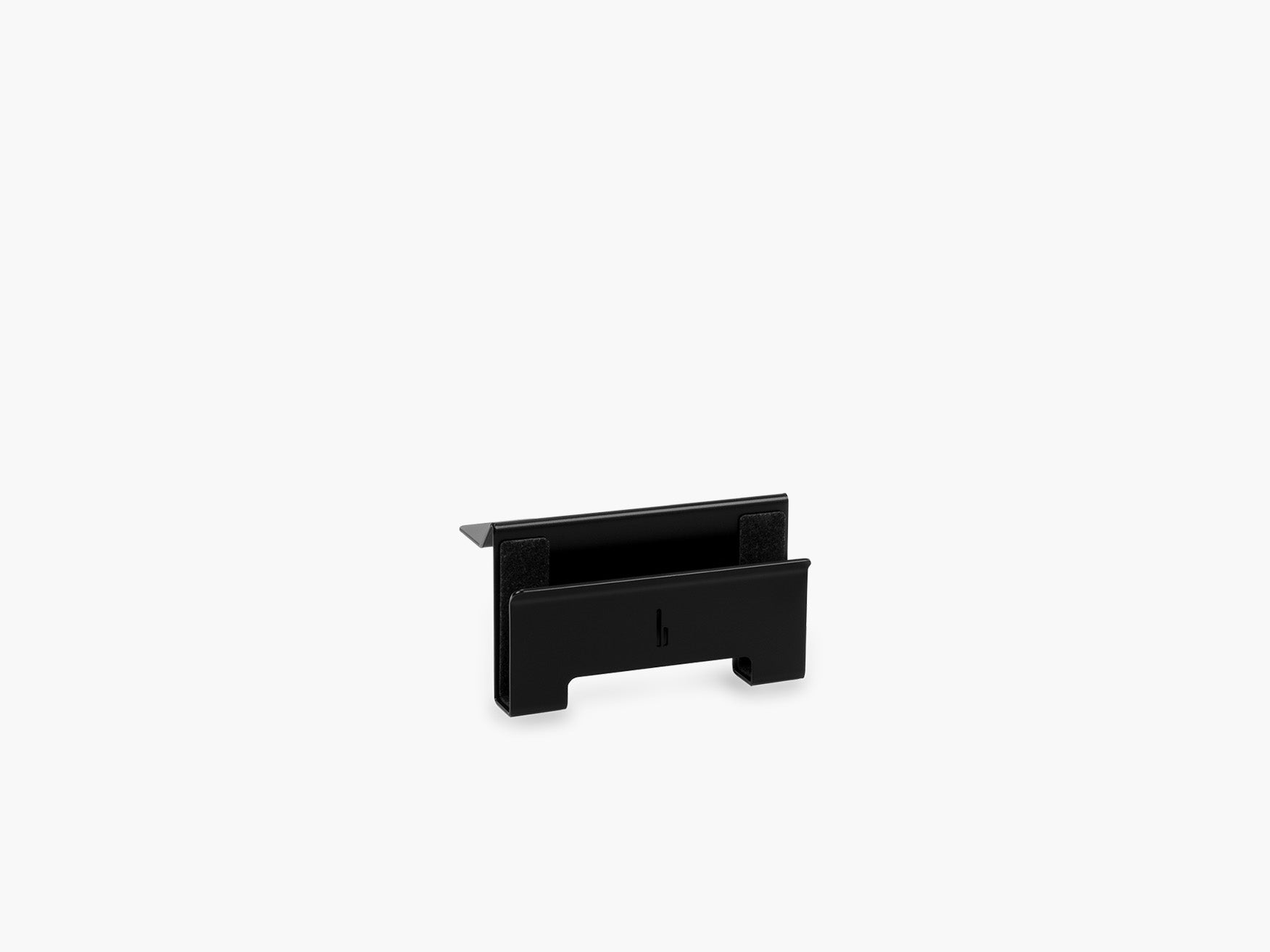
A laptop lying open next to a monitor can consume a surprising amount of space. If you mainly work on an external display or simply want to store your laptop securely, a vertical storage solution is usually the cleaner option.
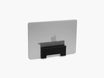
The Laptop Dock is a strong solution for exactly this problem. It gives the laptop its own place instead of letting it float around the desk surface. That is a simple upgrade, but it can transform a cramped home office desk setup into a much more organized workspace.
If your goal is more room for writing, sketching, or using a larger mouse area, this single change can make a significant difference.

3. Fix Cable Chaos Before You Do Anything Else
Messy cables make a desk feel fuller than it really is. They spread across the surface, fall behind the desk, and create visual clutter that makes the whole workspace look disorganized.
That is why desk cable management should be one of the first steps in any desk organization system. A clean cable path keeps power and charging lines controlled, prevents random loops on the tabletop, and makes the setup easier to clean.
Our Cable Organizer and Cable Magnets are built for this exact job. They help keep cables routed and accessible instead of letting them take over the desk. For many people, better cable management is the fastest way to a clean desk setup.

4. Use Hidden Storage for the Small Things That Create Big Clutter
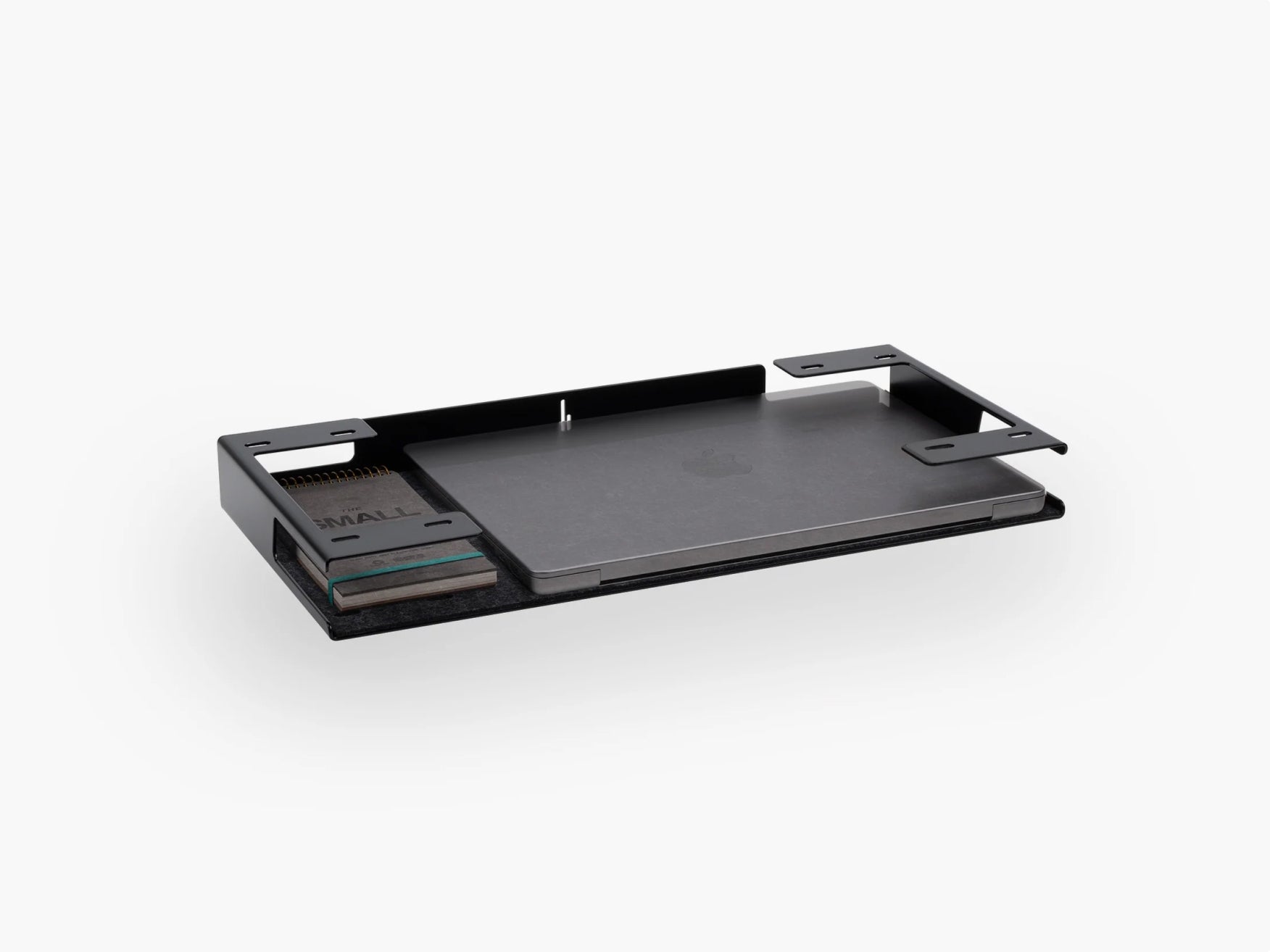
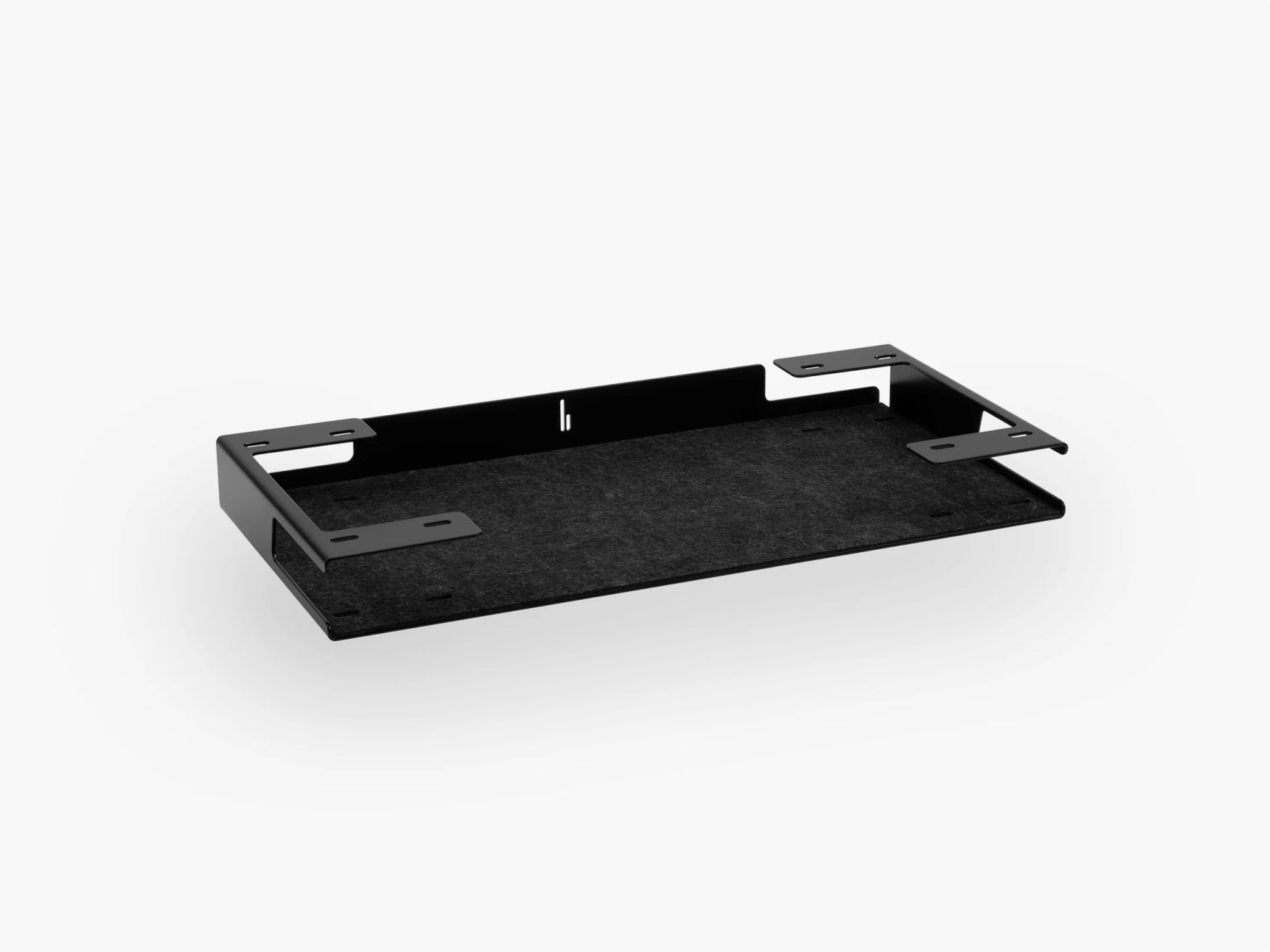
Small items are often the real problem. SD cards, adapters, notebooks, dongles, pens, keys, and charging accessories rarely look like much on their own, but together they eat up valuable desk space.
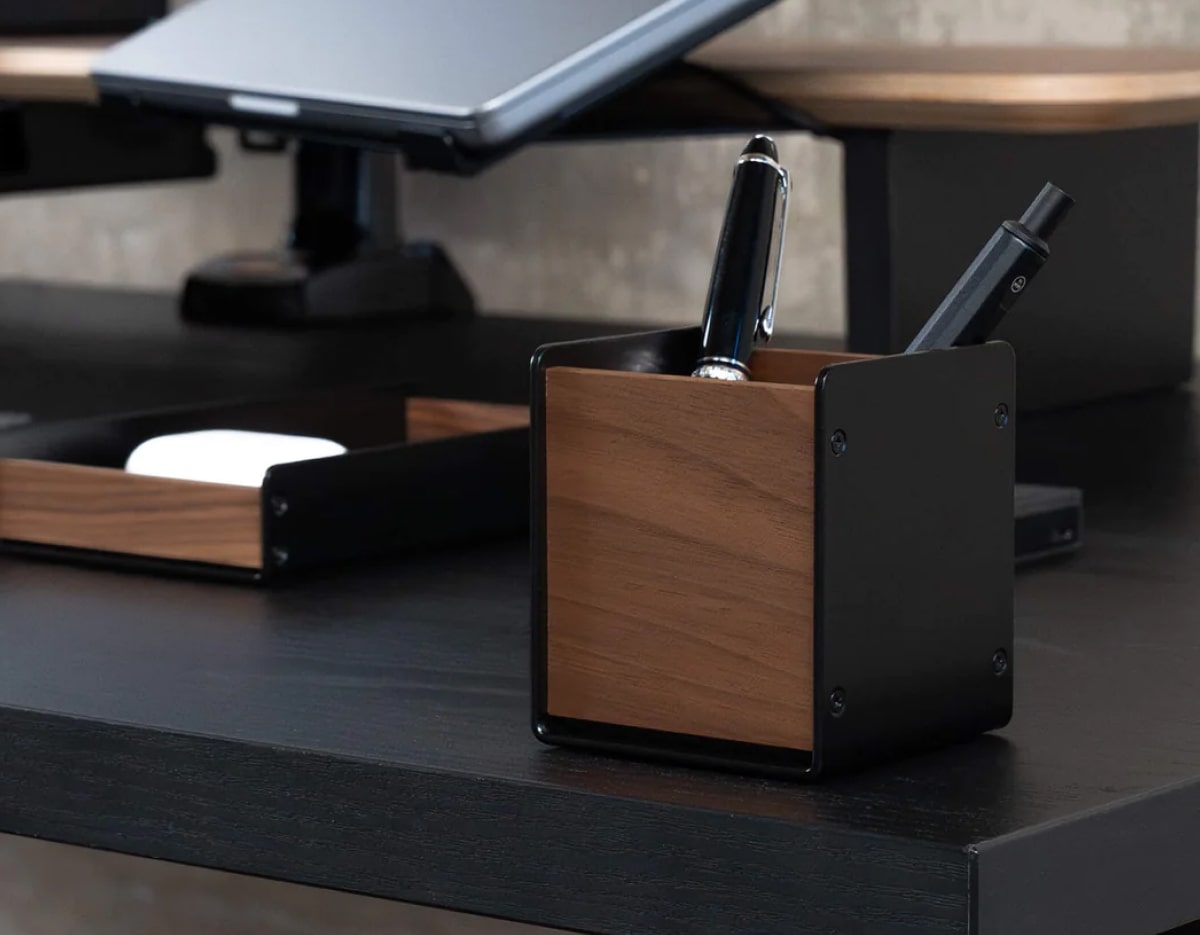
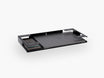
The solution is to move them into dedicated storage instead of letting them live loose on the surface. Our trays are ideal for this kind of desk organization. They help turn scattered items into a tidy system and keep the main work area visually clean.
This is especially useful in a minimal desk setup, where even a few extra objects can make the whole workspace feel busy.

5. Give Your Headphones a Home
Headphones are one of the most common space-wasters on a desk. They are used often, but they are rarely stored well. Most of the time, they end up lying next to the keyboard or hanging from the monitor.
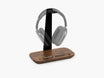
A dedicated holder solves that instantly. The Headphone Holder takes something bulky and moves it into a fixed position. That creates more open surface area and improves the overall desk organization layout at the same time.
For gaming setups, creator desks, and hybrid workstations, this is one of the smartest desk accessories you can add.

6. Get Phones, Tablets and Wearables off the Desktop
Many modern desks are not crowded because of paperwork. They are crowded because of personal tech. A phone here, an Apple Watch charger there, a tablet leaning against a speaker — and suddenly the entire workspace feels fragmented.
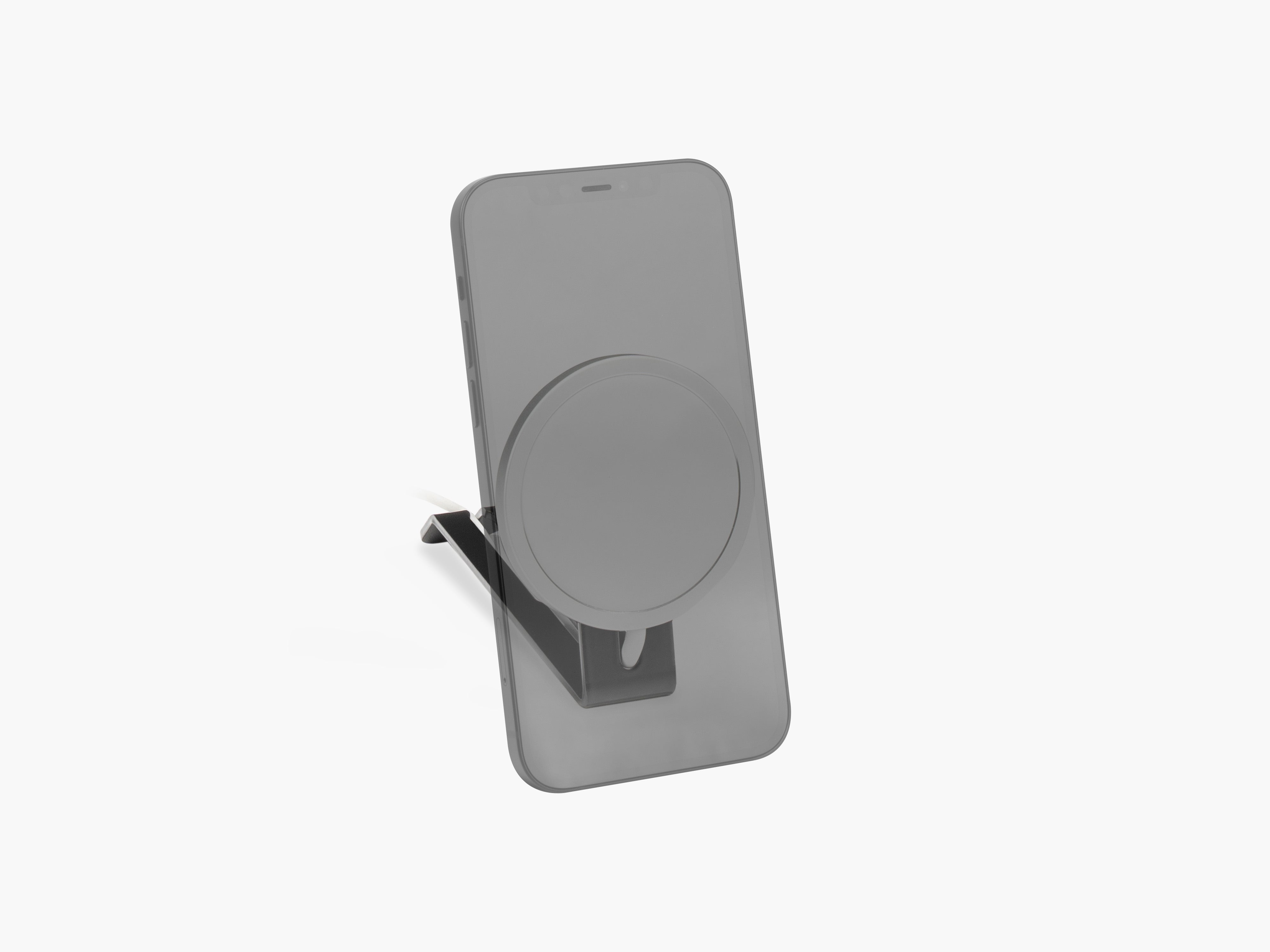
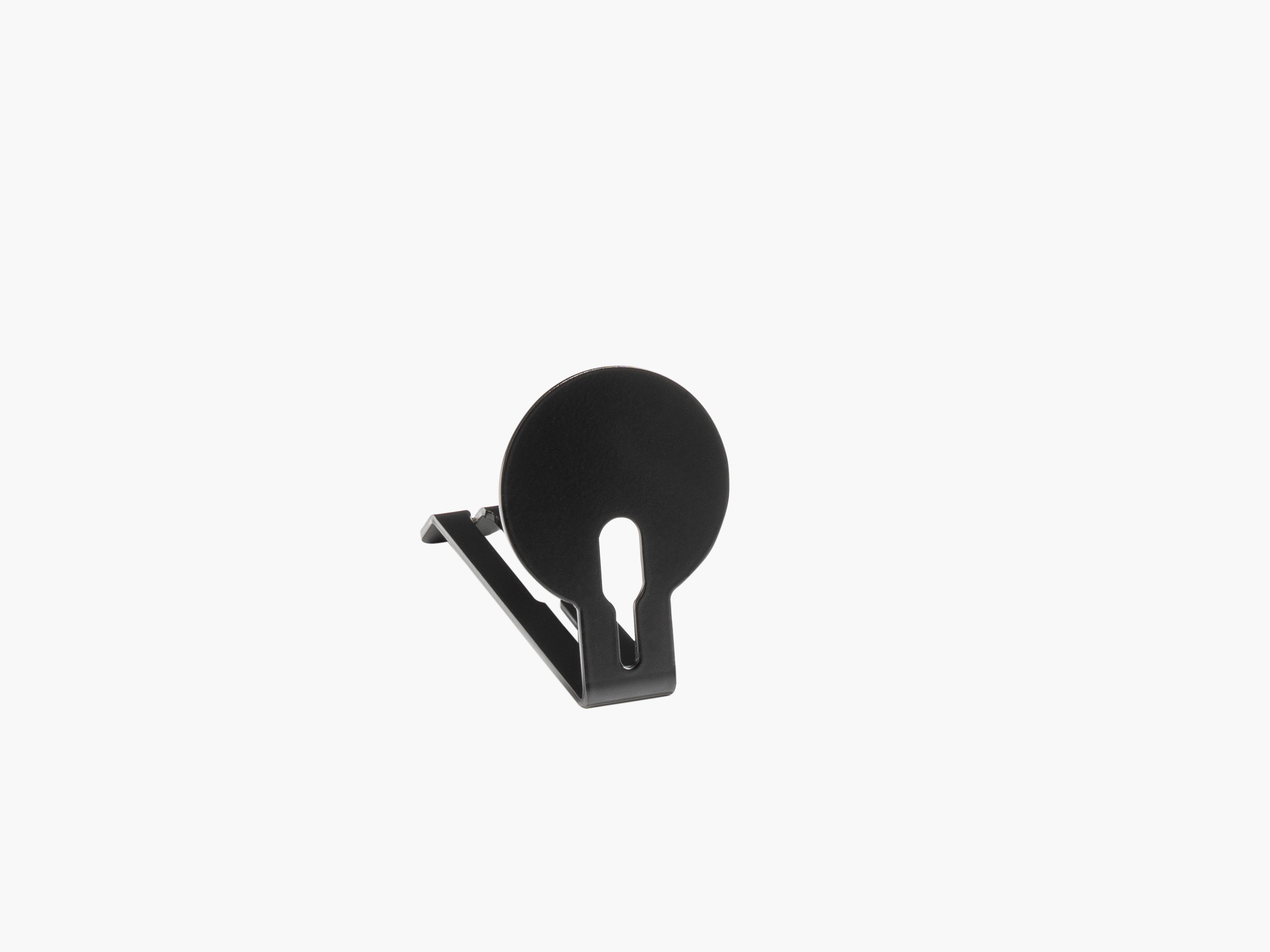
This is where modular desk setup accessories make a real difference. Accessories like the Phone Holder, the Tablet Holder, or the Apple Watch Holder help move personal devices into clear, intentional positions, so your desk feels more like a productivity workspace and less like a charging station.
That is also a big visual win. Aesthetic desk setup ideas usually work because every object has a place.

7. Keep Notes Visible Without Covering Your Work Area
Sticky notes are useful. A desk covered in sticky notes is not.
If you want more space on your desk, you need a better way to keep reminders present without sacrificing the main work zone. A dedicated note solution like the To-Do Holder helps with exactly that — keeping short reminders organized and visible without spreading paper across the desktop.
It is a small detail, but this kind of change improves both desk organization and daily focus.

8. Build Around Your Actual Workflow
The best desk organization ideas are not generic. They match how you actually work.
If you work with a laptop and monitor
Prioritize a Laptop Holder, Laptop Dock, and hidden storage with the Catch-All Trays.
If you are a creator or streamer
Look at device-specific holders and accessory storage. We have developed specific solutions for many devices, including the Stream Deck Plus Holder, the Stream Deck XL Holder, and the Controller Holder, which help remove frequently used gear from the desk surface and integrate it cleanly into the wider setup.
If you want a minimal workspace setup
Focus on the essentials only: laptop storage, cable control, headphone storage, and one smart compartment for loose items.
The more closely your desk setup design reflects your real workflow, the more spacious and functional it feels.
9. Create Zones Instead of Letting Everything Float
A clean desk setup is much easier to maintain when the surface is divided into zones.
A simple system looks like this:
- Work zone for keyboard, mouse, and writing space
- Screen zone for monitor and mounted devices
- Storage zone for small tools and accessories
- Charging zone for cables and personal devices
This is one of the most effective desk organization tips because it prevents clutter before it starts. When every item has a category and a fixed location, your workspace stays cleaner with far less effort.

Common Mistakes That Waste Desk Space
Even well-designed desks can feel cramped when the setup is not intentional.
Here are the most common mistakes:
- keeping unused devices on the desk all day
- leaving cables loose instead of routing them
- storing small items on the surface instead of underneath or in trays
- using the desktop as a charging dump
- buying random desk accessories without a system in mind
The best desk organization products are the ones that work together. That is why modularity matters so much. Instead of stacking separate fixes onto the tabletop, a modular system helps you create a workspace that is cleaner, more flexible, and easier to live with over time. Our add-ons were explicitly developed around that kind of adaptable modularity.
A Simple Formula for Creating More Desk Space
If you want a practical starting point, use this order:
- Lift the screen area
- Dock or store the laptop
- Route the cables
- Move small items into dedicated storage
- Mount bulky accessories like headphones and tech gear
- Keep the center of the desk clear
This is the foundation of a more organized workspace. It works for a home office desk setup, a creative workspace, and even a small desk setup where every centimeter matters.

The Real Secret to a More Spacious Desk
Creating more space on your desk is not about making your setup feel empty. It is about making it intentional.
When your monitor area becomes functional, your laptop has a home, your cables are under control, and your everyday accessories are stored properly, the desk starts to feel larger without changing the desk itself. That is the power of thoughtful desk organization.
At BALOLO, we believe the best workspace accessories should help you do more with less visible clutter. A well-designed desk should support focus, function, and aesthetics at the same time. And when the right modular accessories are in the right places, more space is often already there. You just need to unlock it.
FAQ
How can I create more space on a small desk?
Start with vertical organization. Use a monitor stand, store your laptop in a dedicated holder or dock, and move cables and small accessories off the desk surface.
What is the fastest way to declutter a desk?
Cable management is usually the quickest win. After that, remove devices and accessories that do not need to sit directly on the tabletop.
Which desk accessories save the most space?
The most effective space-saving accessories are the Laptop Holder, Cable Management, Headphone Holder, Trays, and holders for phones or tablets. Our Setup Cockpit add-ons cover all of these categories.
Is a modular desk setup worth it?
Yes, especially if your workflow changes over time. A modular setup lets you add or reposition accessories without rebuilding the entire workspace.