
A desk setup that lasts for years is built around quality, simplicity, and adaptability. Instead of filling your workspace with products that solve one temporary problem, choose durable desk essentials and a flexible organization system that can evolve as your devices, work habits and needs change.
The best long-term desk setup is not necessarily the one with the most equipment. It is the one you can keep using without constantly rebuilding it.
A new laptop should not force you to reorganize your entire desk. A second monitor should not create cable chaos. And changing from remote work to creative projects should not mean starting from zero.
If you want to create a workspace that still feels functional and visually refined years from now, these are the principles to focus on.
What Makes a Desk Setup Last?
A long-lasting desk setup combines five things:
- Durable materials
- Timeless design
- Modular components
- Good desk organization
- Room for future changes
The goal is not to predict exactly what your workspace will look like five years from now. You probably can't.
Your devices will change. Your workflow might change. You may switch monitors, laptops, chargers, keyboards or even the room you work in.
The smarter approach is to build a strong foundation that can adapt.
| Desk Setup Principle | Why It Matters Long Term |
| Durable materials | Reduce the need to replace worn accessories |
| Minimal design | Makes the setup less dependent on trends |
| Modular accessories | Allow the workspace to change with your needs |
| Cable management | Keeps new devices from creating visual clutter |
| Organized zones | Make it easier to add or remove equipment |
| Quality over quantity | Fewer items need replacing over time |
1. Start With the Essentials, Not the Accessories
One of the easiest ways to create a desk setup you will quickly outgrow is to start by buying accessories.
A stand here. A charging dock there. A small organizer because it looks useful. Another tray because there is still something lying around.
Before long, the desk becomes a collection of individual solutions rather than one coherent workspace.
Start with the core desk setup essentials instead. For most people, that means:
- Desk
- Chair
- Monitor or laptop
- Keyboard and mouse
- Lighting
- Power and charging
- Cable management
- A system for organizing frequently used devices
Everything else should earn its place.
Ask a simple question before adding something to your desk: Does this improve how I work, or does it simply fill space?
A minimal desk setup is often more durable because there are fewer unnecessary components to replace, rearrange or remove later.
2. Choose Timeless Design Over Short-Lived Trends
Desk setup inspiration changes quickly.
One year, completely white setups dominate social media. Then everything becomes black. Then RGB lighting appears everywhere. Then warm wood, natural textures and softer lighting return.
There is nothing wrong with experimenting with trends. But building your entire workspace around one visual trend makes it much more likely that you will want to replace it later.
Instead, keep the foundation timeless.
Use a restrained color palette
Choose two or three core colors that work together. For example:
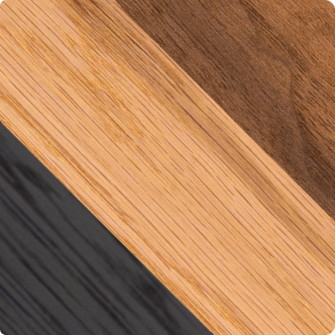
- Walnut, black and warm grey
- Oak, white and beige
- Black, grey and natural wood
- White, silver and light wood
You can always introduce color through smaller objects, artwork, plants or lighting.
Those details are easier to change than your desk, monitor stand or organization system.
Let materials create character
Natural materials can add warmth without making the workspace visually busy.
Wood is a particularly useful example. Its appearance is distinctive, but it does not rely on a temporary aesthetic trend.
Metal components can create contrast and add a more technical, precise character.
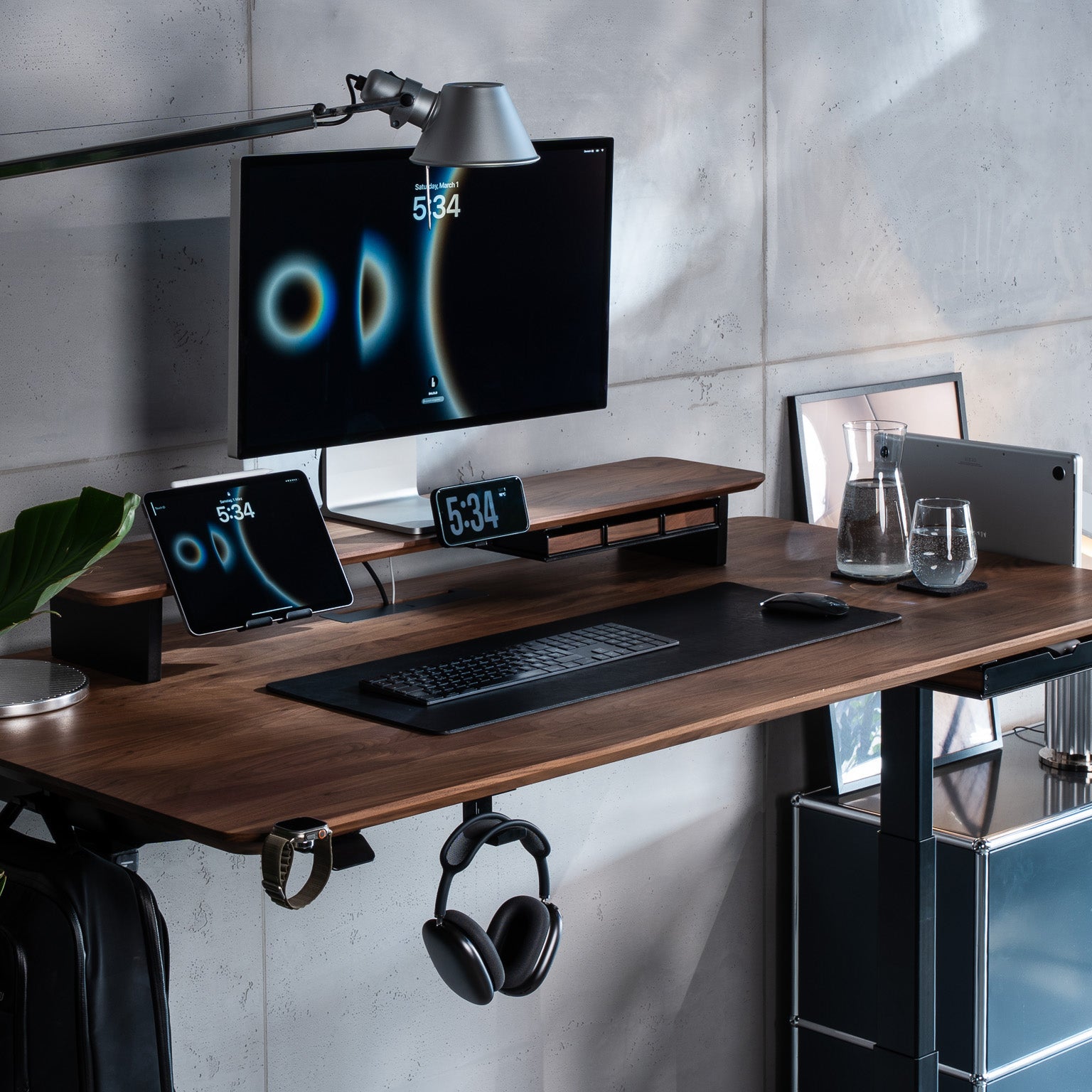
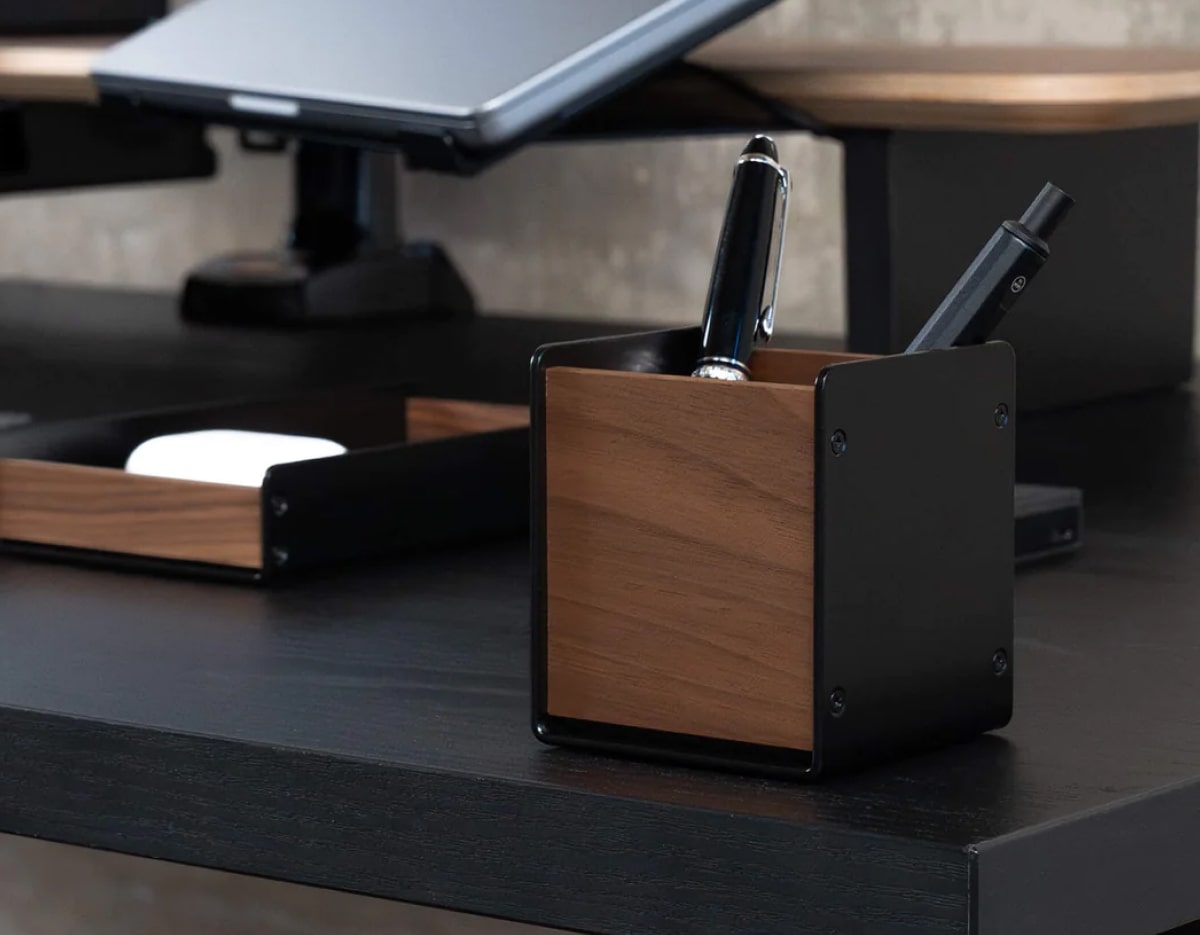
At BALOLO, this combination is central to how we approach workspace design. We use wood together with powder-coated steel to create products that balance a warm material language with functional precision. Our products are manufactured in Germany with a focus on long-term quality and thoughtful construction.
3. Build Around a Modular System
This may be the most important principle in a desk setup designed to last: avoid building a workspace that only works in one configuration.
Your needs will change.
Today, you may use one monitor and a laptop. Next year, your desk might include:
- Two monitors
- A second laptop
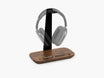
- Headphones
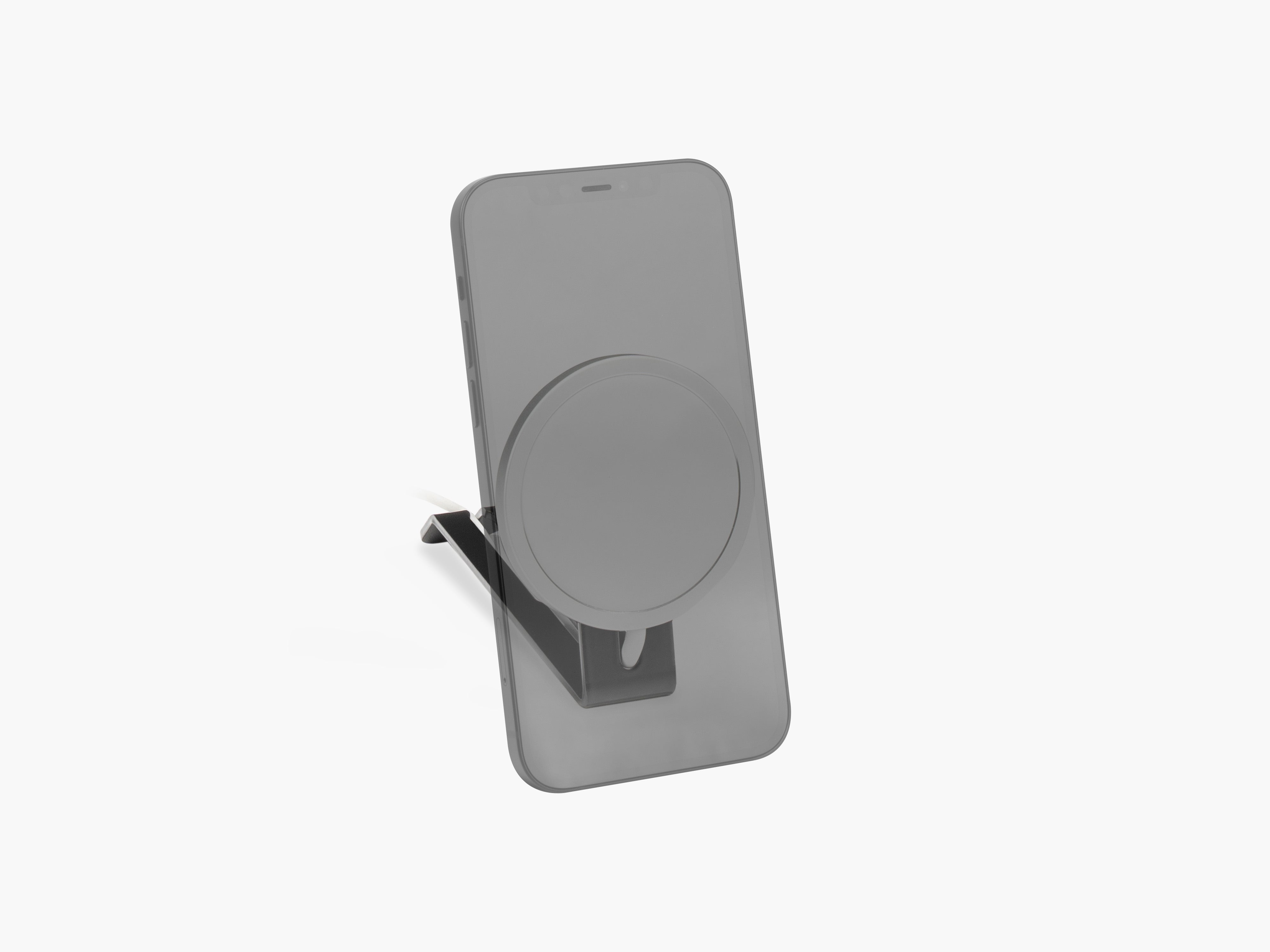
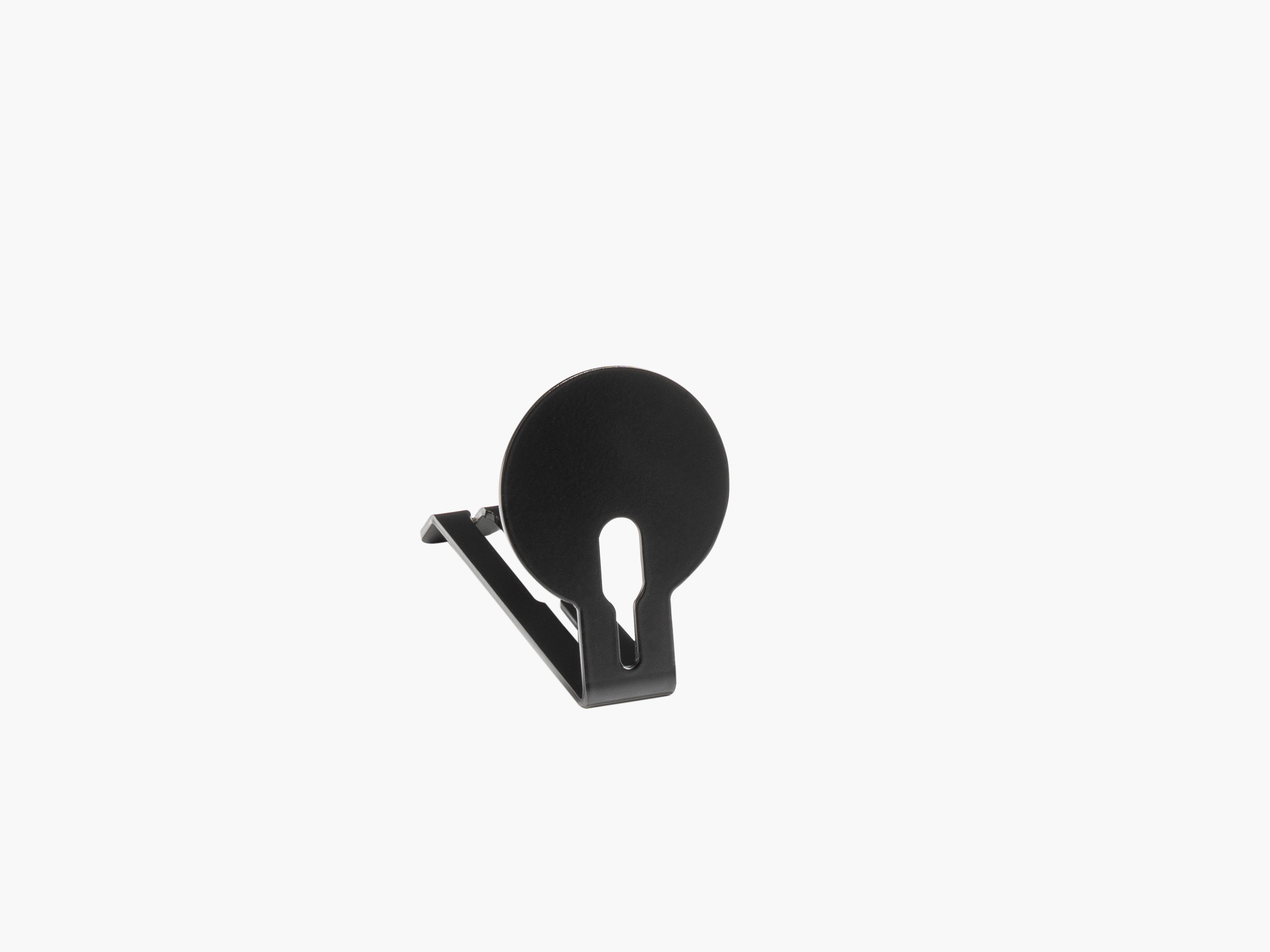
- A phone charger
- A tablet
- An external microphone
- New peripherals
A fixed organization solution eventually becomes a limitation.
A modular workspace works differently. Instead of replacing the foundation, you adjust the components around it.
Why modularity matters
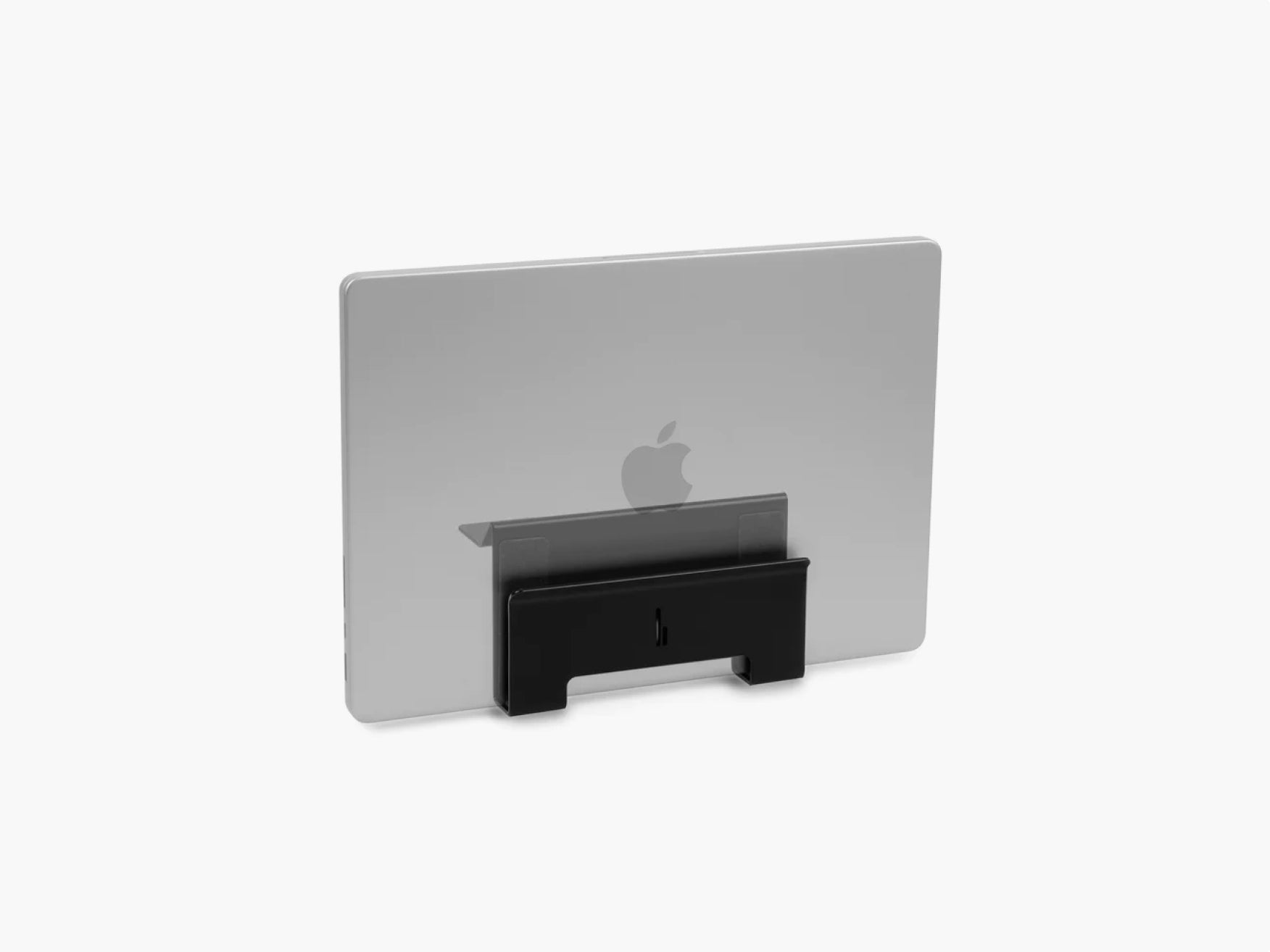
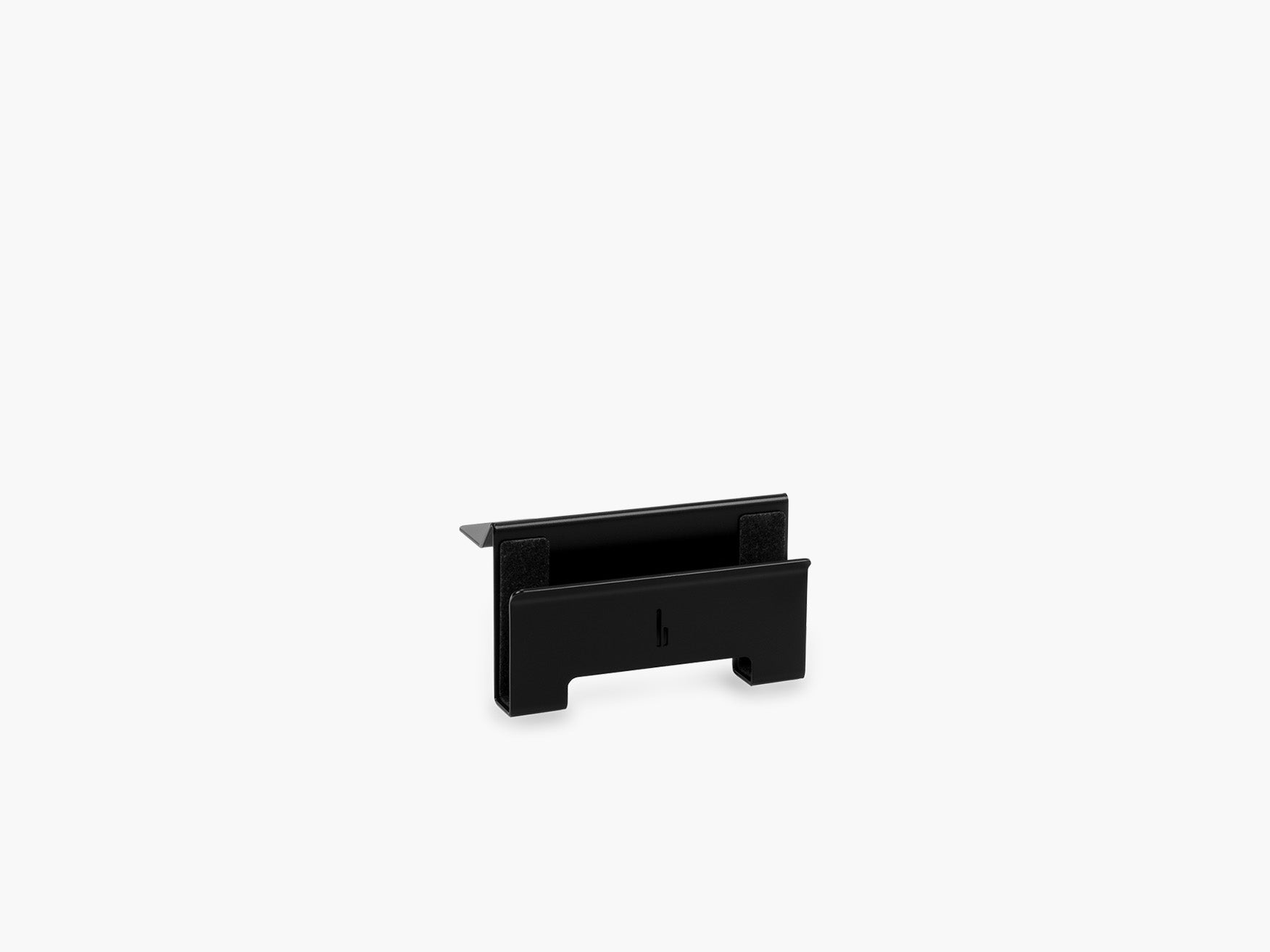
Imagine your laptop is currently sitting next to your monitor. Later, you decide you want it stored vertically.
With a fixed setup, you might need an entirely new desk organizer. With a modular system, you simply change or add the relevant component.
That is the thinking behind our Setup Cockpit at BALOLO.

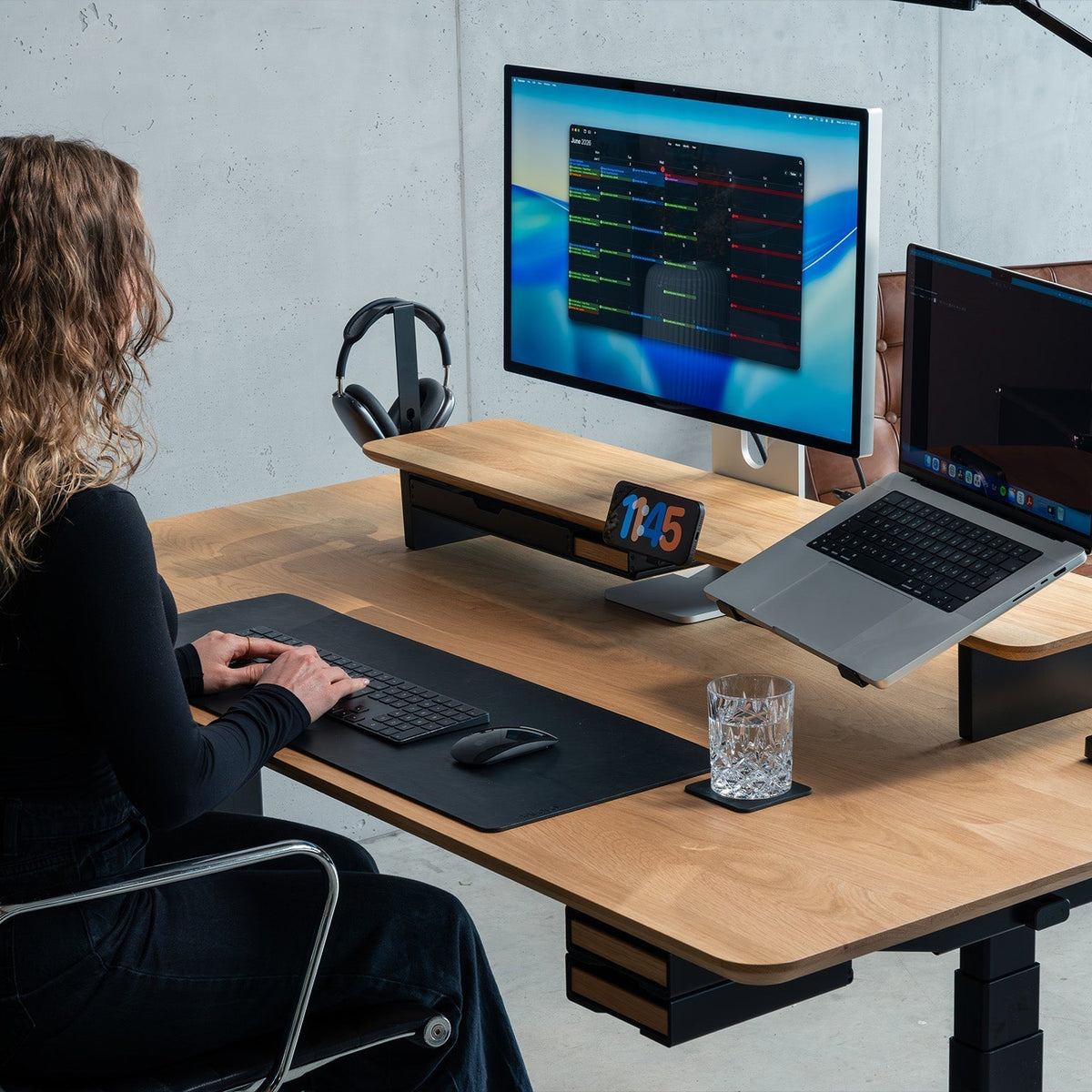
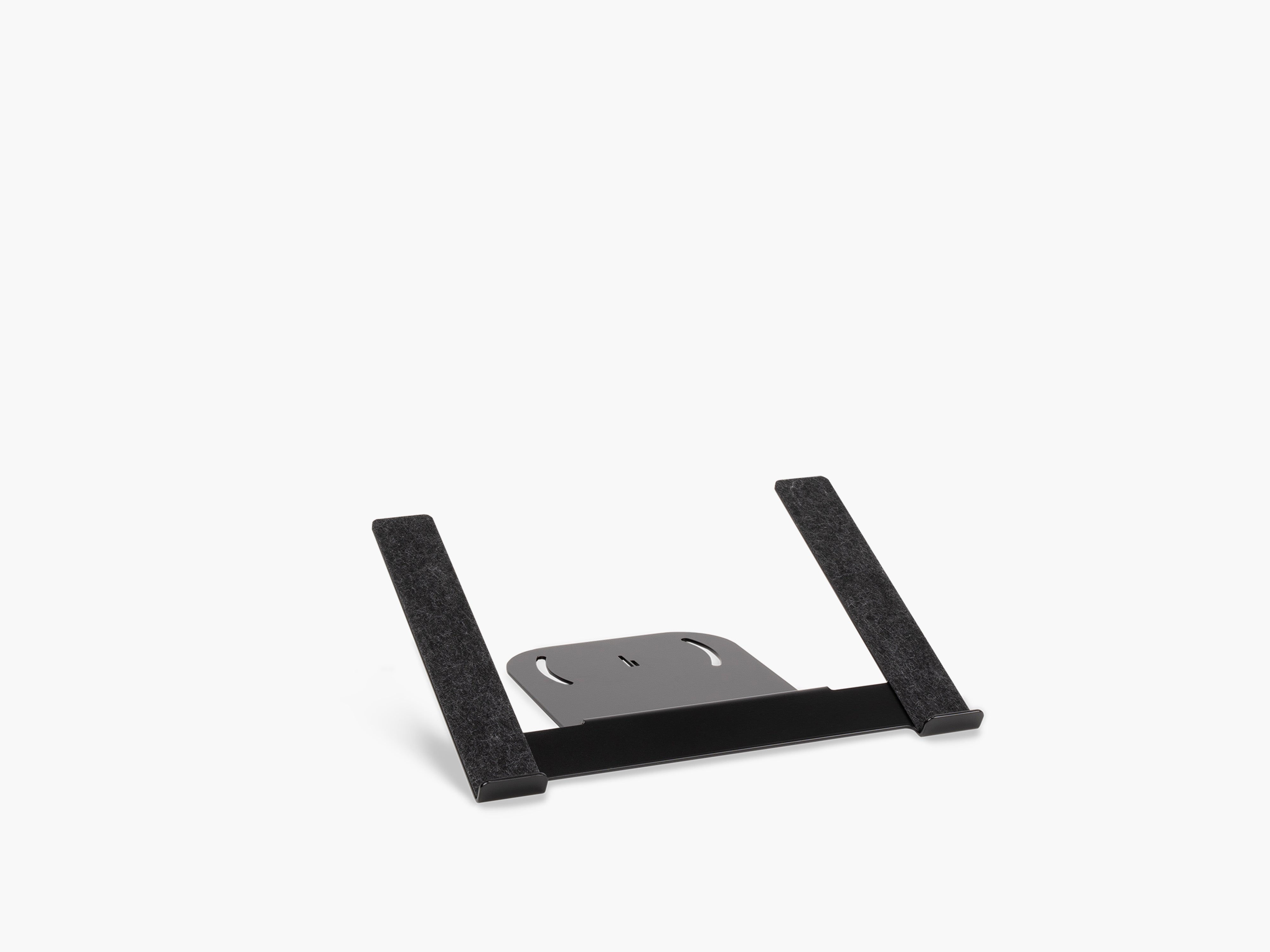
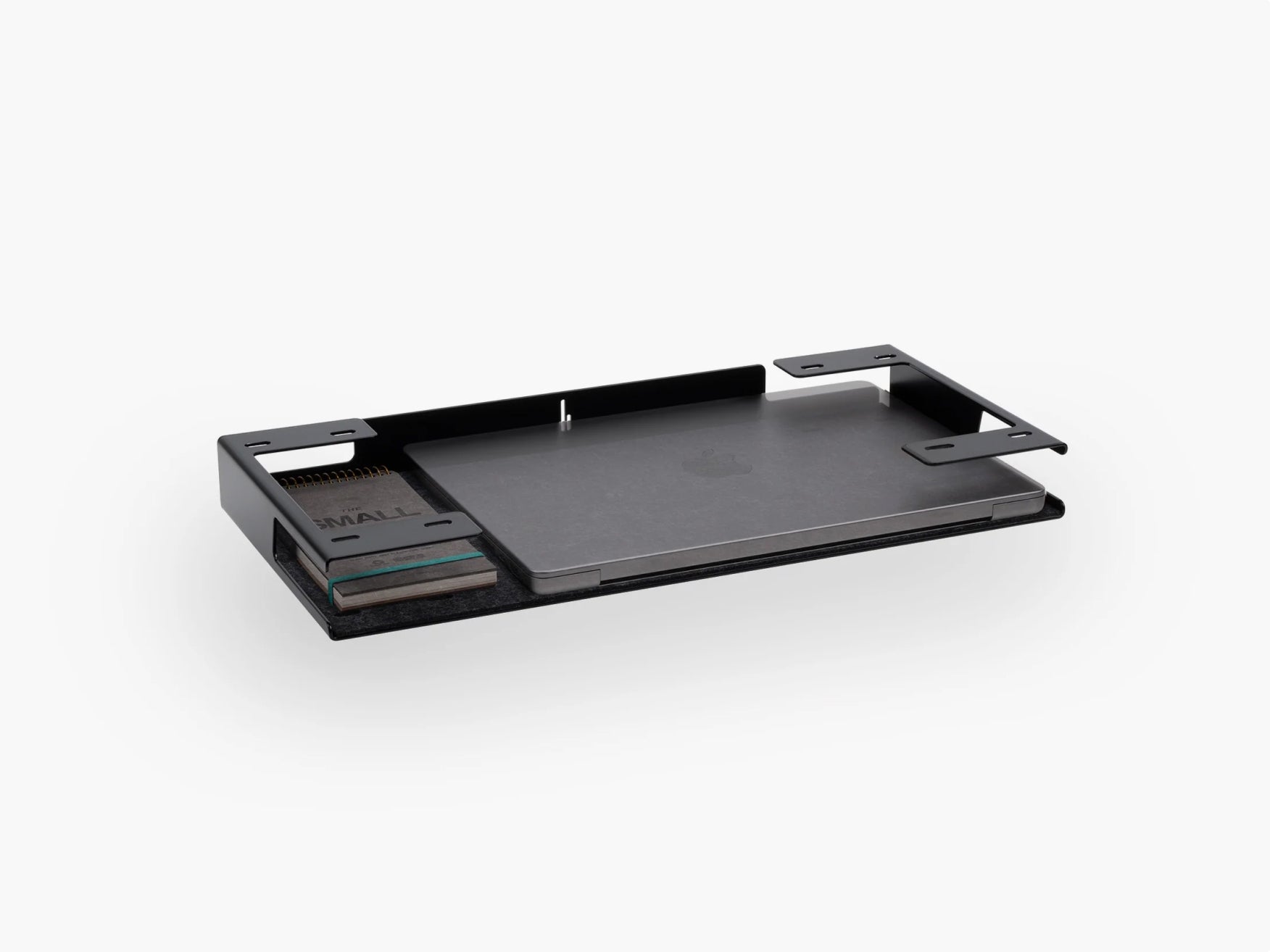
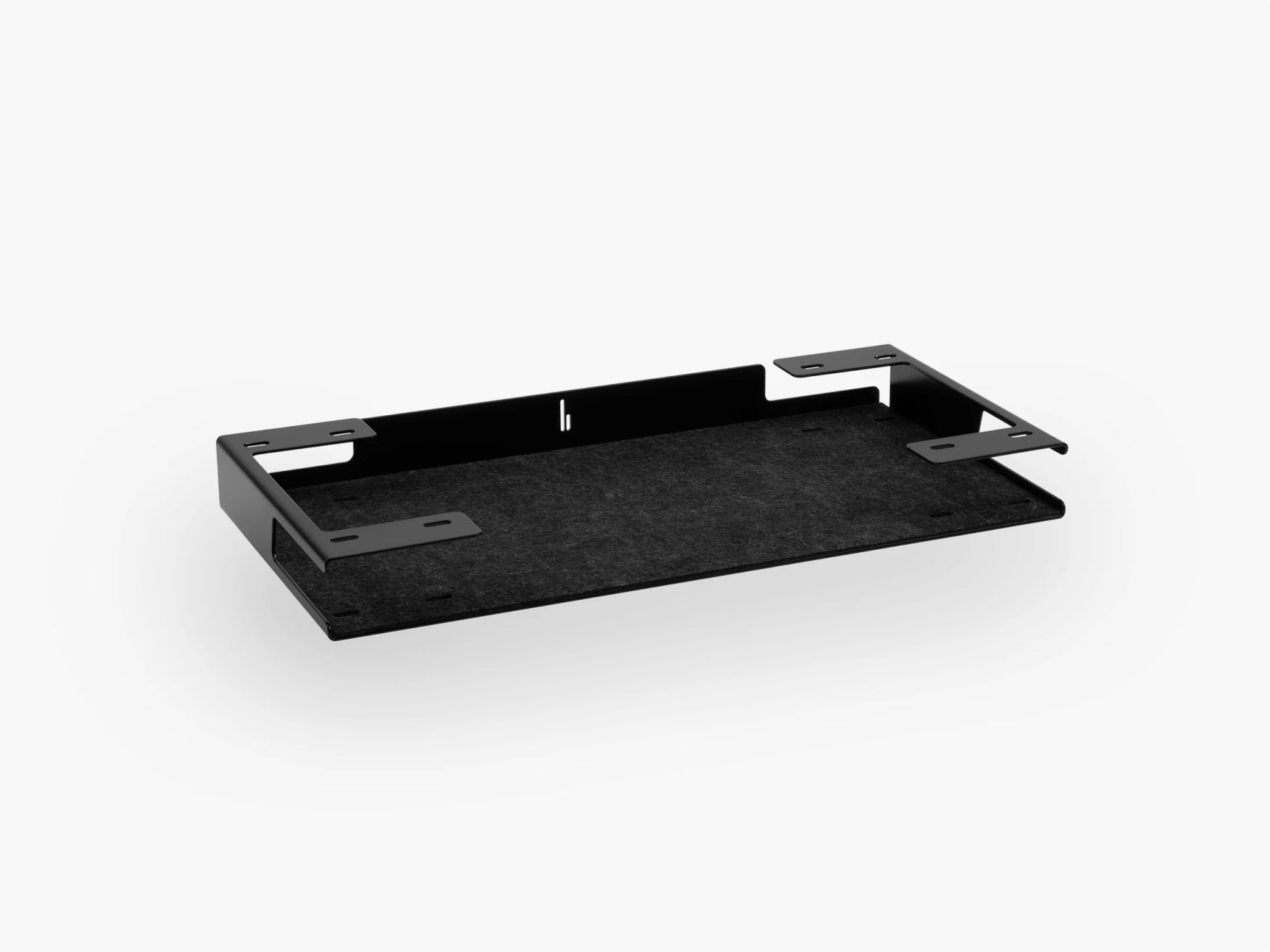
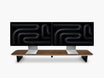
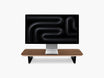
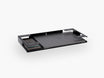
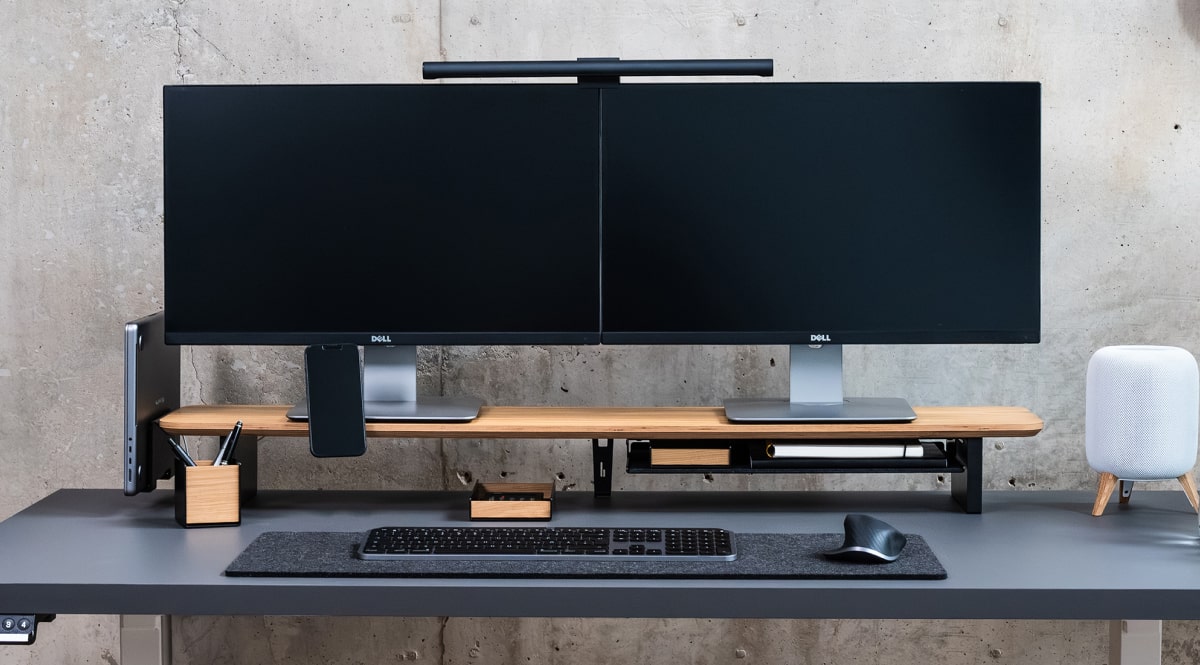
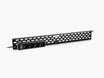
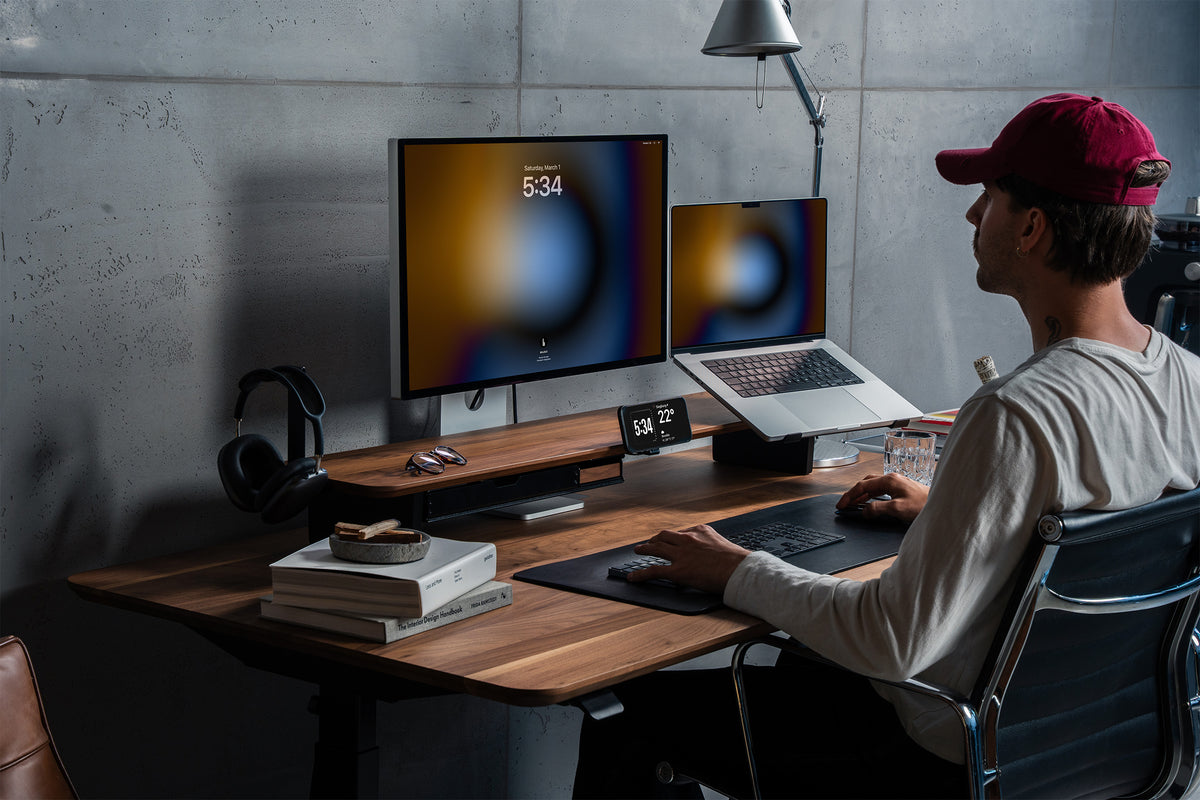
The Setup Cockpit uses a mounting grid underneath the monitor stand that allows compatible accessories to be attached and rearranged according to the way you work. The configuration can be adapted or expanded when your needs change.
Instead of treating a monitor stand as one isolated desk accessory, the idea is to turn it into the foundation of an adaptable workspace.
And that makes much more sense when you are thinking in years rather than months.
4. Invest More in the Things You Touch Every Day
Not every desk accessory deserves the same budget.
A useful rule is to spend more attention and money on components that either:
- Carry weight
- Move frequently
- Are touched every day
- Organize multiple other devices
- Form the visual foundation of the setup
Your desk, chair, keyboard, monitor solution, lighting and main organization system usually matter more than decorative accessories.
Think in terms of cost per year, not only purchase price.
An inexpensive accessory that needs replacing three times may ultimately be less economical than buying one well-made product once.
Durability is also about whether you still want to use an object after several years.
A product can remain physically intact and still feel outdated.
That is why long-term value comes from the combination of construction, function and timeless design.
5. Get Cable Management Right From the Beginning
A clean desk setup can quickly stop looking clean when new technology enters the workspace.
Every new device tends to bring something with it: a power adapter, another USB cable, another charging cable, another plug.
Without a system, cables gradually take over the desk.
Good desk cable management creates infrastructure for those changes before they happen.
Separate cable management into three levels
A useful cable management setup handles cables in three places.
On the desk — only cables you actively need should be visible. Examples include a charging cable you regularly connect and disconnect or the short cable running from a keyboard.
Around your equipment — cables connected to monitors, laptops, docks and chargers should be routed together instead of crossing the desk individually.
Under the desk — power strips, adapters, excess cable length and permanent connections are usually better stored away from the working surface.
This approach makes it much easier to add or remove devices without creating chaos.
At BALOLO, we offer cable management solutions designed around the same principle of adaptability. Our cable management can be reorganized when the configuration changes, rather than forcing the desk into one permanent layout.
A good cable management system should not lock you in. It should make future changes easier. Our guide on desk cable management walks through the different options in more detail.
6. Use Vertical Space Before Expanding Across the Desk
Desk surface is valuable. Yet many workspaces use it inefficiently.
Laptops, phones, headphones, chargers, notebooks and accessories slowly spread horizontally until there is almost no clear working area left.
Instead, think vertically.

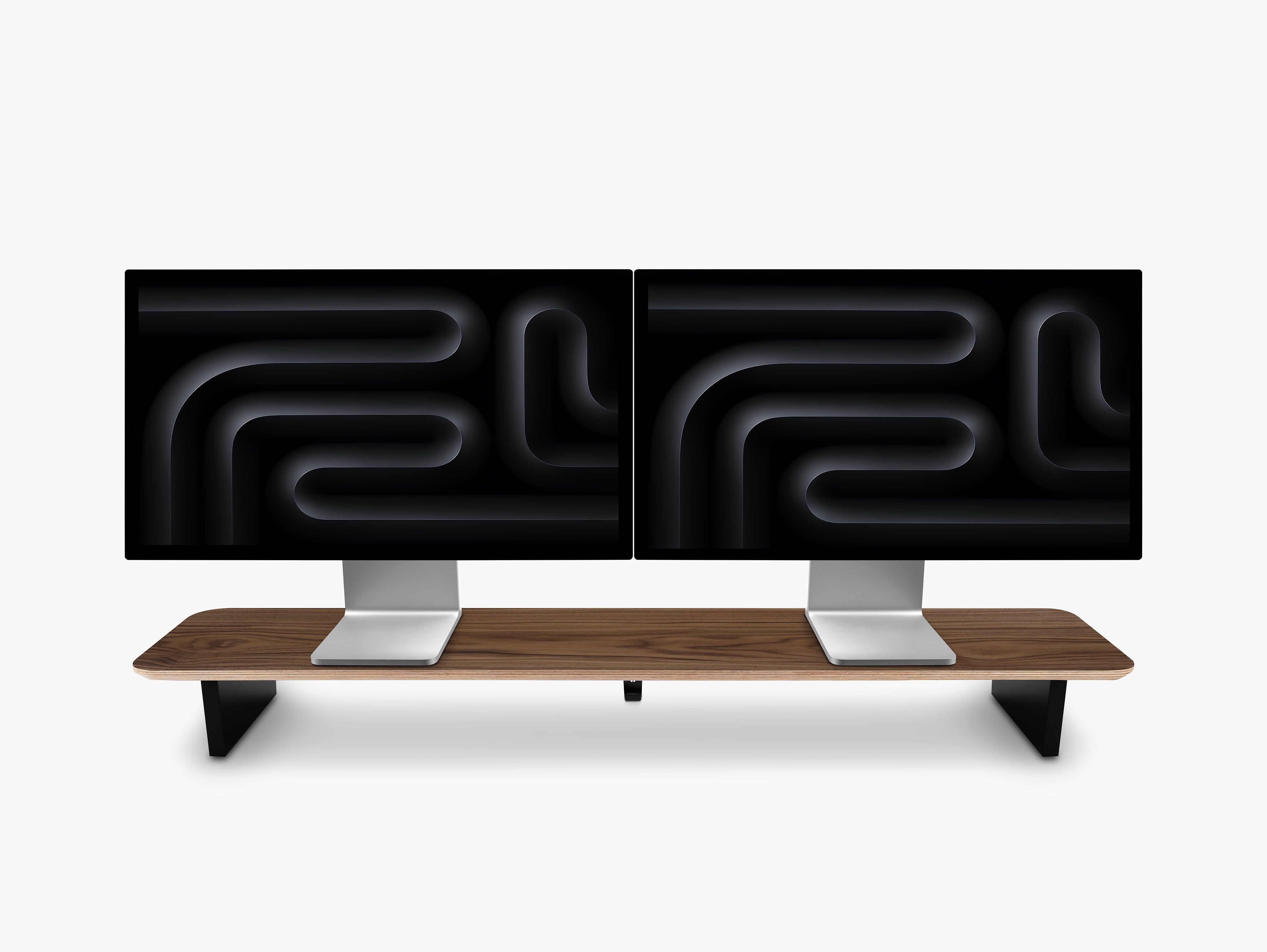
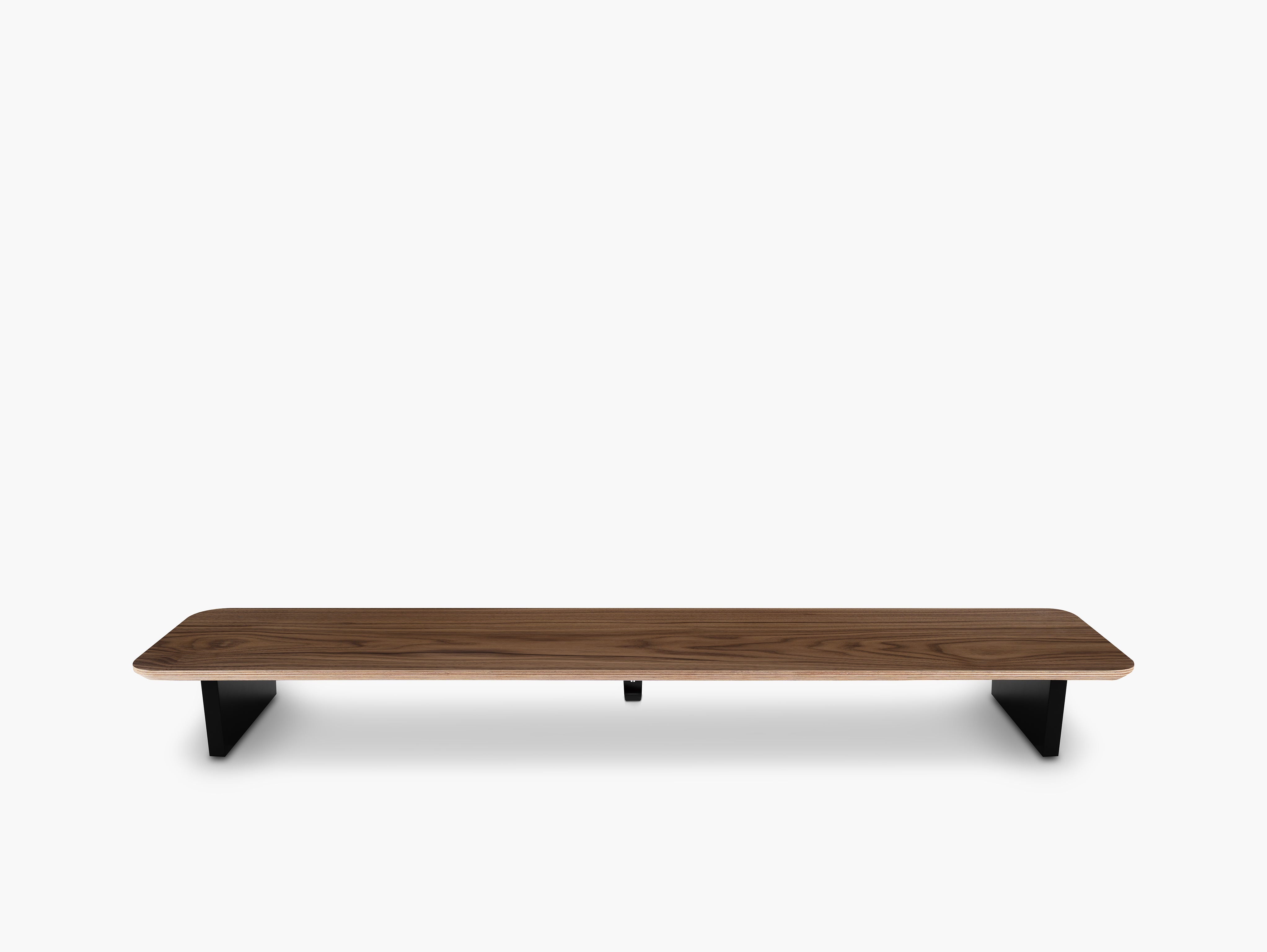
A monitor stand for your desk, for example, creates another level in the workspace. The monitor sits above while the area underneath can be used for organization or temporary storage.
Accessories can also move:
- Under a monitor shelf
- Below the desk
- Onto vertical holders
- Into dedicated storage zones
This helps maintain an organized desk setup without requiring a larger desk. Our guide on creating more desk space without buying a bigger desk covers this idea in more depth.
More space does not always come from increasing the size of the workspace. Sometimes it comes from using the existing space more intelligently.
7. Create Zones Based on Your Workflow
A long-lasting workspace should follow what you do at your desk. Not someone else's setup photo.
Think about your desk in zones.
Primary work zone
This is the area directly in front of you. Keep only the equipment you constantly interact with here:
- Keyboard
- Mouse
- Main display
- Notebook, if required
Secondary access zone
Objects you use regularly but not continuously can sit slightly outside the primary area. This might include:
- Phone
- Headphones
- Laptop
- Charging accessories
Storage zone
Items you rarely need should not occupy valuable desk surface.
Move cables, adapters, spare devices, and less frequently used accessories into dedicated storage.
This simple hierarchy prevents the workspace from becoming crowded over time. Whenever you add something new, you already know where it belongs.
8. Avoid Accessories That Only Work With One Device
Technology changes faster than furniture.
Your next phone may have a different size. Your next laptop may have different ports. Your next monitor could require an entirely different connection.
For a desk setup for work that should survive several upgrade cycles, prioritize accessories with broad compatibility whenever possible.
Be especially careful with products designed around the exact dimensions of one generation of technology.
Some device-specific accessories make sense when they solve an important problem.
But the structural parts of your desk setup should ideally remain useful even after the device itself has been replaced.
Again, the distinction is simple: build the foundation around your workflow. Add devices to that foundation, not the other way around.
9. Leave Some Empty Space
Empty desk space is functional. It gives you room to:
- Write
- Sketch
- Open a notebook
- Place a temporary device
- Review documents
- Change tasks
- Simply think without visual clutter
This is where minimalist workspace design becomes practical rather than purely aesthetic.
If every centimeter of a desk already has a permanent object on it, any new activity immediately creates clutter.
A long-lasting workspace desk setup needs some flexibility.
So resist the temptation to finish your setup by filling every empty area.
Empty space is already doing a job.
10. Choose Accessories That Solve Multiple Problems
The strongest desk accessories often perform more than one function.
A monitor stand can raise the display while creating usable space underneath.
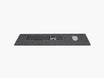
A desk mat can visually define the work zone while protecting the desk surface.
A cable management system can reduce clutter while making device changes easier.
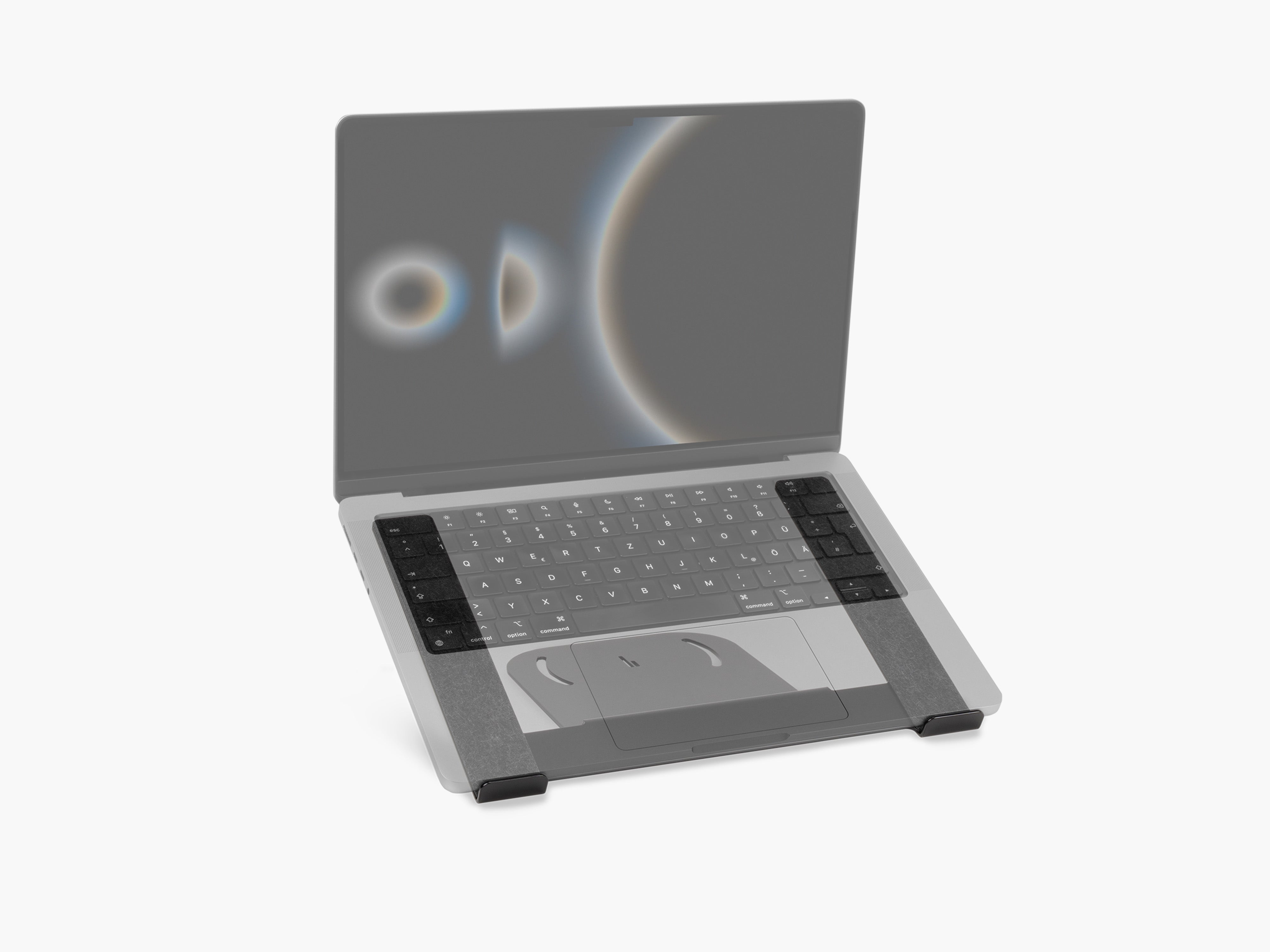
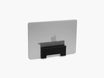
A laptop holder can free desk space while giving a device a permanent location.

Multi-purpose accessories help you build a simpler workspace with fewer total objects. And fewer objects usually mean:
- Less visual clutter
- Easier cleaning
- Easier organization
- Fewer products to replace
- More flexibility
When evaluating desk accessories, ask what problem the product solves today and whether it could remain useful if your setup changes tomorrow.
11. Make Maintenance Easy
Even the best desk setup will look tired if it is difficult to maintain.
Dust accumulates. Cables move. New equipment arrives. Objects slowly migrate away from their intended positions.
The solution is not to create a workspace that never changes. It is to create one that is easy to reset.
Design for a five-minute reset
Ideally, you should be able to restore your workspace quickly:
- Put devices back in their assigned positions.
- Remove anything that does not belong on the desk.
- Route loose cables back into place.
- Wipe the main surfaces.
- Clear the primary working area.
If resetting your desk requires reorganizing ten different storage boxes, the system is probably too complicated.
Good desk organization should make order easier than disorder.
12. Add Personality Through Replaceable Details
A desk setup built for longevity does not need to be boring.
The trick is deciding where to experiment.
Keep the expensive and structural parts neutral. Use smaller items to change the mood. For example:
- Artwork
- Wallpaper
- Plants
- Books
- Desk objects
- Lighting scenes
- Small decorative pieces

These elements can transform the feel of a modern desk setup without requiring you to replace the workspace itself.
Think of your core setup as the architecture. Everything else is styling.
13. Upgrade Slowly
You do not need to build your final desk setup in one weekend.
In fact, doing so can lead to unnecessary purchases because you are trying to solve problems you have not experienced yet.
Start with the essentials. Use the workspace. Notice what repeatedly annoys you. Then solve those specific problems.
Maybe cables constantly fall behind the desk. Maybe your laptop occupies too much space. Maybe your monitor position leaves no room underneath. Maybe your headphones never have a proper place.
Each of those observations gives you a better reason to add an accessory than simply seeing one in a desk setup online.
The most effective workspace often develops gradually.
A Simple Checklist for a Desk Setup That Lasts
Before buying something for your workspace, ask:
Quality
- Is it made from materials I trust to age well?
- Does the construction feel suitable for daily use?
Design
- Will I still like the design in several years?
- Does it work with the rest of my workspace?
Function
- Does it solve a real problem?
- Will I use it regularly?
Compatibility
- Could I still use it after changing devices?
- Is it tied unnecessarily to one exact configuration?
Adaptability
- Can it be repositioned, reorganized or expanded?
- Could it work in a different desk setup?
Organization
- Does it create more structure or more clutter?
- Does it help keep the main working surface clear?
If an accessory performs well across most of these categories, it is much more likely to remain useful.
The Best Desk Setup Is Designed to Change
A desk setup that lasts for years does not remain exactly the same for years.
That is the point.
A good workspace evolves without losing its foundation.
Your monitor may change. Your laptop almost certainly will. New charging standards will arrive. Your job, creative projects or daily routines may look different.
But durable materials, good desk organization, thoughtful cable management and modular components can continue working through all of those changes.
At BALOLO, this is how we think about workspace design. The goal is not simply to make the desk look clean today. It is to create a functional system that can be adapted as the way you work evolves.
Start with less. Choose well. And build a desk around the way you work, rather than around the technology you happen to own right now.
Frequently Asked Questions
How do I build a desk setup that lasts?
Start with durable essentials, use timeless materials and colors, create effective cable management and choose modular accessories that can adapt when your devices or workflow change. Avoid building the entire workspace around one specific device or design trend.
What are the most important desk setup essentials?
For most workspaces, the essentials are a suitable desk and chair, monitor or laptop, keyboard and mouse, good lighting, power access, cable management and a simple organization system. Additional desk accessories should solve specific problems rather than simply add decoration.
Is a minimalist desk setup better for long-term use?
A minimalist desk setup can be easier to maintain and adapt because fewer objects compete for space. The goal is not to remove everything, but to keep the workspace focused on items that have a clear function.
Why is modularity important in a desk setup?
Modularity allows you to change individual parts of your workspace without replacing the whole system. This is particularly useful when adding a new laptop, monitor, phone, charger or accessory.
How can I keep my desk setup organized over time?
Give frequently used devices permanent locations, manage cables from the beginning, keep the main work area clear, and regularly remove objects that no longer serve a purpose. A simple organization system is usually easier to maintain than one with many small storage solutions.
How often should I upgrade my desk setup?
There is no need to upgrade on a fixed schedule. Upgrade when your existing setup no longer supports the way you work. A well-designed workspace should allow individual components to change without requiring a complete rebuild.