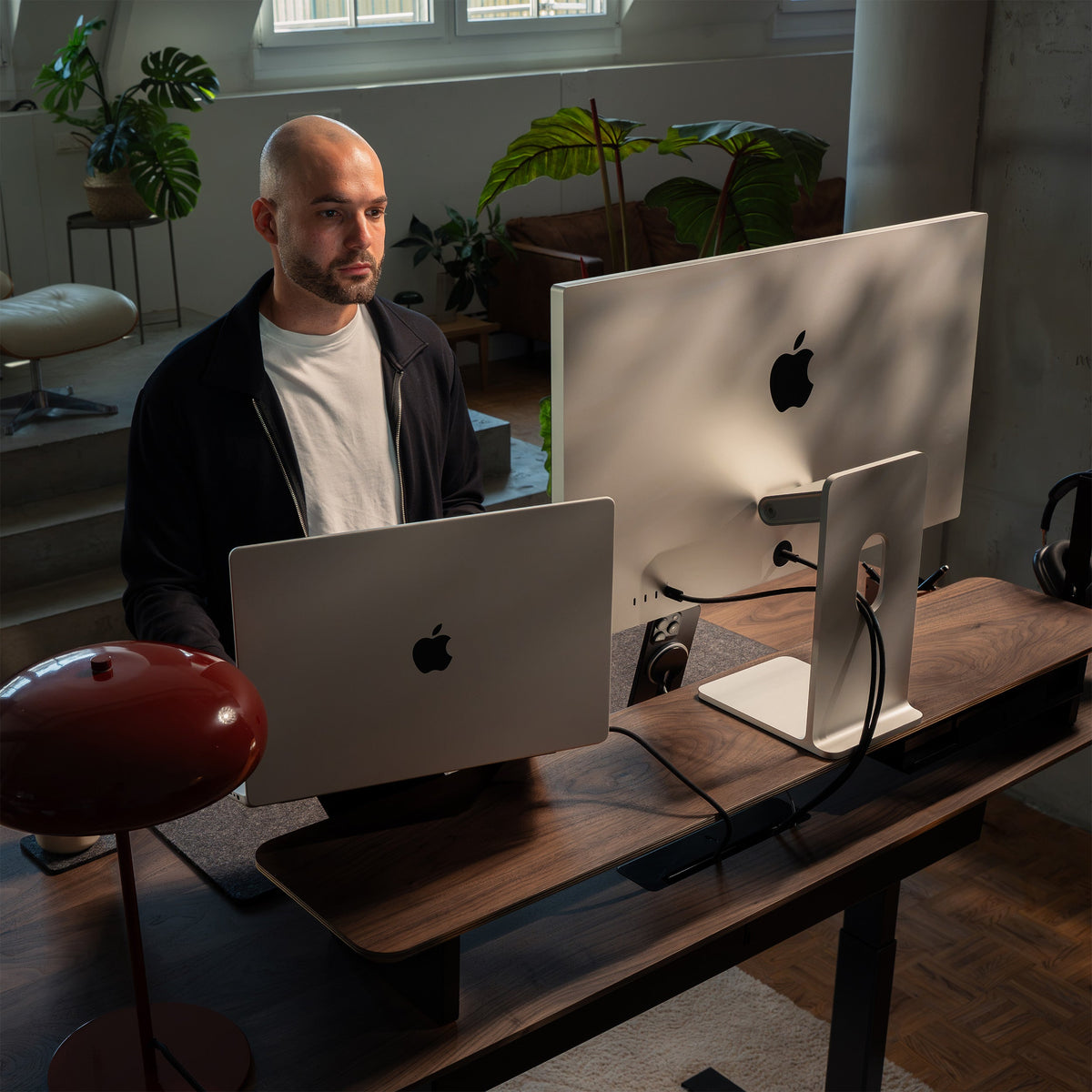


An efficient desk setup gives everything you use a clear purpose and a defined place. Your monitor, laptop, cables, accessories and everyday essentials should support your workflow rather than compete for space and attention.
The goal isn't to fit more things onto your desk. It's to create a workspace that makes working feel simpler.
A good desk setup combines three things: organization, functionality and visual clarity. When these work together, you spend less time searching, moving things around, or dealing with unnecessary clutter.
Here are 10 practical ways to make your desk setup more efficient.
1. Start With Your Actual Workflow
Before buying new desk accessories or reorganizing your workspace, think about what you actually do at your desk.
A setup for someone working primarily on a laptop should look different from a workstation for a designer using two monitors, a photographer frequently connecting external drives or a creator using microphones and audio equipment.
Ask yourself:
- Which devices do I use every day?
- Which items do I need several times per hour?
- Which things only need to be accessible occasionally?
- Where do I naturally reach for my phone, notebook or headphones?
- Which objects constantly get in the way?
Your desk setup layout should follow these habits.
Keep frequently used objects within easy reach. Move secondary equipment away from your main working area. And remove anything you rarely use completely.
A productive workspace isn't necessarily the one with the most accessories. It's the one where everything has a reason to be there.
2. Create a Clear Primary Work Zone
The center of your desk should be reserved for actual work. That usually means your:
- Monitor
- Keyboard
- Mouse or trackpad
- Notebook, if needed
Everything else should support this central zone without taking it over.
Think of your desk in layers.
Primary zone — the area directly in front of you. Keep only the tools you're actively using here.
Secondary zone — objects you reach for regularly, such as your phone, headphones, pens or charging devices.
Storage zone — items you need occasionally but don't need visible all day.
This simple approach to desk organization prevents random objects from gradually taking over your workspace.
It also makes resetting your desk at the end of the day much easier.
3. Use Vertical Space Instead of Only Desk Space
One of the easiest ways to make a desk feel larger is to stop treating the desktop as your only usable surface.
Vertical organization creates additional space without requiring a larger desk.
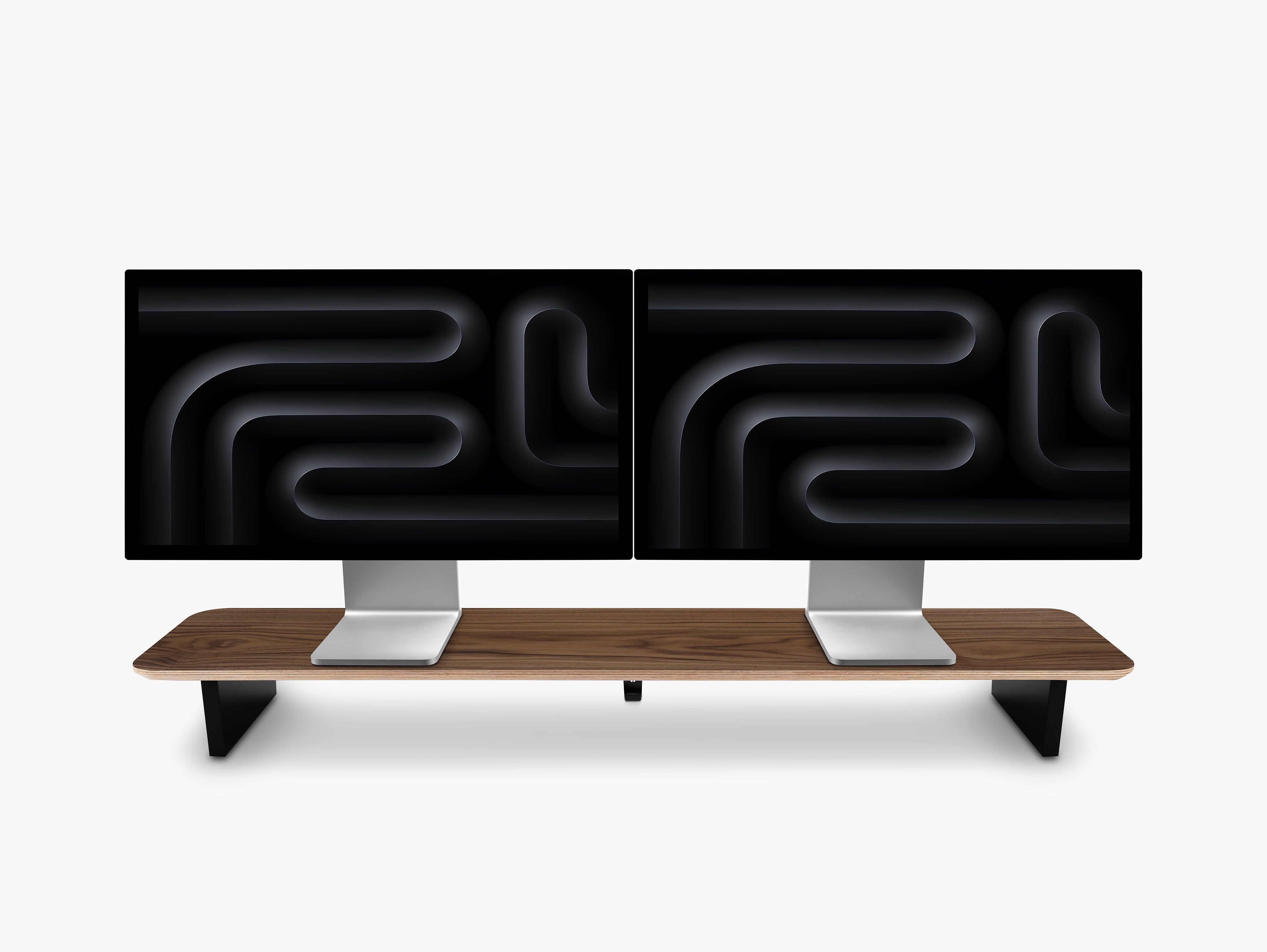
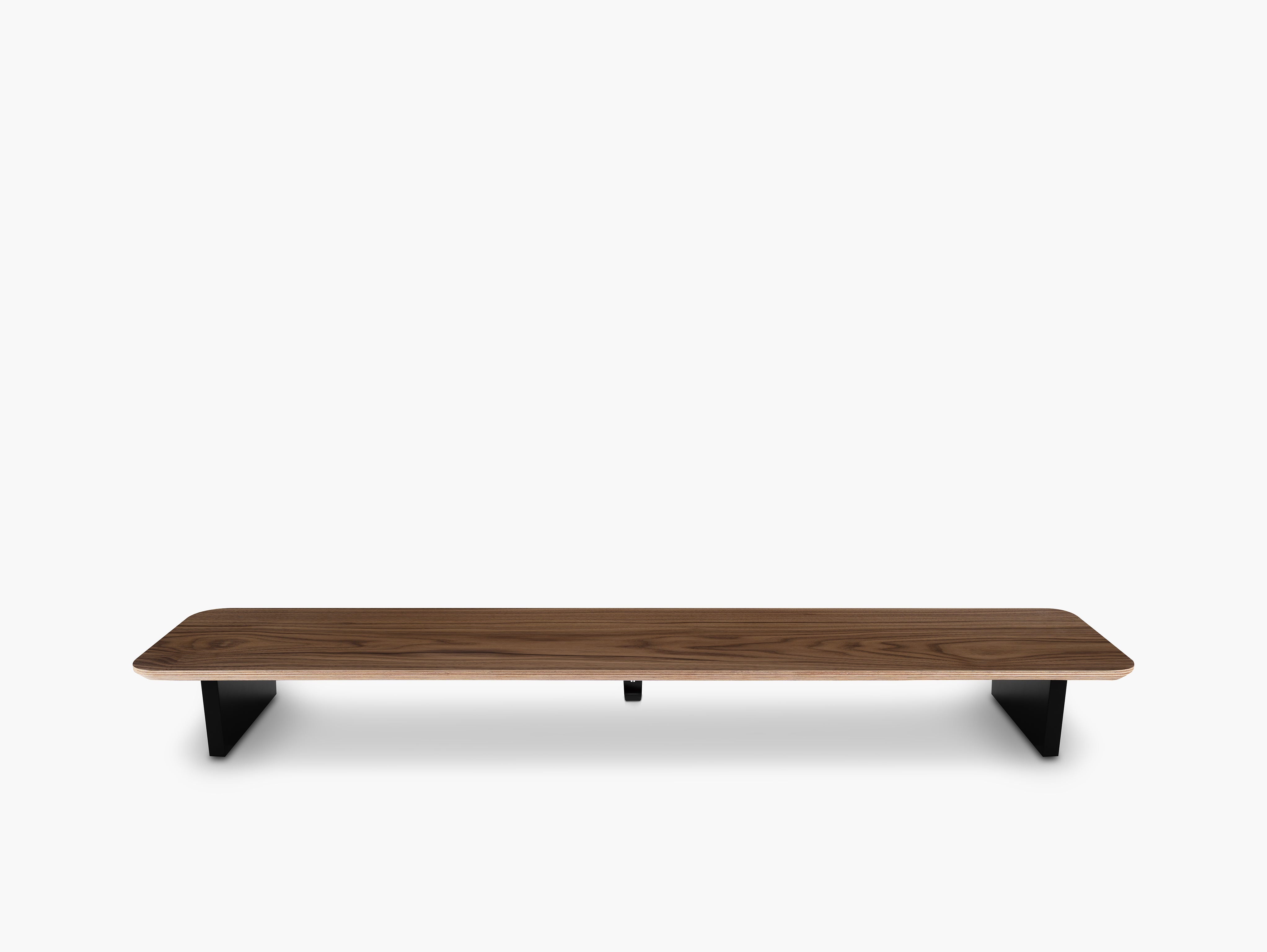
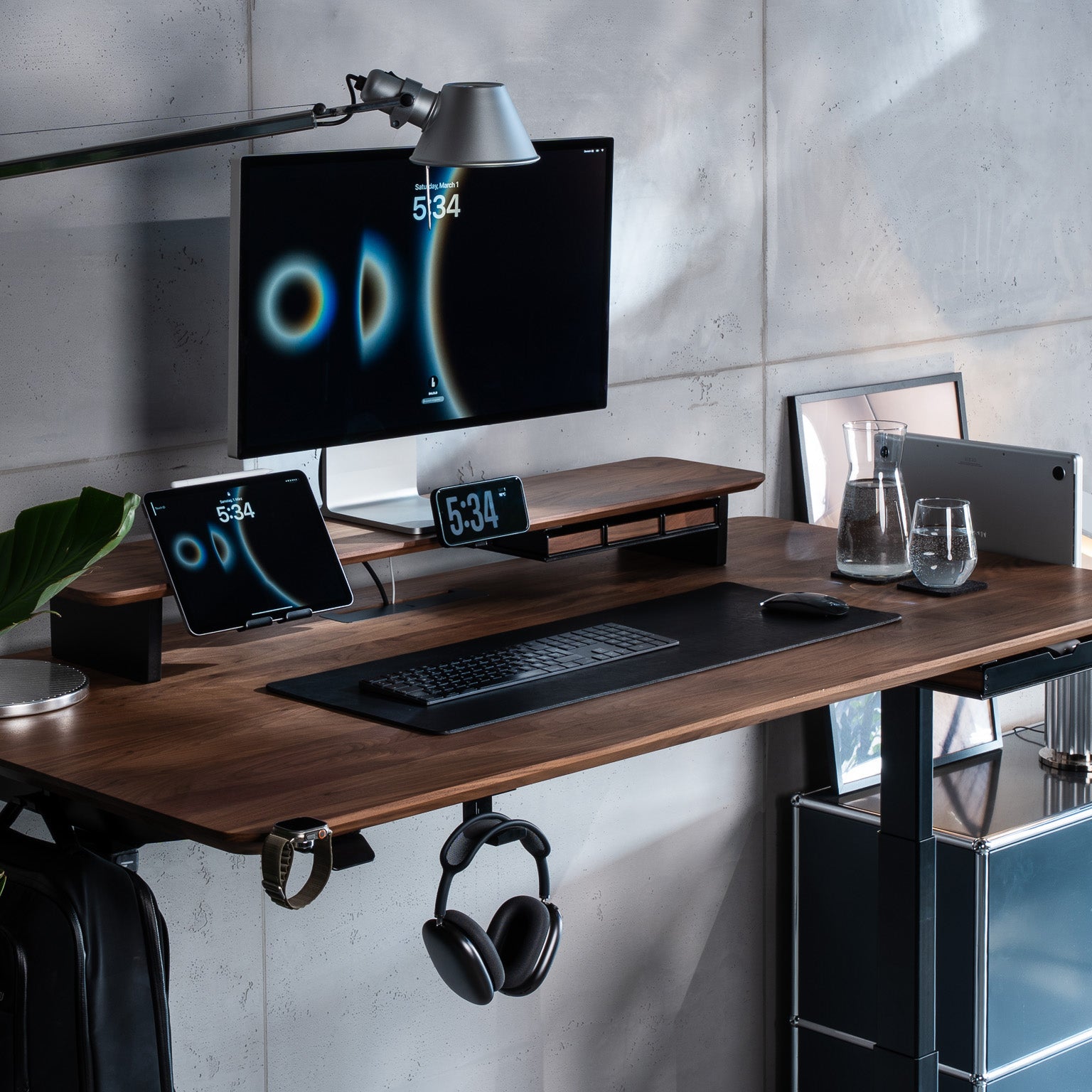
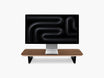
A monitor shelf or monitor stand, for example, introduces another level into your workspace. The monitor sits above the desk while the space beneath or around it becomes available for keyboards, notebooks, devices or accessories.
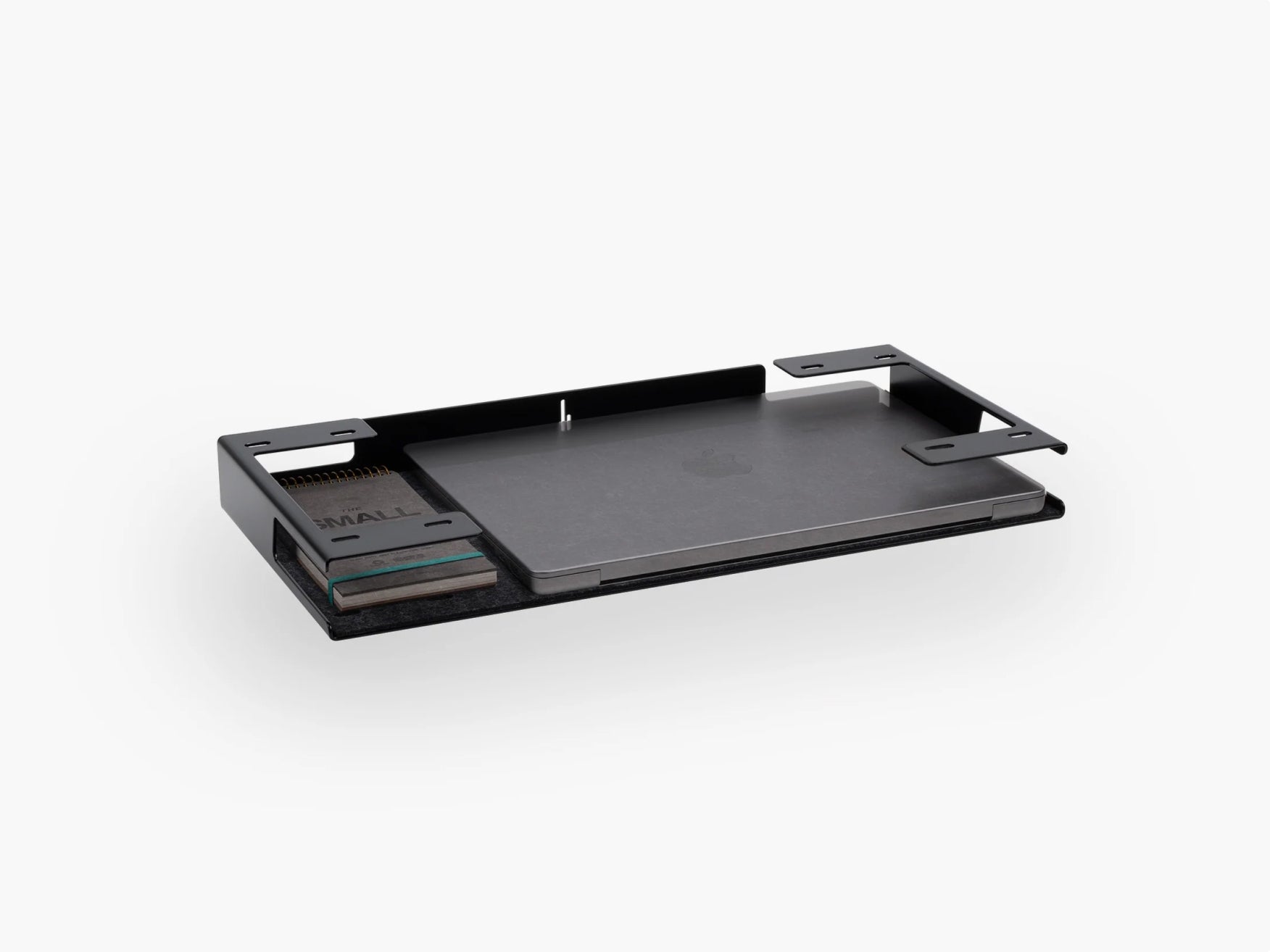
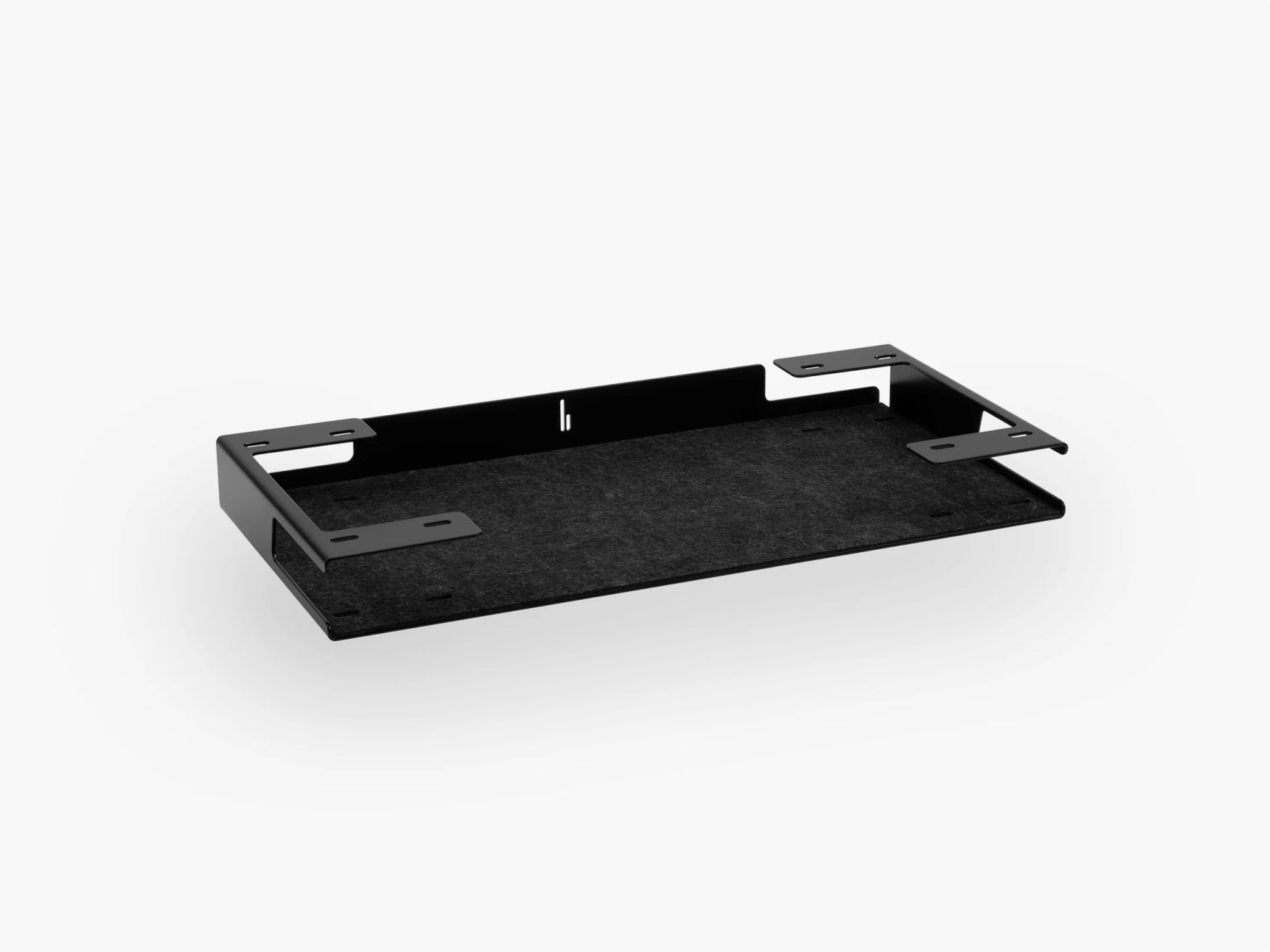
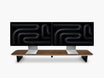
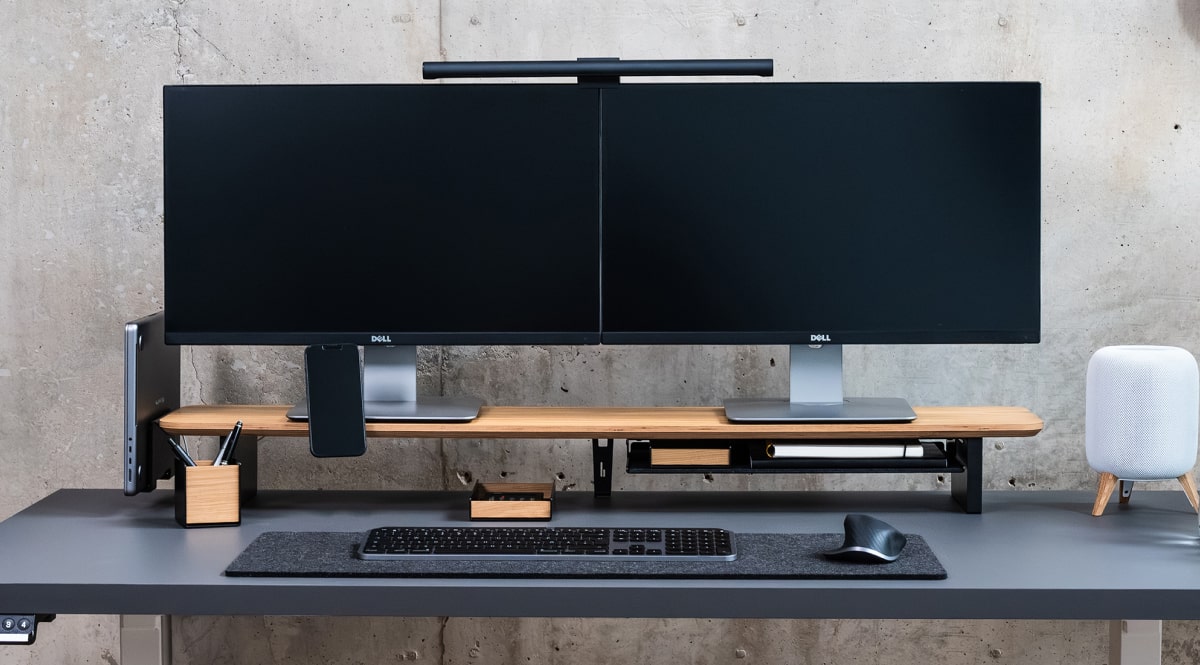
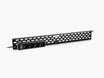
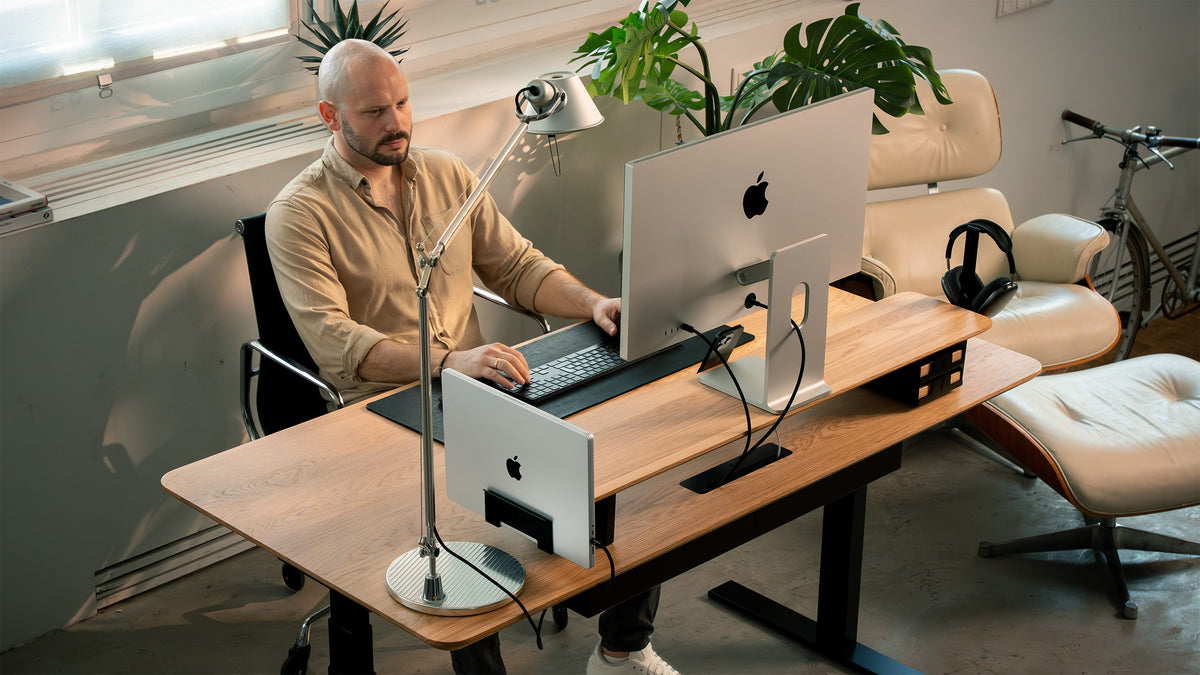
At BALOLO, this principle is central to our Setup Cockpit. Instead of functioning only as a monitor stand, it uses a modular mounting grid underneath the shelf so compatible accessories can be attached below the main surface and repositioned when the setup changes.

The principle is useful even beyond a specific product: if something doesn't need to occupy your main work surface, move it above, below or beside it.
This can immediately make a small desk setup feel considerably more organized. Our guide on creating more desk space without buying a bigger desk goes into this in more detail.
4. Give Every Device a Permanent Place
Many inefficient setups aren't disorganized because they contain too many devices. They're disorganized because those devices don't have defined locations.
Your laptop moves from one side of the desk to another. Your headphones sit on the keyboard. Your phone ends up next to your mouse. Chargers slowly spread across the surface.
Instead, decide where every important device belongs. For example:
| Device | Efficient position | Why |
| Monitor | Centered in your work zone | Creates a clear visual focus |
| Laptop | Docked or stored vertically when not used as a screen | Frees desk space |
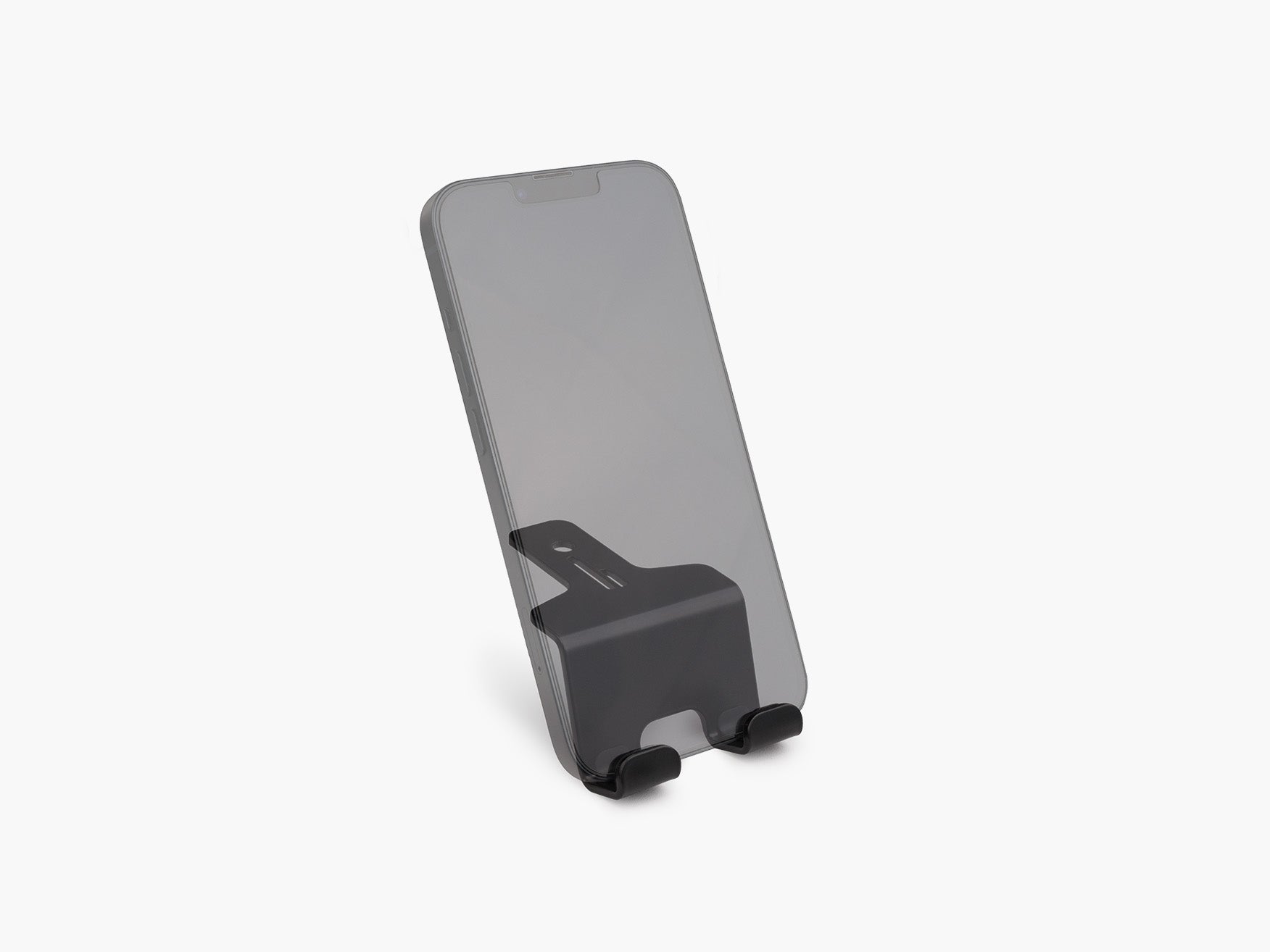
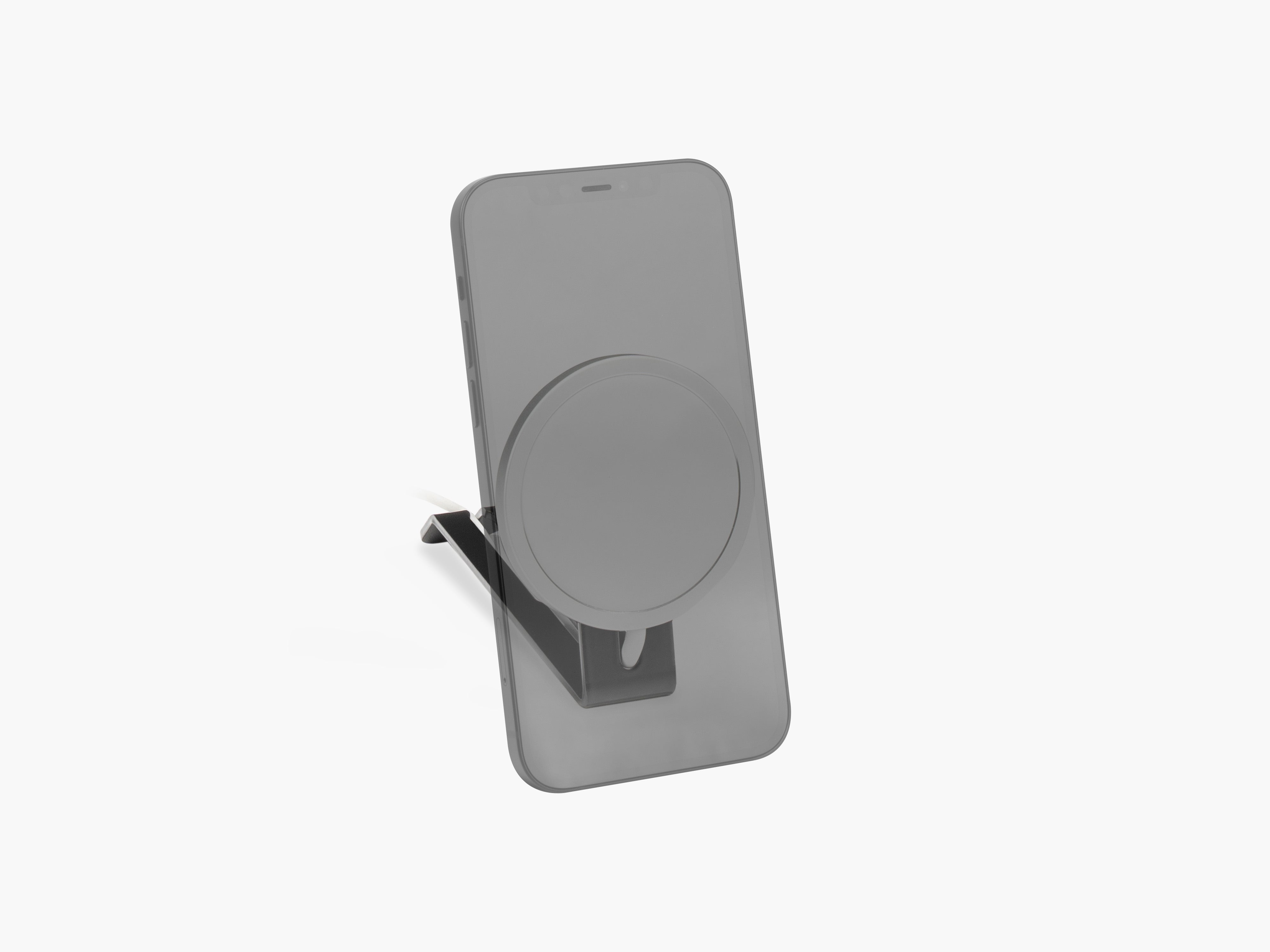
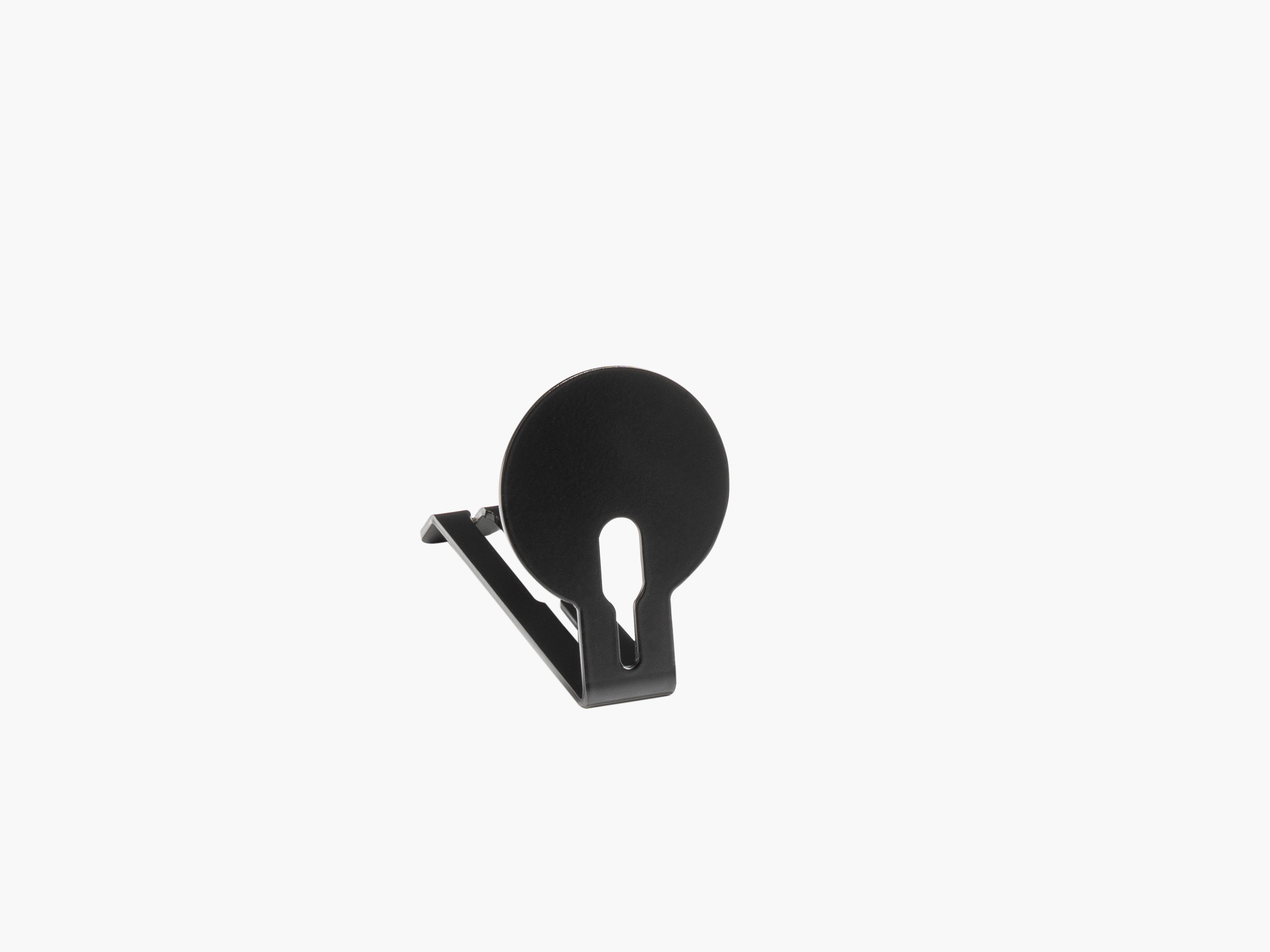
| Phone | Dedicated holder beside your main work area | Accessible without floating around the desk |
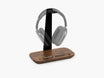
| Headphones | Holder or hook | Keeps them off the work surface |
| Chargers | Fixed charging location | Reduces loose cables |
| External drives | Secondary zone | Available without occupying primary space |
A defined place also makes your workspace easier to reset. Instead of asking where should this go?, you simply return each object to its position.
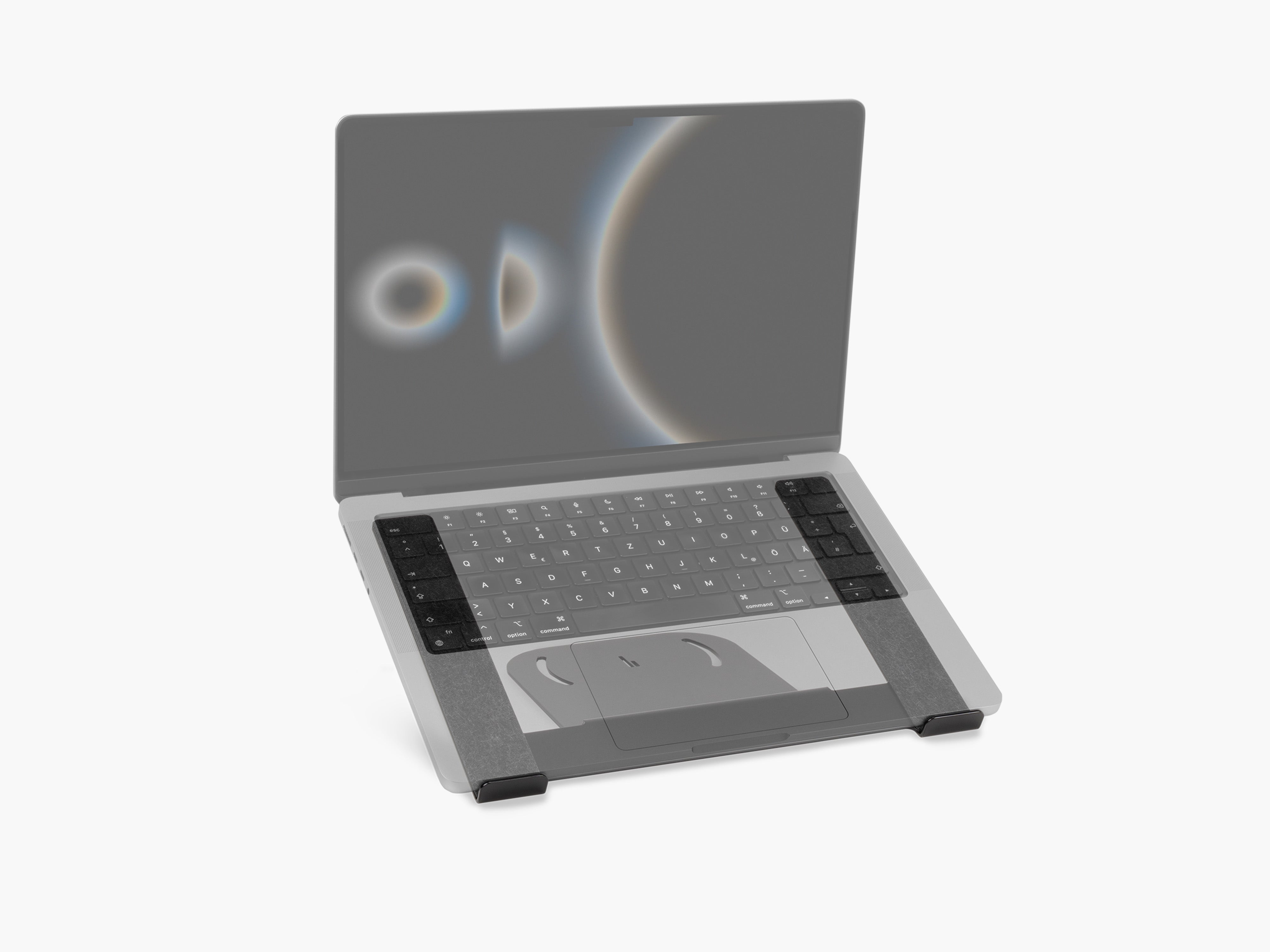
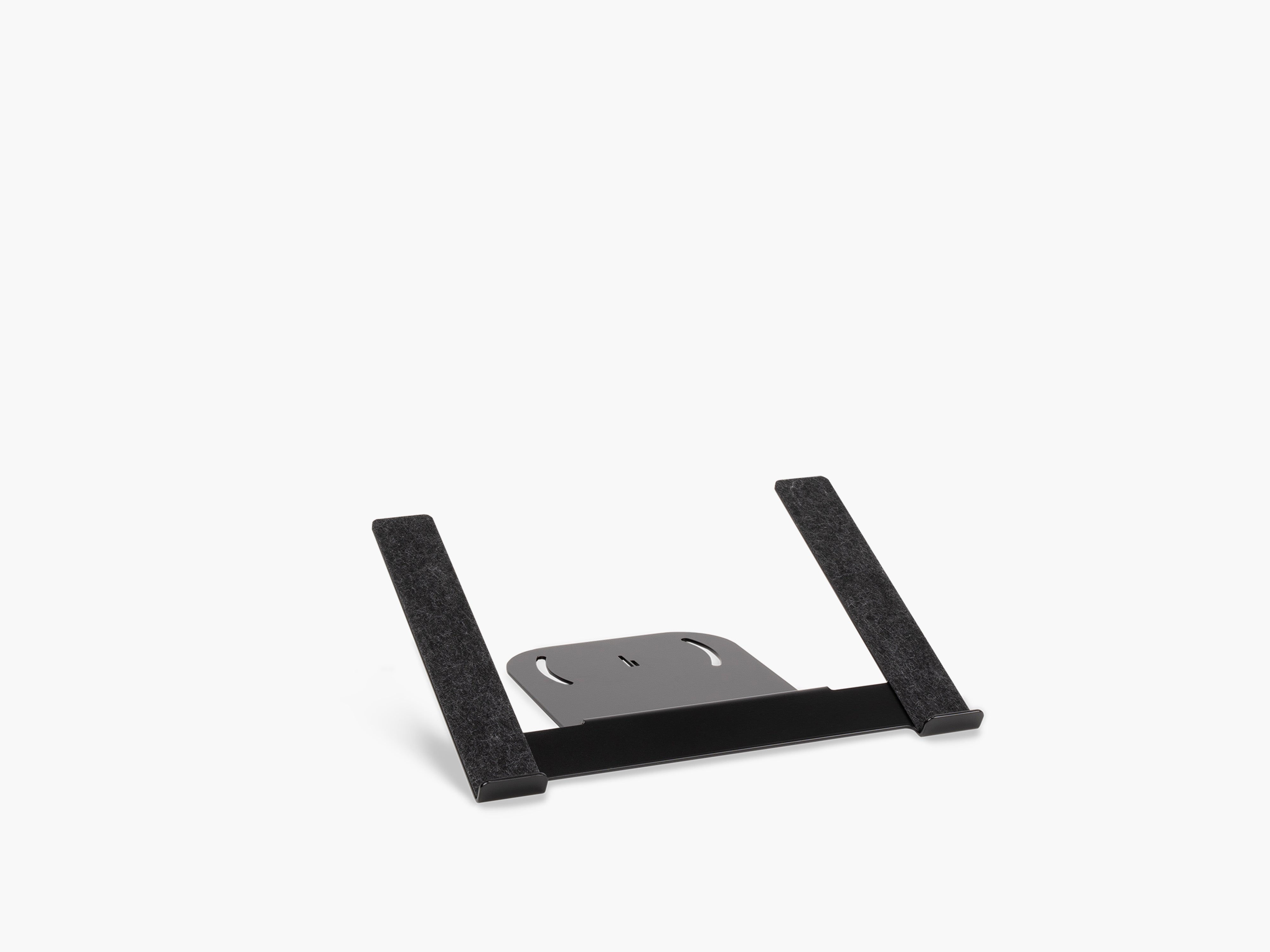
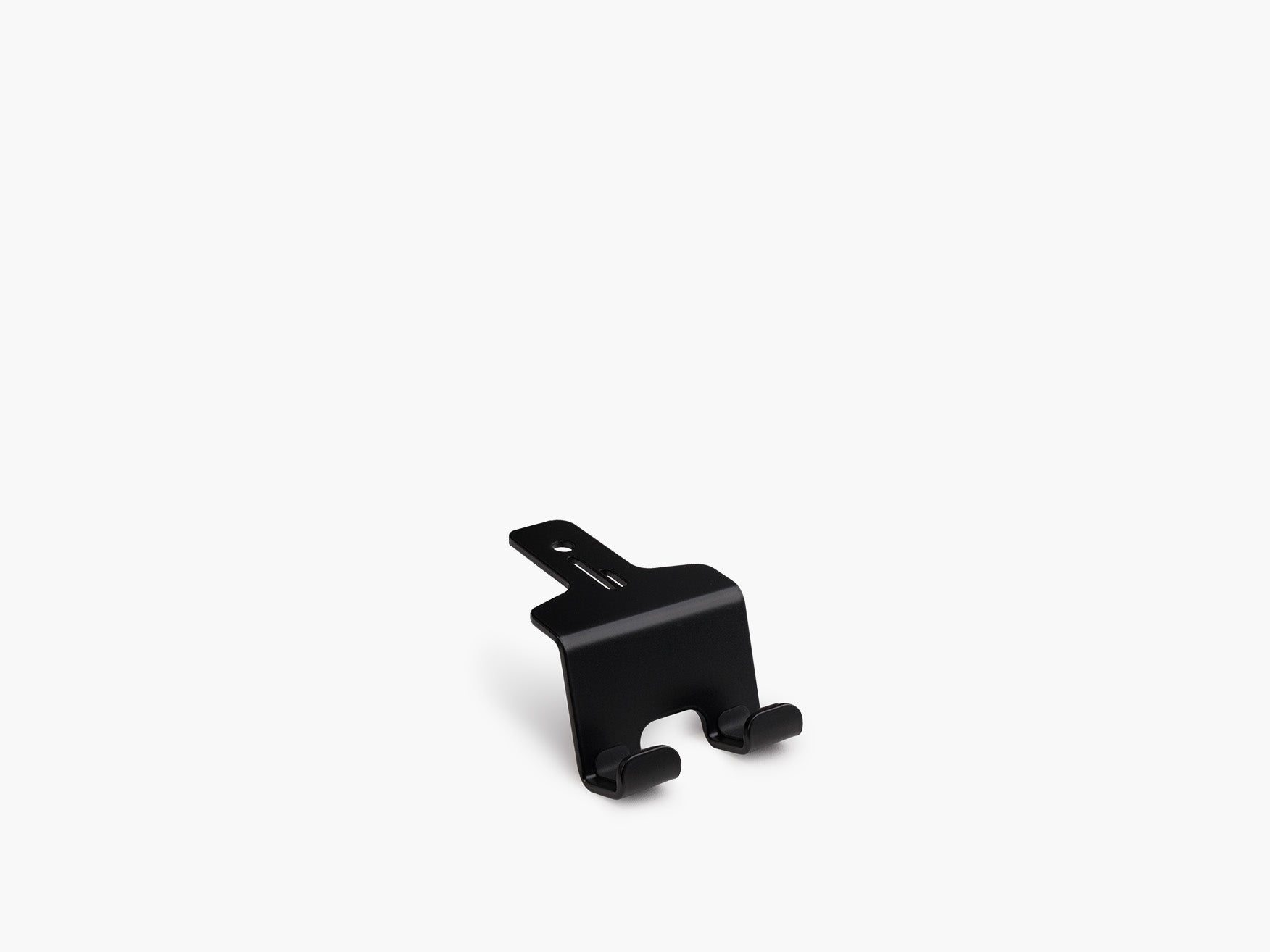
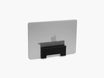
Our Laptop Dock stores a connected laptop vertically beside the Setup Cockpit, while a phone holder and a headphone holder give both devices a fixed, reachable position beside your main work area.

5. Fix Your Cable Management
You can have a beautifully designed workspace and still make it feel chaotic with five loose cables running across the desk.
That's why desk cable management has such a large impact on both appearance and functionality.
Start by identifying every cable in your setup. Then divide them into three categories:
- Permanent cables
Monitor power, desktop power, speakers, docking stations. - Frequently used cables
Laptop charging, phone charging, USB-C connections. - Occasional cables
Camera cables, external drives, accessories.
Permanent cables should ideally disappear from your immediate workspace.
Bundle cables that follow the same route and guide them along the back or underside of the desk.
Frequently used charging cables are different. Hiding them completely can make them annoying to access.
Instead, give them a fixed endpoint. Cable holders or magnetic cable solutions can keep charging connectors exactly where you need them while preventing them from falling behind the desk when they're disconnected.
The objective isn't necessarily to hide every desk cable. It's to make every cable predictable.
That creates cleaner desk wire management and a smoother everyday workflow.
Read more about cable management in our guide.
6. Remove Low-Value Desk Accessories
Desk accessories can improve a workspace. Too many desk accessories can destroy it.
A common mistake is adding organizers, trays, stands, holders, lamps, decorative objects, chargers and storage simply because each individual item seems useful.
Soon, the tools designed to organize the desk become the clutter themselves.
Use a simple rule: every desk accessory should either improve your workflow, create organization or add intentional visual value.
If it does none of these, it probably doesn't need to live on your desk.
For a minimal desk setup, useful categories might include:
- Monitor stand
- Laptop holder
- Phone holder
- Cable management
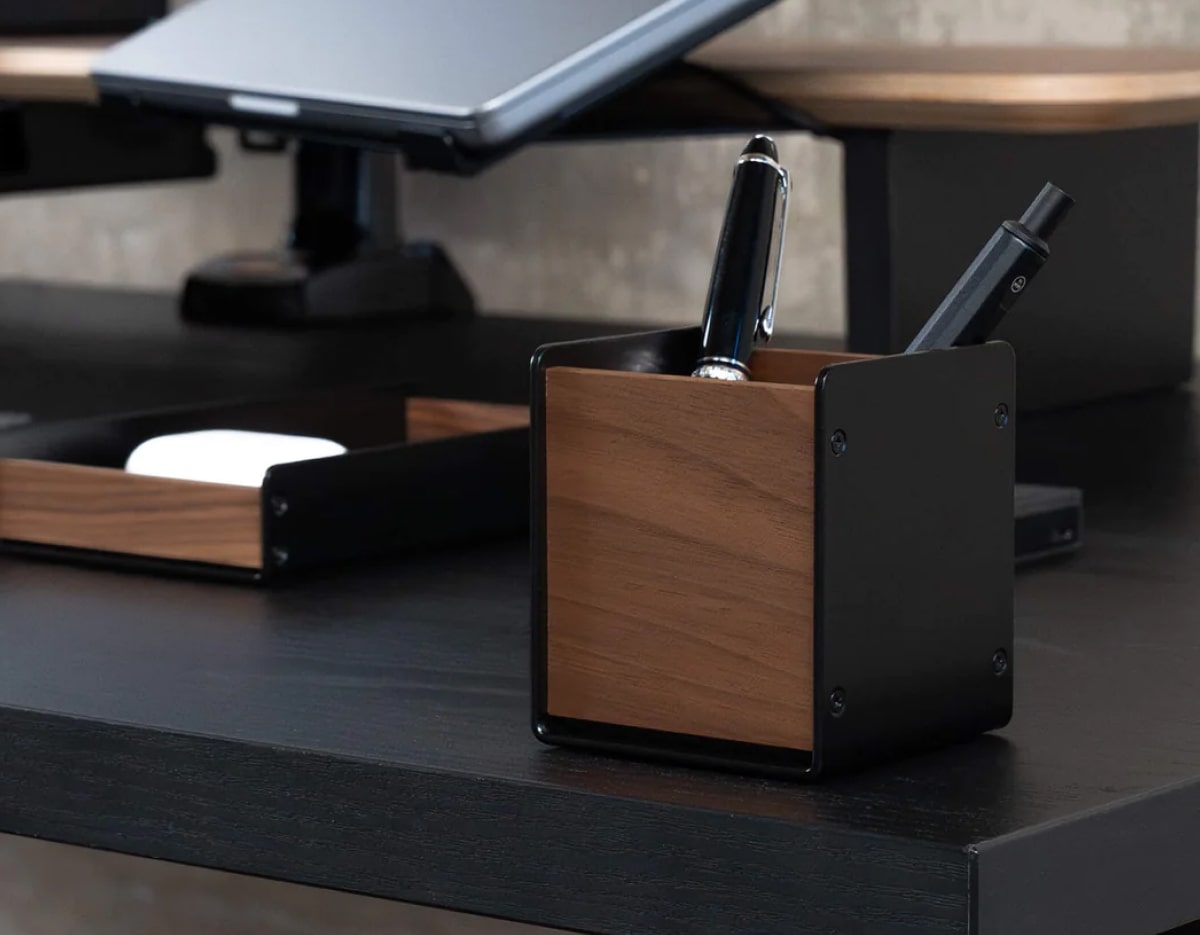
- Small tray
- Headphone storage
- Lighting
You don't necessarily need all of them. Choose the accessories that solve problems in your setup. Our guide on desk accessories for better organization can help you decide which categories are actually worth adding.
7. Reduce Repeated Movements
Workspace efficiency is partly about removing small interruptions.
Think about the actions you repeat dozens of times every day.
Maybe you constantly move your laptop to create writing space. Maybe you have to search behind the desk for a charging cable. Maybe your headphones are always lying underneath something. Maybe plugging your laptop into your setup requires connecting four different cables.
Each individual interruption is small. Together, they create friction.
Try to design your productivity desk setup around repeated actions.
If you charge your phone throughout the day, create a permanent charging position.
If your laptop stays connected to a monitor most of the time, consider a dedicated dock or holder.
If you constantly switch between handwriting and keyboard work, leave enough open desk space for both.
Efficiency often comes from eliminating tiny problems you've become so accustomed to that you barely notice them anymore. Our guide to desk setups for productive work covers more ways to remove this kind of friction.
8. Build a Modular Setup
Your workspace today probably won't be identical to your workspace two years from now.
You might:
- Change laptops
- Add a second monitor
- Start using headphones more often
- Switch from office work to remote work
- Add new creative equipment
- Move to a smaller desk
- Change how you use your devices
That's why a flexible desk organization system can be more useful than a completely fixed setup.
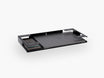
At BALOLO, we designed the Setup Cockpit around this idea. Its mounting grid allows compatible add-ons such as laptop holders, trays, phone holders, headphone holders, cable management and other accessories to be positioned underneath the monitor stand and rearranged later.

Rather than redesigning the entire workspace whenever your requirements change, individual components can adapt.
That's a useful principle for any modern workspace: build around a system, not around individual objects.
A modular workspace can evolve without returning to chaos every time you add something new.
9. Leave Empty Space Intentionally
Empty desk space isn't wasted space. It's functional space.
A completely filled desk gives you nowhere to temporarily place a notebook, sign a document, unpack a package, connect another device, or simply move your keyboard aside.
A clean desk setup should therefore contain negative space.
That visual breathing room also makes your essential tools easier to recognize.
Instead of filling every available surface with decor and accessories, choose a few objects deliberately.
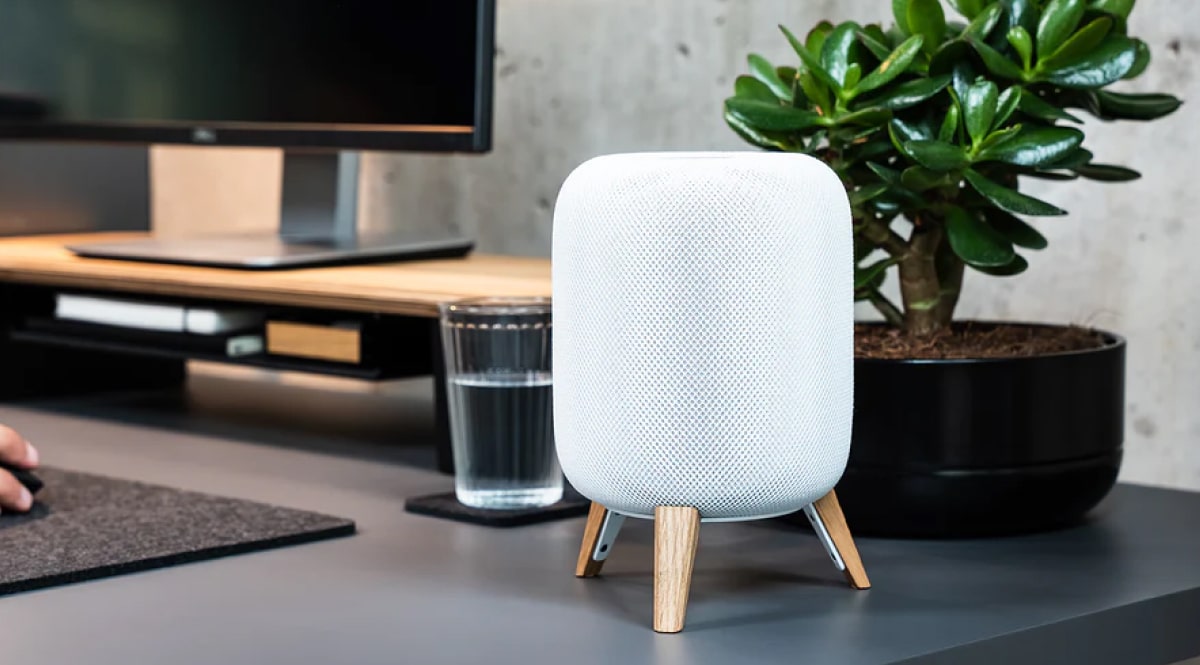
For example, combining warm wood, dark metal, a neutral desk surface and one plant can create more visual character than ten unrelated decorative objects.
Minimalism isn't about making your workspace empty. It's about making the things you keep feel intentional.

10. Create a Two-Minute Desk Reset
Even the best organized desk setup won't stay organized automatically.
You need a simple reset routine. At the end of the day:
- Put your keyboard and mouse back in position.
- Return your phone and headphones to their holders.
- Remove glasses, cups, and unnecessary papers.
- Put loose accessories back in their defined places.
- Reconnect or secure charging cables.
- Clear your main work surface.
This should take approximately two minutes.
The objective isn't deep cleaning. You're simply returning the workspace to its default state.
The next morning, you arrive at a desk that's ready for work instead of a collection of unfinished tasks from yesterday.
And that can change how the entire workspace feels.
What Makes a Desk Setup Efficient?
An efficient desk setup is a workspace where essential tools are easy to reach, unnecessary objects are removed, cables are controlled and every important device has a defined place.
The best setup minimizes friction between you and your work. That usually means focusing on five elements:
- Clear work zones
- Smart desk organization
- Effective cable management
- Space-saving storage
- Accessories selected around your workflow
A workspace doesn't become more productive simply because it contains more equipment. Efficiency comes from intentional placement.
Efficient Desk Setup Checklist
Use this quick checklist when evaluating your current workspace:
- My primary work area is mostly clear.
- Every frequently used device has a permanent place.
- My cables follow defined routes.
- Charging cables are easy to access.
- My laptop doesn't occupy unnecessary desk space.
- My monitor is positioned comfortably.
- Accessories solve specific problems.
- I use vertical space where possible.
- I have some completely empty desk space.
- I can reset my workspace in a few minutes.
If several of these aren't true yet, you don't need to rebuild your complete setup.
Start with the point that creates the most friction. Often, fixing one thing exposes the next logical improvement.
Frequently Asked Questions
How can I make my desk setup more productive?
Start by keeping only essential tools in your primary work area. Give frequently used devices permanent positions, organize cables, remove unnecessary accessories, and arrange the workspace around your daily workflow.
How can I create more space on my desk?
Use vertical space. A monitor stand or desk shelf can create an additional level, while laptop holders, headphone holders, trays and under-desk organization can move equipment away from the main working surface.
What desk accessories improve productivity?
The most useful productivity desk accessories are those that remove a recurring problem. Depending on your workflow, that could include a monitor stand, laptop holder, phone holder, cable management system, headphone holder, task light or small organizer.
How do I keep my desk from getting cluttered?
Give every object a permanent location and reset the workspace at the end of each day. Avoid leaving items on the desk simply because there is available space.
Is a minimalist desk setup better for productivity?
A minimalist workspace can reduce unnecessary objects and make essential tools easier to access. The important part isn't achieving a particular aesthetic but removing elements that don't contribute to your workflow.
How should I organize cables in a desk setup?
Separate permanent cables from frequently used charging cables. Route permanent cables together along the back or underside of the desk, while keeping frequently used connectors secured in accessible positions.